
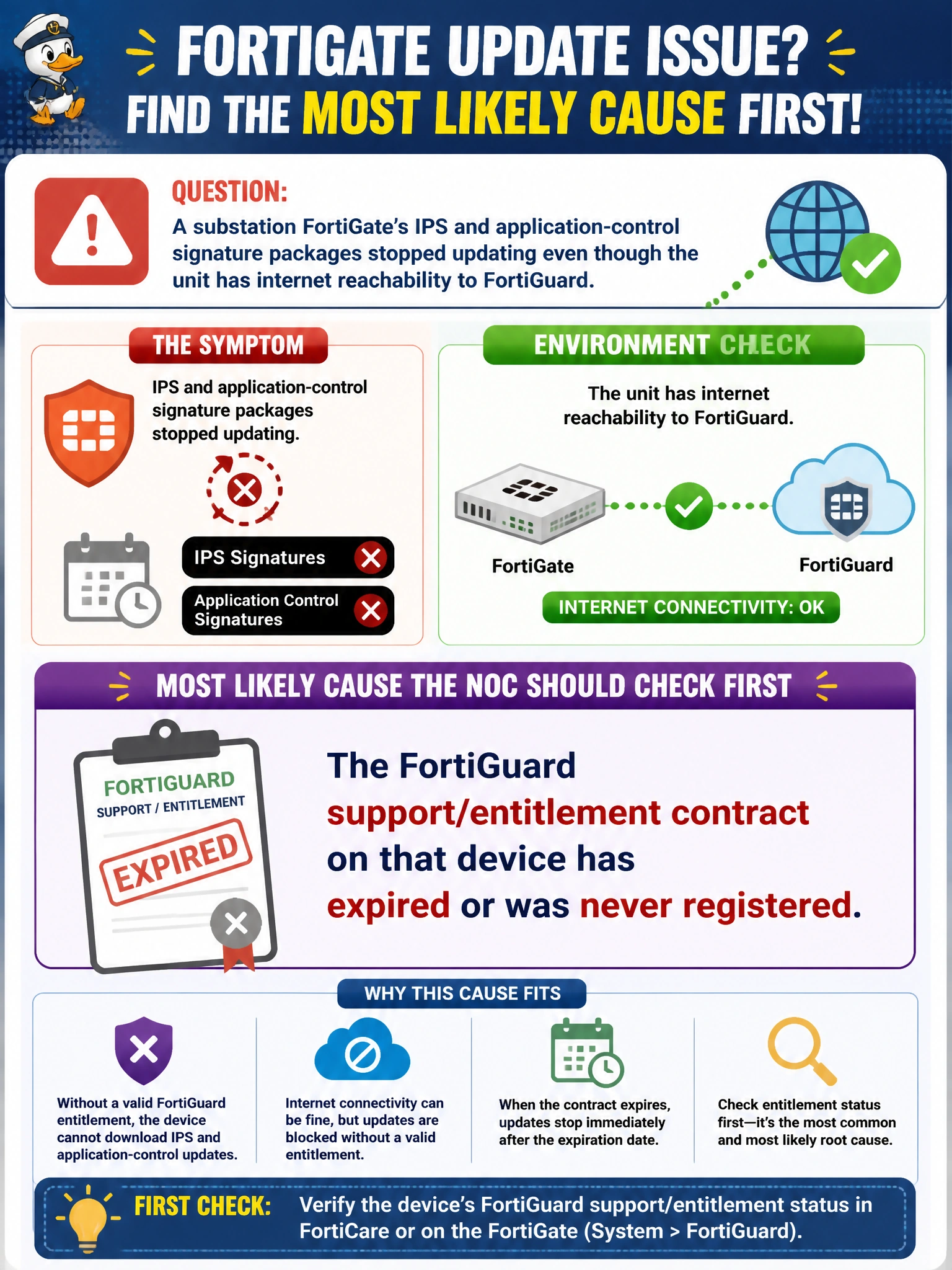
A substation FortiGate's IPS and application-control signature packages stopped updating even though the unit has internet reachability to FortiGuard. What is the most likely cause the NOC should check first?
Select an answer to reveal the explanation.
Short Explanation
Updates ride on top of a valid contract, not just a working cable — no active entitlement means Fortinet's distribution network simply won't hand that device new content, no matter how good its internet connection is. Checking license status first saves the NOC from chasing a network problem that isn't there.
Full Explanation
Content updates from FortiGuard are gated by license and entitlement, not just network reachability: a FortiGate authenticates its update requests using registered contract information, and Fortinet's distribution network refuses to serve fresh signature packages once that contract lapses or if the unit was never registered under a valid FortiCare account. Checking reachability first is a reasonable instinct, but the scenario already states connectivity is fine, so the remaining likely culprit is entitlement. A missing default route would break connectivity outright, which the scenario rules out. Clock drift can break TLS certificate validation in some services, but FortiGuard's own protocols tolerate the modest drift implied here and it isn't the classic cause of stalled updates. A full disk logging quota affects how much traffic history the device retains locally; it has no bearing on whether Fortinet will serve new signatures. The operational check: look at the FortiGuard and license status on the device, which shows the registered contract and whether services report as valid or expired, the fastest way to confirm or rule out this cause.