
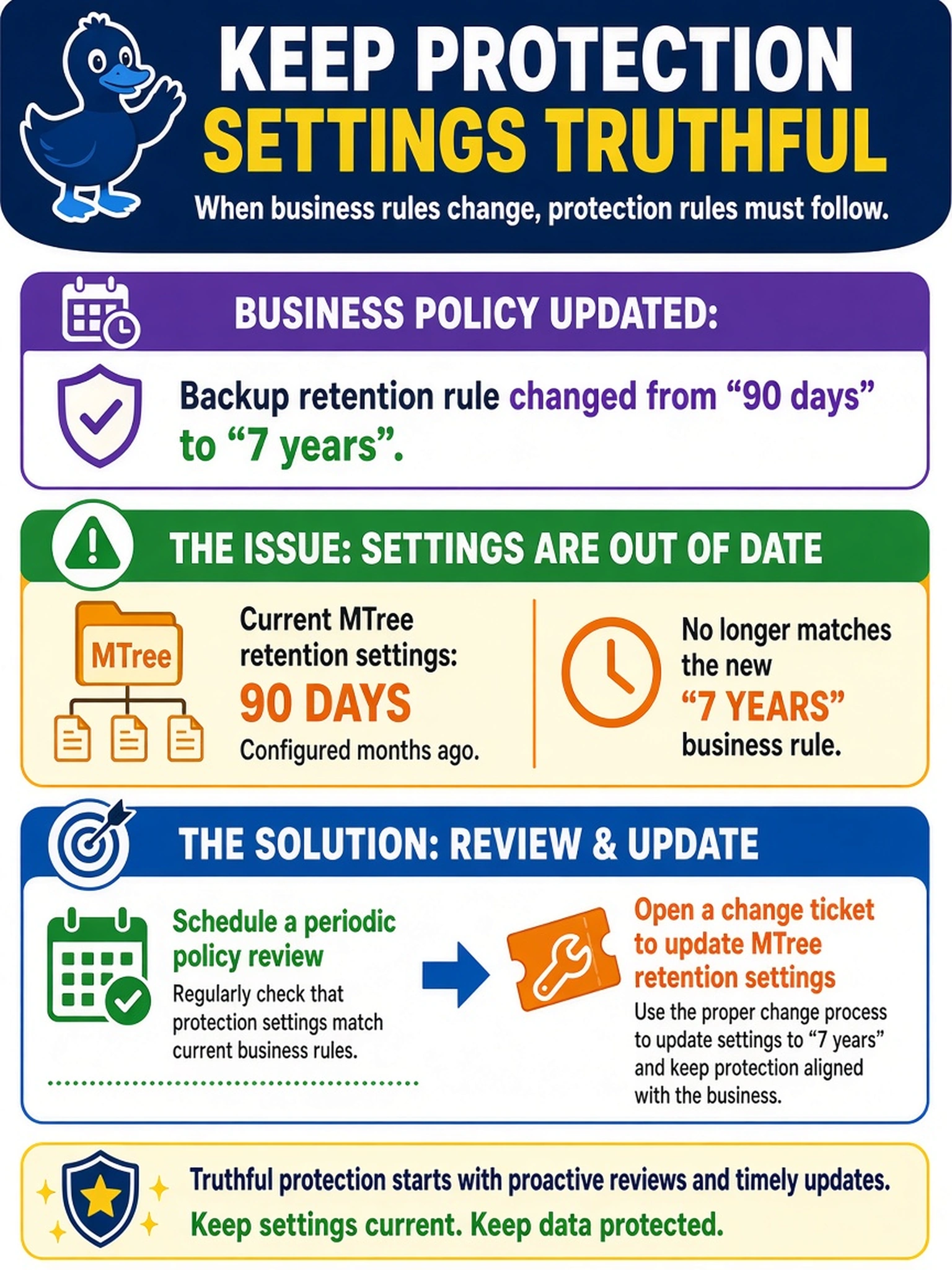
A regulated customer updates its backup retention rule from 90 days to 7 years. The Data Domain system’s current MTree retention settings were configured months ago and no longer match the business policy. What is the proper way to keep protection settings truthful to the new rule?
Select an answer to reveal the explanation.
Short Explanation
Think of retention like a contract you can't trust just because it's on paper. If the business rule changes, you don't guess a setting—you review the requirement, compare it to the MTree, and file a change. Don't fall for retention lock as a shortcut; it locks what's there, it doesn't tell you what should be there.
Full Explanation
Data Domain protection settings must be reconciled with business rules through a governed policy review. When a regulation changes retention, the correct sequence is to compare the requirement source with the current MTree or retention configuration, document the gap, and submit a change ticket before applying the new setting. This keeps the appliance configuration traceable and prevents an engineer from guessing a value that satisfies audit rules. Retention lock is a compliance feature that can make existing retention immutable, but it does not discover or reconcile a changed requirement and may be irreversible if applied without review. Expanding filesystem capacity addresses space consumption, not the correctness of retention duration or policy ownership. Restarting DD OS does not import a new business policy from an application; DD OS retains configured settings across restarts and still requires an intentional configuration change. Exam caveat: choose the action that establishes a repeatable review and controlled change path, not a one-time technical fix. Operational check: list current MTree retention settings, compare them with the approved retention matrix, and record the approved change before updating the Data Domain policy.