
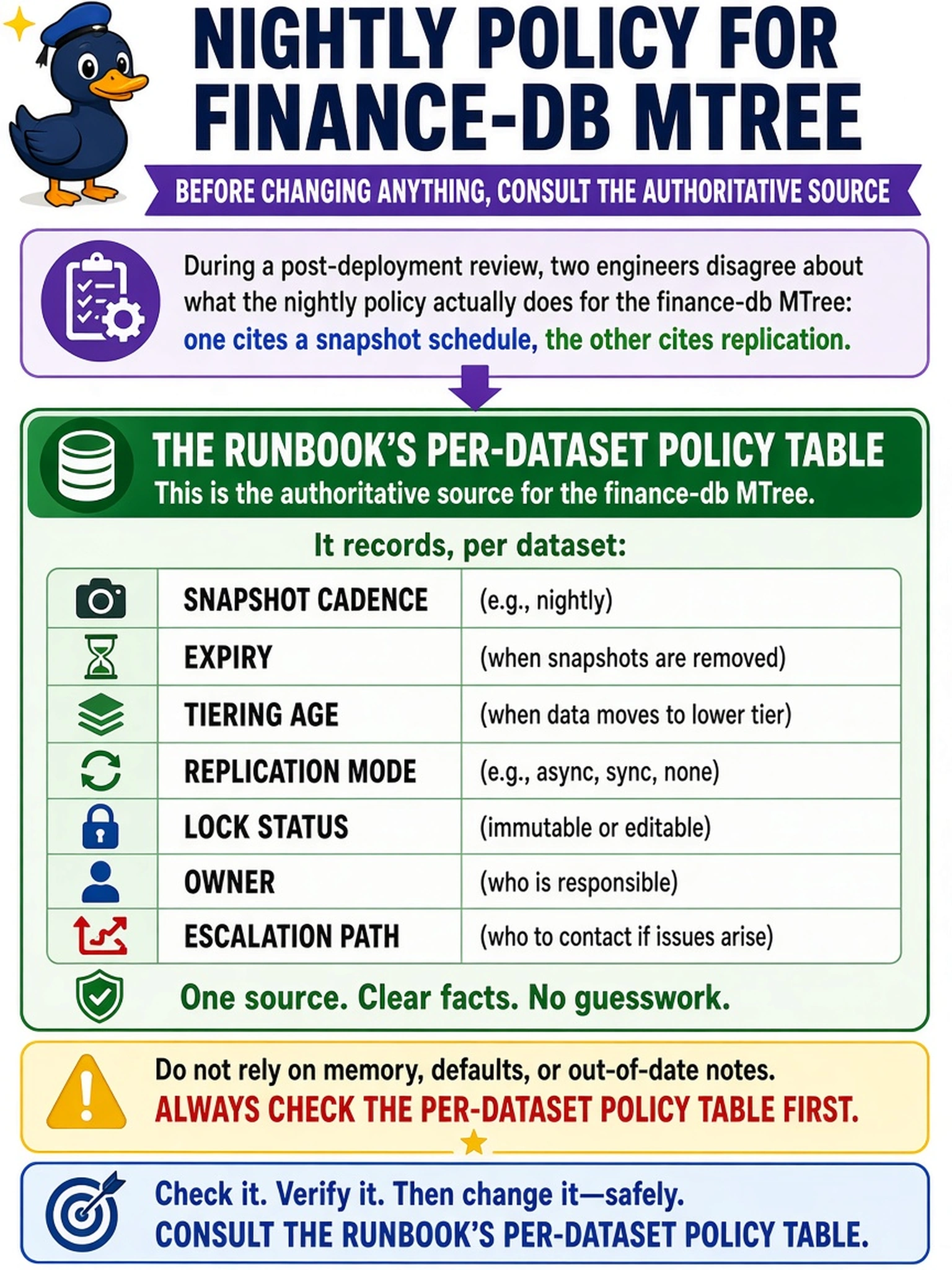
During a post-deployment review, two engineers disagree about what the nightly policy actually does for the finance-db MTree: one cites a snapshot schedule, the other cites replication. Before changing anything, which authoritative source should you consult?
Select an answer to reveal the explanation.
Short Explanation
Think of a policy table like a flight manifest: if two crew members disagree, you check the manifest, not memory. Your runbook is the authoritative place for per-dataset cadence, expiry, tiering, replication, lock, owner, and escalation. That is how you avoid “fixing” the wrong thing after the nightly job.
Full Explanation
In a Data Domain deployment, a nightly policy is not a single setting; it is a bundle of per-dataset decisions that must be traceable. The authoritative source is the customer-approved runbook policy table because it defines, for each MTree or protected dataset, the snapshot cadence, expiry, tiering age, replication mode, lock status, owner, and escalation path. You use that table to reconcile engineer claims, validate that DD OS and backup application settings match the intended state, and identify which component owns any mismatch. A DD OS summary screen may show current configuration or replication state, but it is a point-in-time view and does not prove what the approved policy was meant to be. A backup application job log is valuable for execution history, yet it shows what ran rather than the contractual retention, tiering, or ownership expectations. A change ticket history can explain why a change was made, but it is not a substitute for the consolidated policy source of truth. Exam caveat: when the question asks what a policy “actually does,” choose the documented policy table over transient status or logs. Operational check: before editing an MTree policy, compare the runbook row for that dataset with the current DD OS configuration and record any variance with the named owner.