
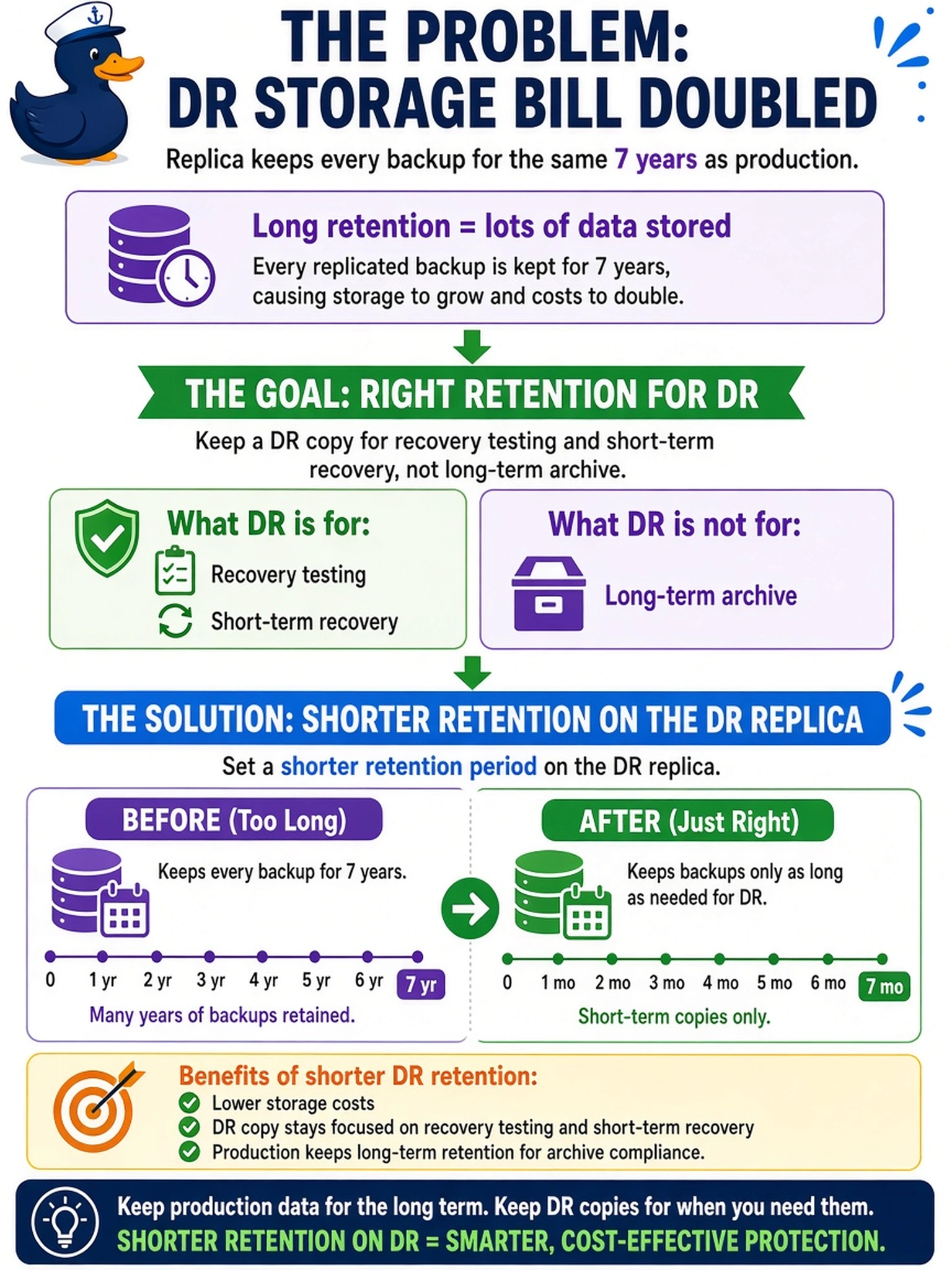
During a PowerProtect Data Domain deployment review, the DR site storage bill has doubled because the replica retains every replicated backup for the same seven years as production. The customer needs a DR copy for recovery testing and short-term recovery, not a long-term archive. Which policy change should you recommend?
Select an answer to reveal the explanation.
Short Explanation
Think of DR storage like a spare tire: you need it ready for trouble, not parked there for seven years. Set the replica's retention to the recovery window you actually need, because retention is a policy choice, not a mirror of production. Don't let a long-term archive rule silently double your DR bill.
Full Explanation
Replica-side retention is its own policy decision because a DR copy serves a different purpose than a production backup. On Data Domain, replication transfers and maintains data on the target, but the target stored copies are governed by the retention applied there, so a shorter recovery window can be kept while production retains data longer. Aligning the replica with the customer RPO, RTO, and test requirements prevents unnecessary capacity growth. Enabling retention lock on production protects copies from deletion but does not automatically shorten or define the DR target retention period. Increasing replication frequency changes how often data is copied; it does not reduce the number of retained copies or the time they are kept. Compression and deduplication reduce the physical footprint of stored data, yet they do not correct an overlong retention policy that keeps many generations alive. Exam caveat: the exam emphasizes the policy decision and storage impact, not a precise CLI command. Operational check: review the replication target retention setting and the target MTree space trend before and after changing the retention period.