
During a customer's largest restore test, a Data Domain system becomes sluggish because expiration deletions are running. You must prove the retention policy will avoid this during future tests. What should you verify?
Select an answer to reveal the explanation.
Short Explanation
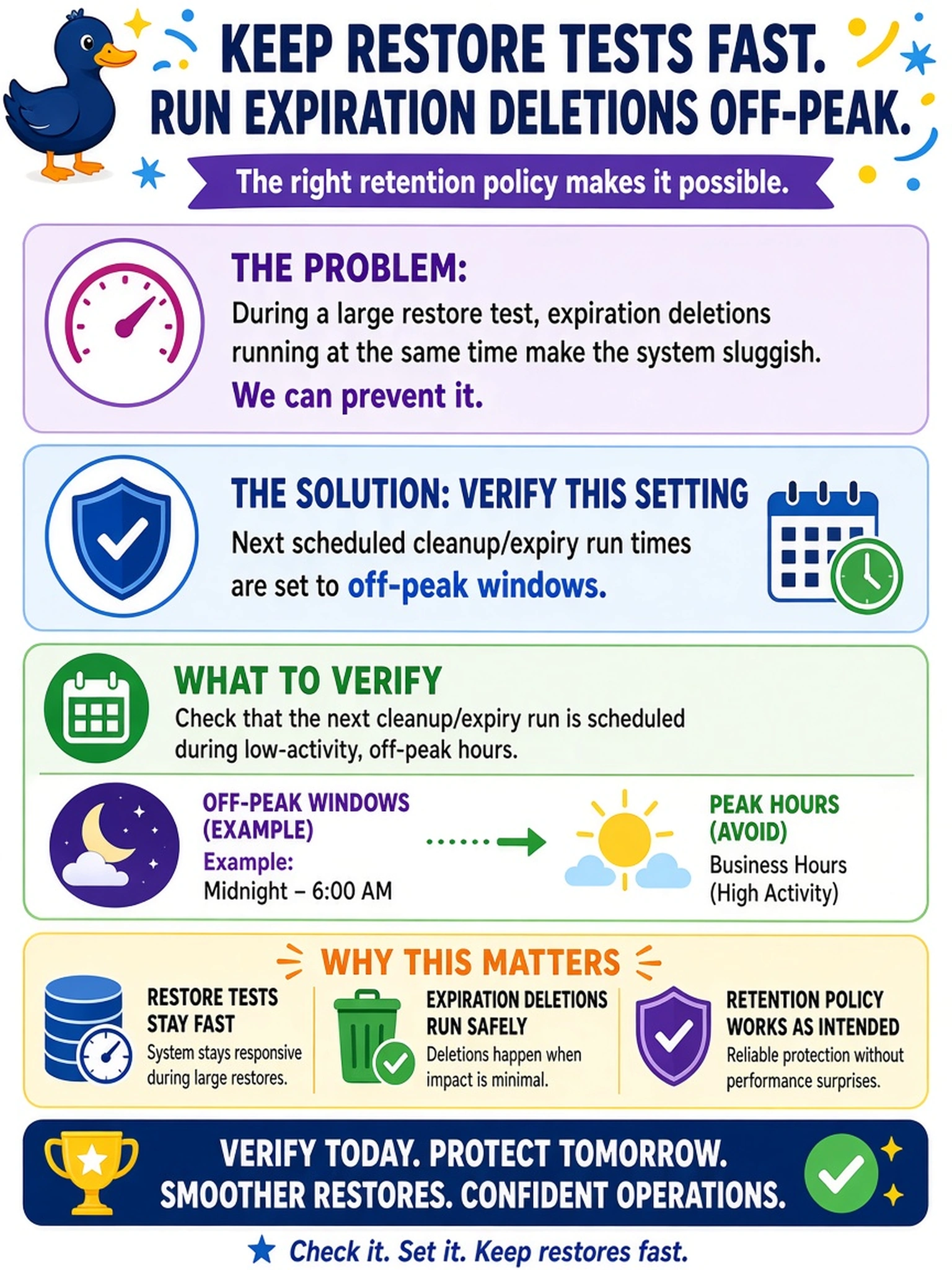
Think of expiry deletions like janitors mopping while you're hosting a big party: schedule them when the dance floor is empty. You want to check the next scheduled cleanup/expiry run times, not just enable retention lock or throttle traffic. The trap is treating a symptom instead of proving the policy runs off-peak.
Full Explanation
Data Domain expiration cleanup is governed by scheduled maintenance and retention policy behavior, so the reliable way to prove it will not interfere with large restore workloads is to verify the next scheduled run times for cleanup/expiry and confirm they fall in approved off-peak windows. This checks both policy intent and actual scheduler state, not just that a feature is enabled or a threshold was changed. Enabling retention lock would prevent deletions for compliance but does not place cleanup into a low-impact window and can block legitimate expiration when policy should advance. Increasing DD Boost bandwidth throttling addresses network throughput for backup and restore traffic; it does not control when internal expiry deletions execute and may only hide contention without fixing scheduling. Pausing file system scrubbing affects a separate background integrity or maintenance process, not the expiration deletion schedule, so it does not demonstrate that cleanup policy will run at the intended time. Exam caveat: choose the answer that shows scheduled policy behavior with next-run evidence, not a mitigation that masks impact during a test window. Operational check: review the cleanup/expiry task schedule and next-run timestamps, then compare them against approved restore-test windows before sign-off.