
After deploying a Data Domain system, replication policies are scheduled from 01:00 to 05:00 every night. The customer's backup jobs also run from 01:00 to 05:00, and the replication queue keeps growing instead of draining. What should you do?
Select an answer to reveal the explanation.
Short Explanation
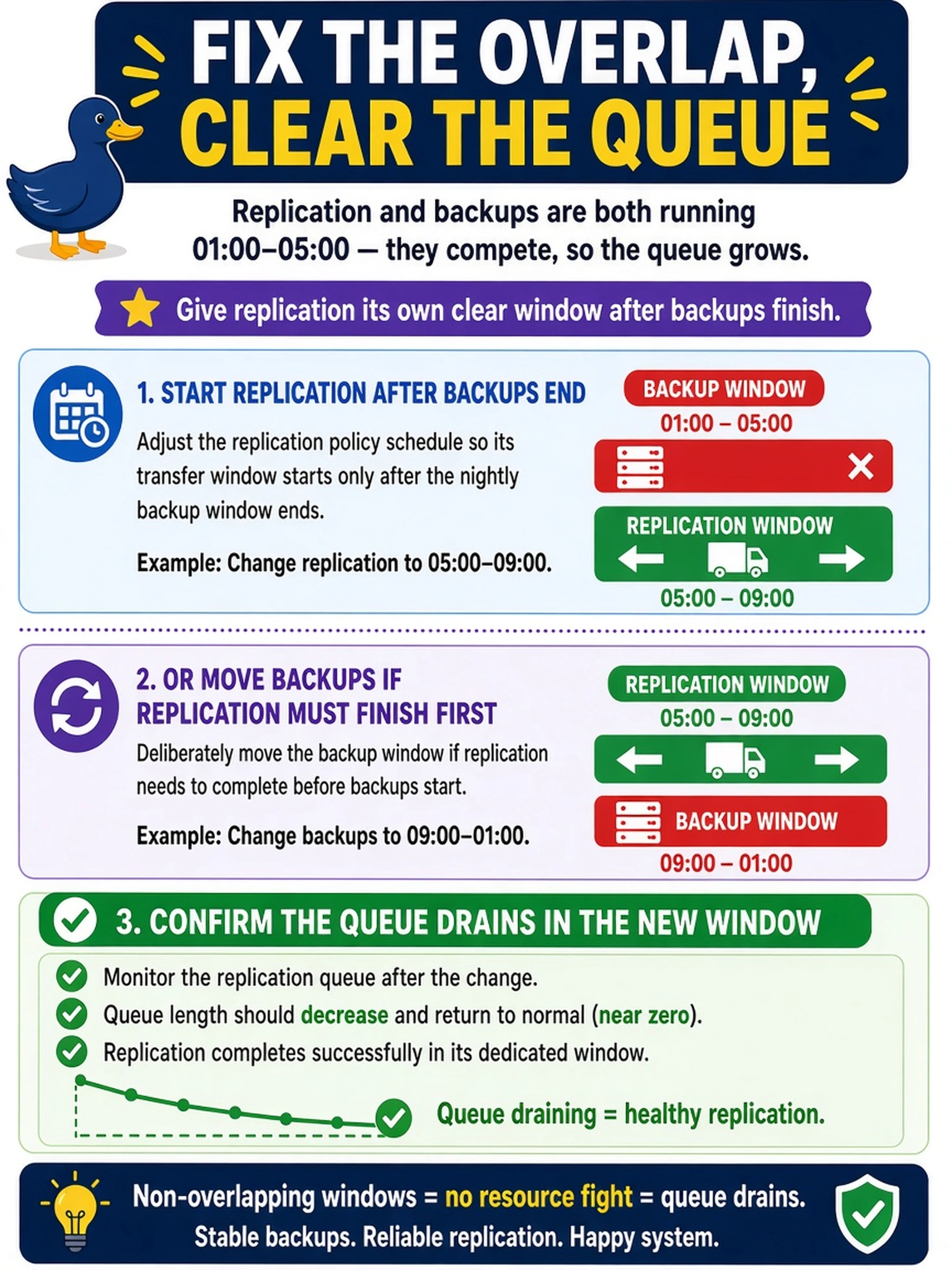
Think of backup and replication like two trucks sharing one loading dock. If they’re both booked 01:00–05:00, the queue just gets longer no matter how wide the dock is. You need one to finish before the other starts, or you need to move the backup slot.
Full Explanation
Data Domain replication policies can use transfer windows to control when replication traffic is allowed to run. When a backup window and a replication window occupy the same hours, both workloads compete for the same appliance and network resources, so the replication backlog can grow even though the policy is enabled. The correct response is to sequence the two scheduled data movements: move replication to start after backups finish, or intentionally move the backup schedule if replication must complete first, then verify that the queue drains. Increasing bandwidth does not solve a deterministic time collision because the jobs still overlap and consume I/O and network capacity simultaneously. Throttling replication may slow traffic but can worsen backlog if the transfer window is too short to clear accumulated data, and delaying transfers without changing the policy window does not guarantee drainage. Deleting the replication queue is not a scheduling remedy; it discards or disrupts replication state rather than preventing nightly overlap. Exam caveat: the exam is testing policy timing and sequencing, not raw performance tuning. Operational check: review the backup schedule and replication transfer window, adjust one window so it begins after the other ends, run a test replication, and confirm the pending queue decreases during the adjusted window.