
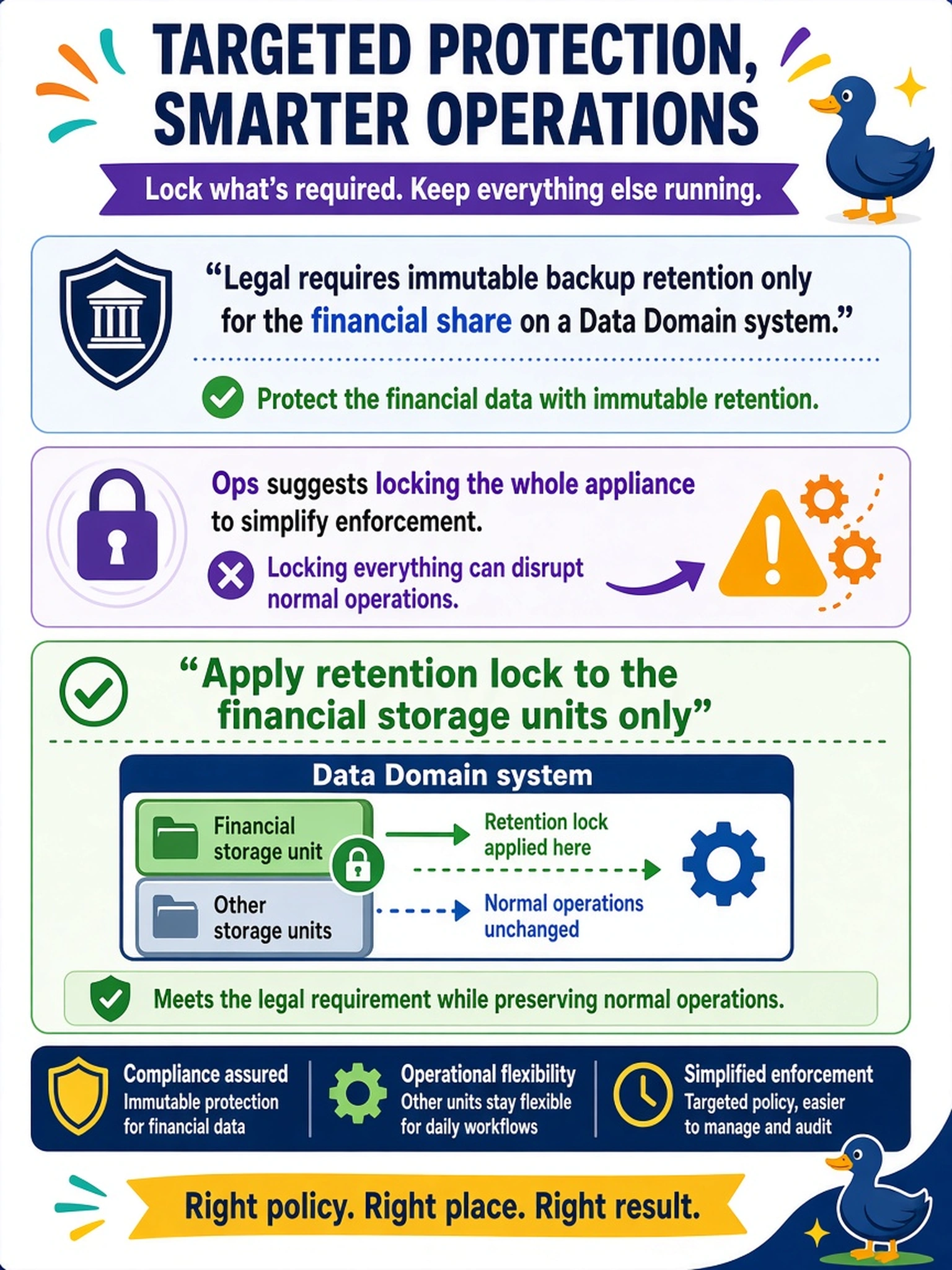
Legal requires immutable backup retention only for the financial share on a Data Domain system. Ops suggests locking the whole appliance to simplify enforcement. Which policy placement meets the requirement while preserving normal operations?
Select an answer to reveal the explanation.
Short Explanation
Think of retention lock like a legal hold on a filing cabinet, not a lock on the whole office. You only want the financial share sealed, so you apply retention lock to those storage units and leave everything else normal. Lock the whole appliance and you'll trap yourself when normal data needs to age out.
Full Explanation
Retention lock is a Data Domain OS policy that makes protected data immutable for a defined retention period. In this scenario, the requirement is scoped to the financial share, so the lock should be enabled on the storage units or MTrees backing that share and left off other units. This gives legal immutability where needed while allowing ordinary lifecycle operations, deletion, and retention changes on unrelated data. Applying the lock at the appliance level before mounting shares is too broad; it would constrain all workloads, including temporary or test data, and can prevent normal cleanup. Locking every MTree has the same problem: it removes operational flexibility everywhere, not just where legal demands it. Relying only on a backup application retention rule does not provide appliance-level immutability, because the backup software controls deletion requests but Data Domain retention lock is what prevents deletion or alteration inside the appliance. Exam caveat: retention lock must be configured and validated on the correct storage units, and the retention period must match the legal hold. Operational check: review the storage units associated with the financial share, confirm retention lock status and period, then attempt a delete or retention change to verify the policy blocks it.