
After deployment, a new engineer must support three backup stacks sharing one Data Domain system. There is no existing documentation showing which application uses which connection path, MTree, schedule, or owner. Which runbook deliverable best supports ongoing operations?
Select an answer to reveal the explanation.
Short Explanation
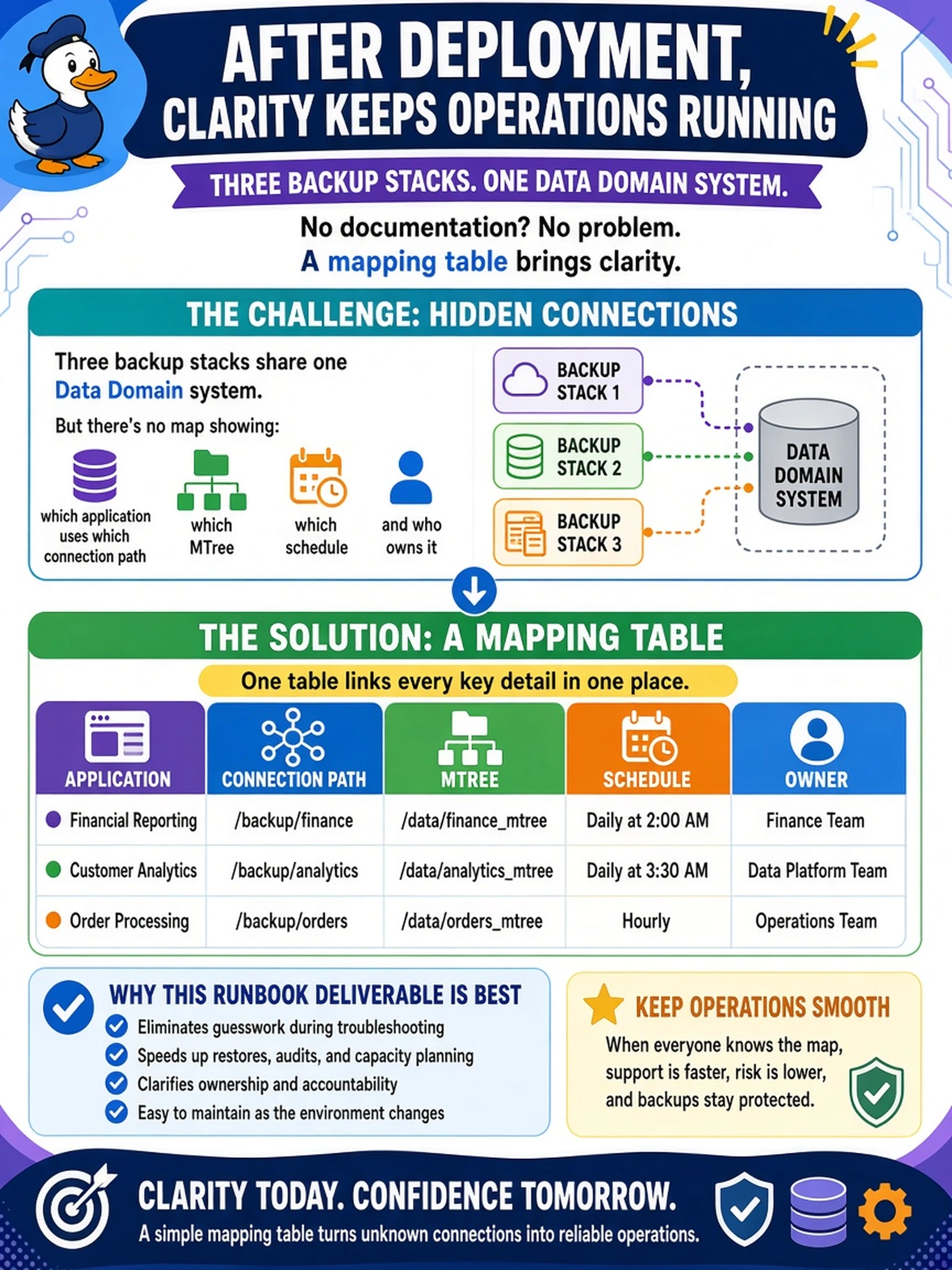
Think of it like a wiring closet: you need to know which application talks to which MTree, on what path, when it runs, and who owns it. A capacity report or inventory may be useful, but it doesn't answer 'where did this backup go?' when something fails. That mapping table is your runbook answer.
Full Explanation
A post-deployment runbook for multiple backup stacks sharing one Data Domain system needs a single source of truth that traces operational flow from application to storage. The mapping table is the appropriate deliverable because it records each application, the connection path used to reach the appliance, the Data Domain storage path such as an MTree or file system, the backup schedule, and the responsible owner. This supports troubleshooting, change control, and handover because an engineer can answer where a backup went, how it arrives, when it runs, and who owns it without guessing. A capacity report is useful for space planning, but it does not identify application connections, owners, or schedules, so it cannot guide operational support. A support matrix with versions and licenses helps compatibility review, but it does not show the storage path or backup schedule for each stack. A network inventory records switch ports, VLANs, and addresses, which helps connectivity validation, yet it omits the application-to-MTree mapping and operational ownership. Exam caveat: the question asks for the runbook deliverable that supports ongoing operations, not the artifact that best proves capacity or network health. Operational check: pick one backup job from each stack and confirm the recorded application, connection path, MTree path, schedule, and owner before closing the runbook.