
During handover for a new PowerProtect Data Domain system, several backup applications report successful backup jobs. What must be completed for each application before the backup-software configuration is considered done?
Select an answer to reveal the explanation.
Short Explanation
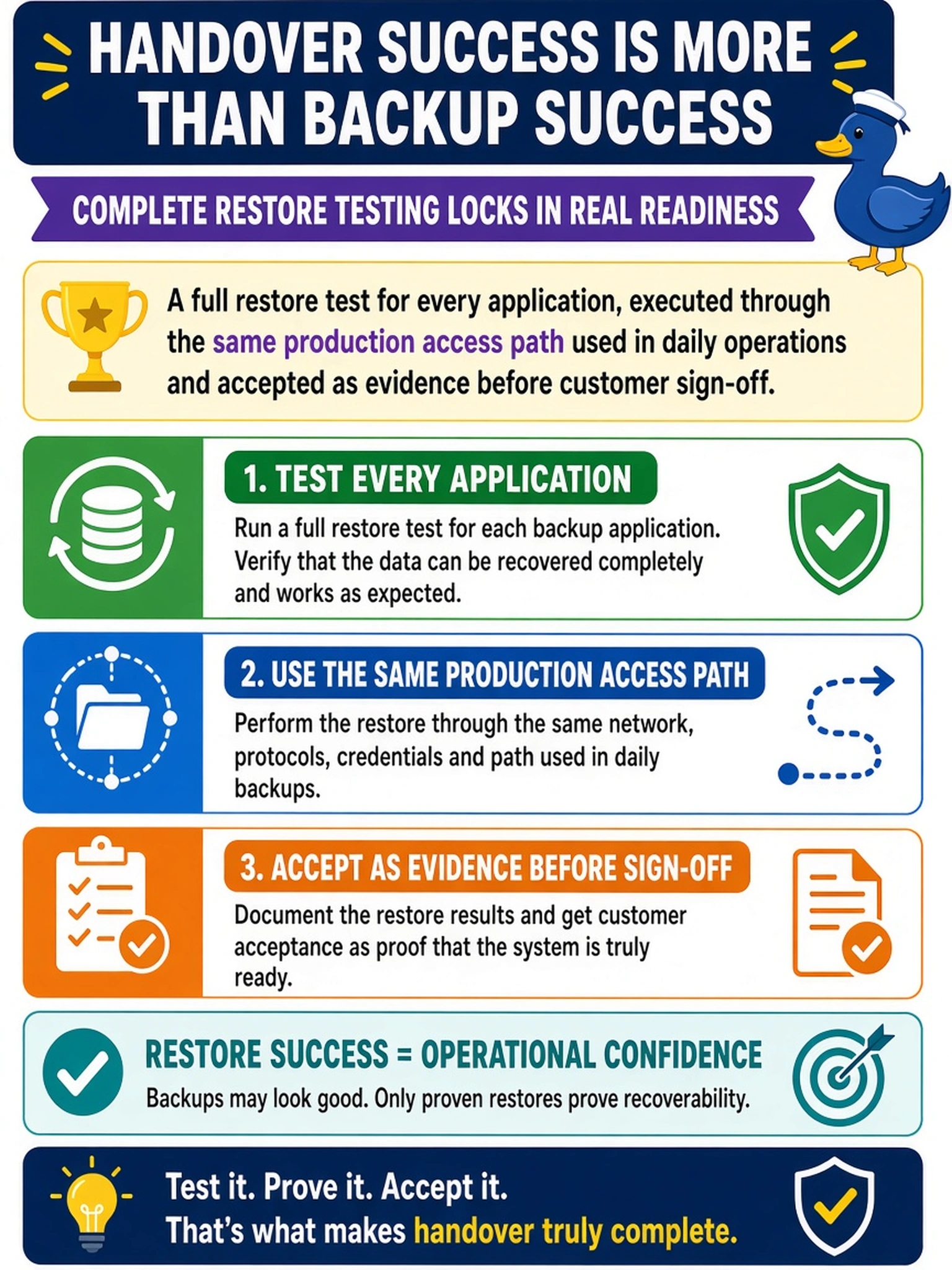
Backups are like promises; restores are proof. If you only check green job reports, you still don't know whether the data can come back through the path users actually need. Make each application prove recovery once, over production, before you call it done.
Full Explanation
The core mechanism of backup-software integration validation is recoverability, not backup completion. Data Domain storage can accept writes from DD Boost, CIFS, NFS, or NDMP sessions, but those paths also depend on application-level metadata, catalog entries, permissions, retention settings, and network routing. A full restore through the production path confirms that the application can locate the backup image, authenticate, read from the correct MTree or share, and reconstruct data in a usable form. This is why a successful backup log is only a partial signal: it proves the write path worked, not that the read path is valid. Enabling the required protocol is necessary for integration, but protocol configuration alone does not validate catalog consistency or application recovery behavior. Matching retention and encryption settings is important for policy and security compliance, yet those controls do not demonstrate that a backup is restorable. Reviewing job success can also miss catalog gaps, expired credentials, wrong mapping, or application-specific restore requirements. Exam caveat: choose the answer that proves recovery through the intended operational path, not merely that the appliance is reachable or the job completed. Operational check: run a documented full restore for each application, have the owner confirm the restored data, and attach the result to acceptance.