
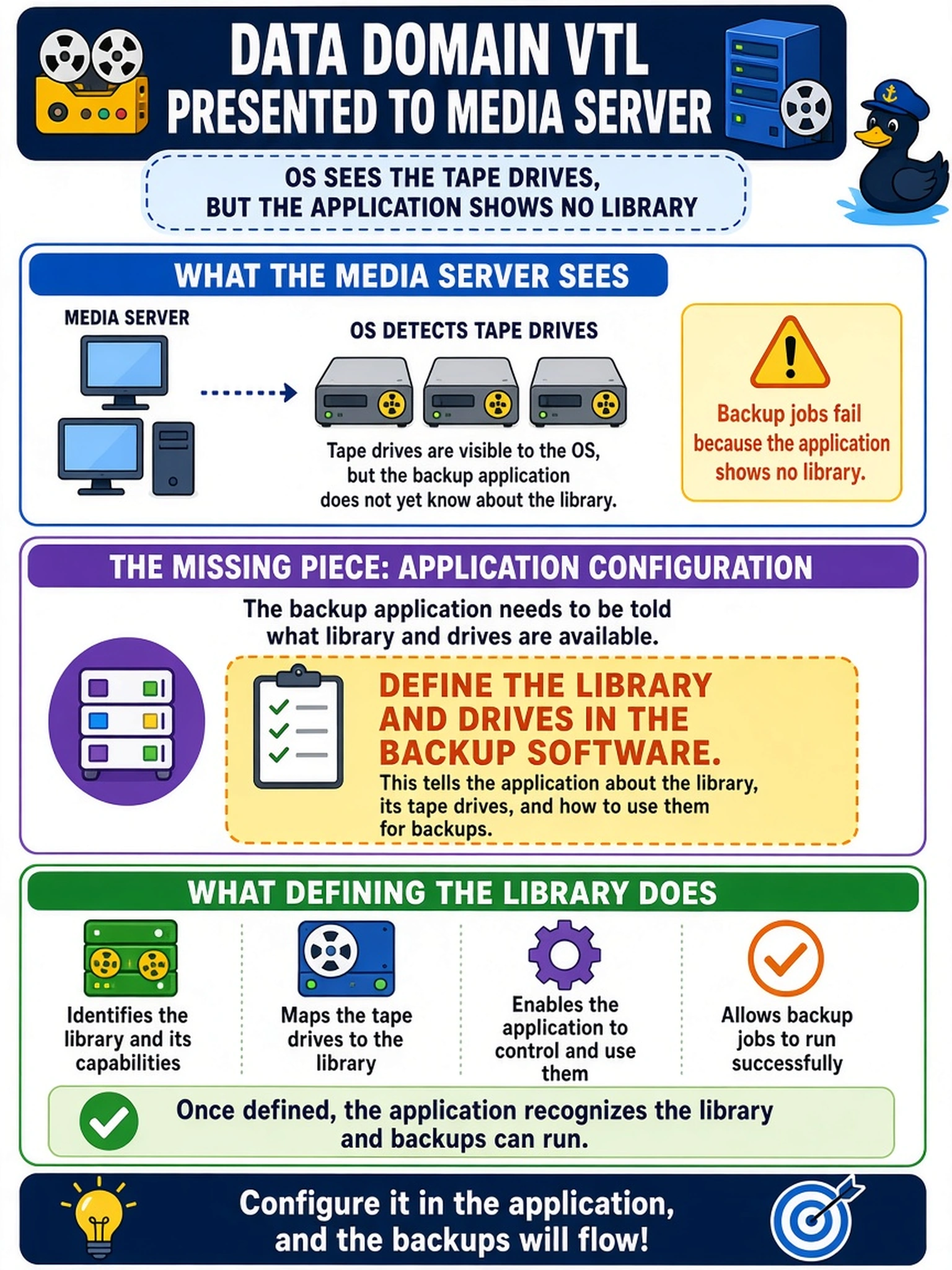
A Data Domain VTL is presented to a media server, and the OS sees the tape drives. Backup jobs fail because the application shows no library. What must be completed on the application side?
Select an answer to reveal the explanation.
Short Explanation
Think of a VTL like a fake tape robot: the server may see the drives, but your backup software still has to be told what library and drives to use. If the device config is empty, jobs can’t queue to a target. Don’t confuse OS visibility with application configuration.
Full Explanation
Virtual tape library deployment is complete only after the backup application recognizes the presented devices as a usable library. The Data Domain system exports virtual tape library objects, and the host may enumerate the drives, but the application maintains its own device database. An administrator must add the library, map the drives, and define a cleaning drive so the scheduler can select a device, mount media, and track drive status. Rescanning the host bus adapters or drives refreshes OS visibility but does not populate the backup application's device configuration. Creating an MTree addresses Data Domain filesystem presentation for file-based or DD Boost workflows, not the discovery of virtual tape devices. Enabling DD Boost provides an optimized application integration path, but it does not create or register a tape library or drive entries. Exam caveat: distinguish host-level device discovery from application-level device configuration, especially when VTL drives are visible to the media server. Operational check: open the backup software's device configuration, confirm the virtual library, drives, and cleaning drive are online, then run a test backup or drive inventory.