
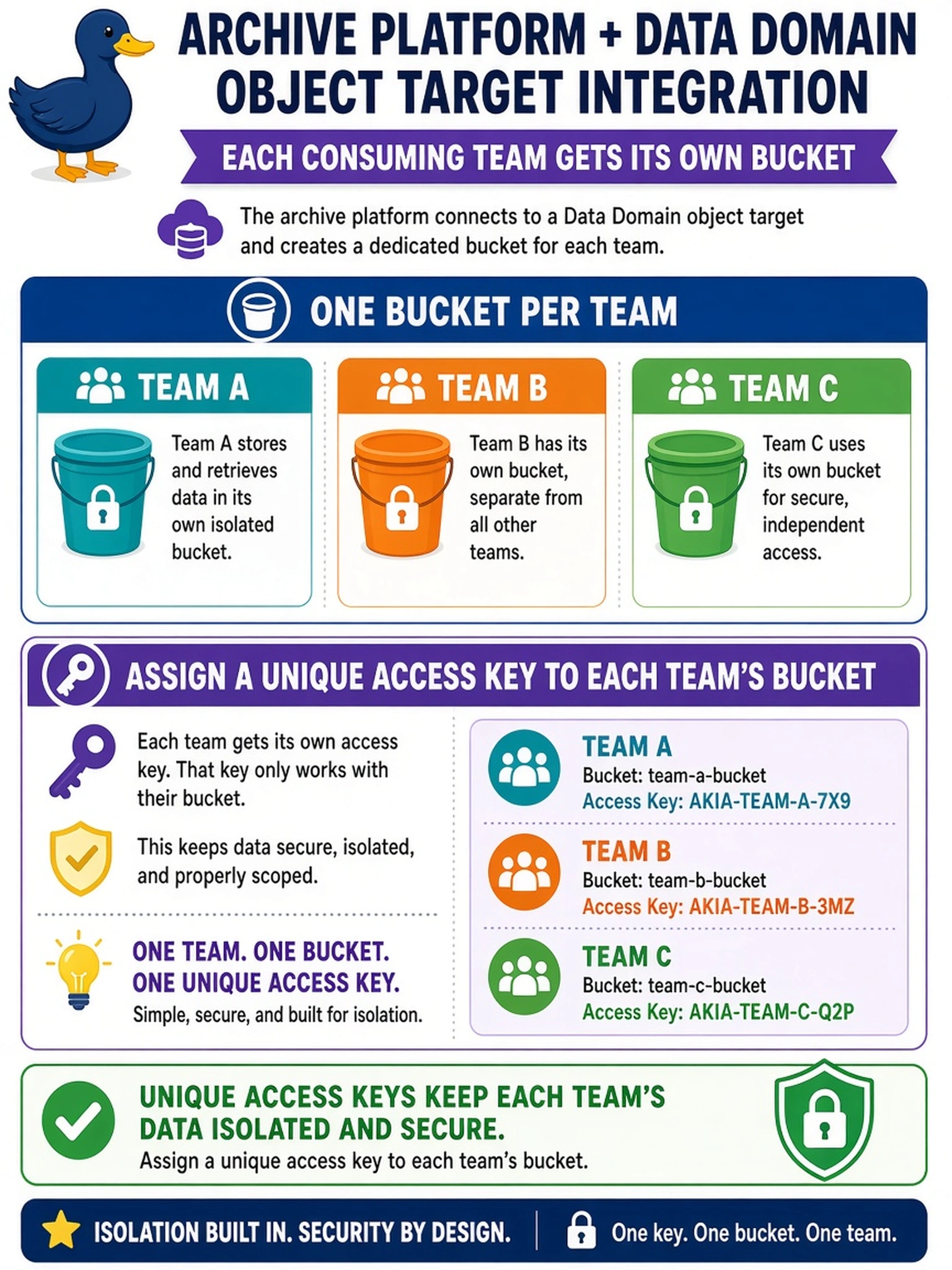
An archive platform integrates with a Data Domain object target, and each consuming team receives its own bucket. When configuring the backup software's object target for these teams, how should buckets and access keys be handled?
Select an answer to reveal the explanation.
Short Explanation
Think of buckets like separate mailboxes: each team needs its own key. If you hand everyone the same key, one leaked credential opens every mailbox. So don't rely on a shared key; configure per-team buckets with their own access keys.
Full Explanation
Object-target integration in backup and archive software treats storage containers and credentials as distinct managed settings. When each consuming team receives its own bucket, the software should reference that bucket with an access key tied to that team's identity. This lets the appliance enforce authentication and audit at the bucket level, while the consuming platform manages each team's target as a separate object location. A shared key used across all team buckets collapses isolation because one credential can reach every bucket, so a leak or overpermissioned job affects all teams. Relying on one bucket and separate prefixes is a namespace convention, not storage-level separation, and it does not give each team independently managed access. Using an appliance administrative key for every archive job grants excessive privilege and bypasses per-consumer credential management, making delegation, rotation, and auditing harder. Exam caveat: the objective tests the security and management model, not a specific CLI command or menu path. Operational check: create one bucket per team, generate a distinct access key for each bucket, and confirm each archive job authenticates successfully only to its own bucket.