
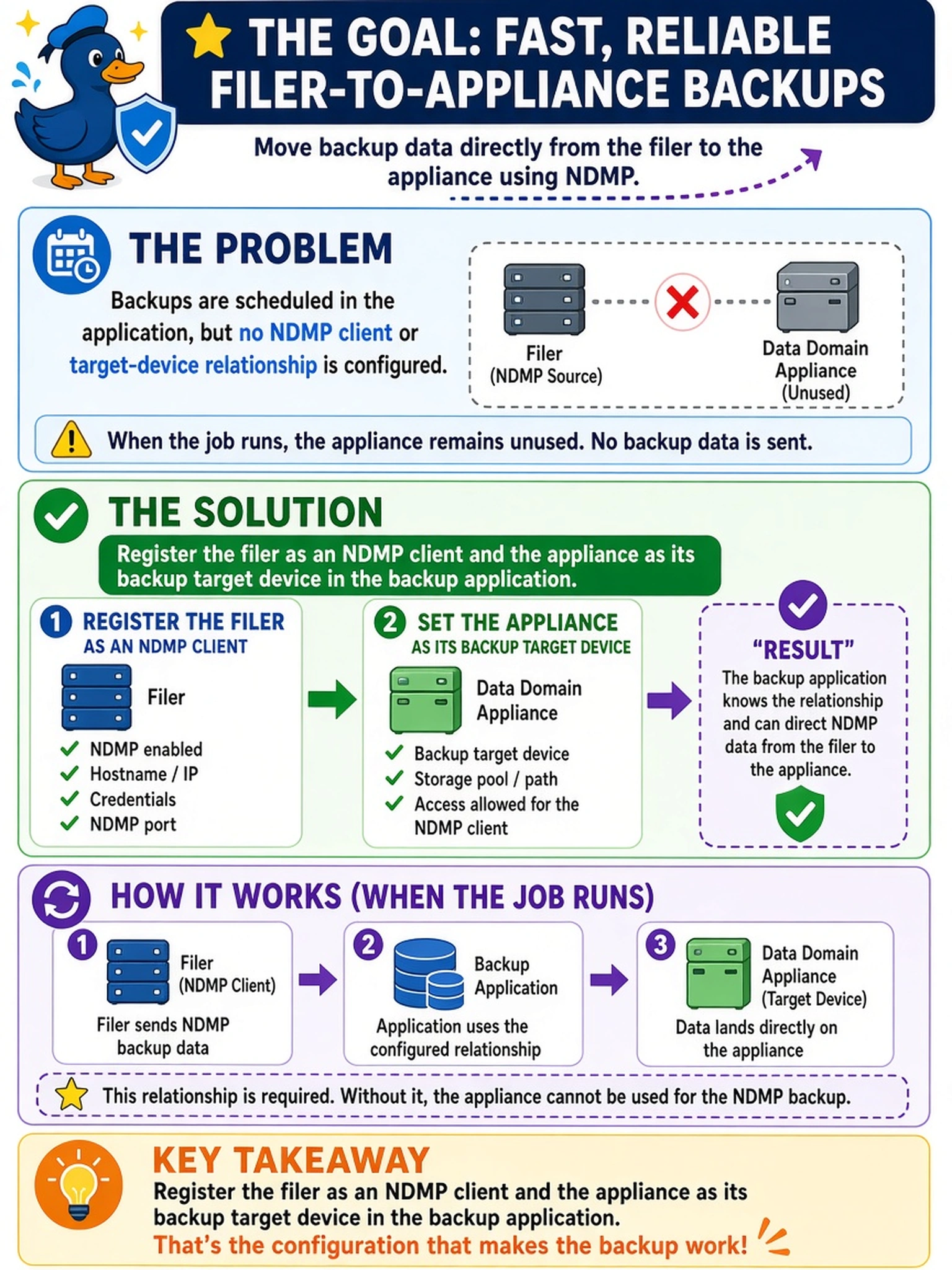
A team schedules filer backups through a backup application, but no NDMP client or target-device relationship is configured on the application side. When the job runs, the Data Domain appliance remains unused. Which configuration is required to make the filer-to-appliance backup work?
Select an answer to reveal the explanation.
Short Explanation
Think of NDMP like a phone call: the filer and the backup target have to be on the same contact list. If the backup app only schedules a job, it doesn't know which filer is the caller or which Data Domain is answering. Register both sides, or your job just talks to itself.
Full Explanation
NDMP is designed for filer-based backups: the backup application must know the filer as the NDMP source and the Data Domain system as the target device, because the application coordinates the session while the filer streams data directly to the appliance. Scheduling a job alone does not create that relationship; the application must have both endpoints registered so it can authenticate, select the source, and direct the data stream to the correct destination. Enabling DD Boost does not solve this because DD Boost is a client-side acceleration method for application data, not the registration of an NDMP filer as a backup source. Mounting NFS or CIFS paths changes the access method to file-system sharing, which bypasses NDMP’s filer-to-target workflow and does not tell the backup application that a filer is the NDMP source. Creating an MTree only provisions a storage path on the appliance; without an NDMP client and target-device entry in the application, the scheduled job has no defined source-to-target relationship. Exam caveat: Dell Data Domain deployment questions expect you to identify the integration point, not assume automatic discovery. Operational check: Confirm the backup application lists the filer as an NDMP client and the Data Domain system as the target device before running a test backup.