
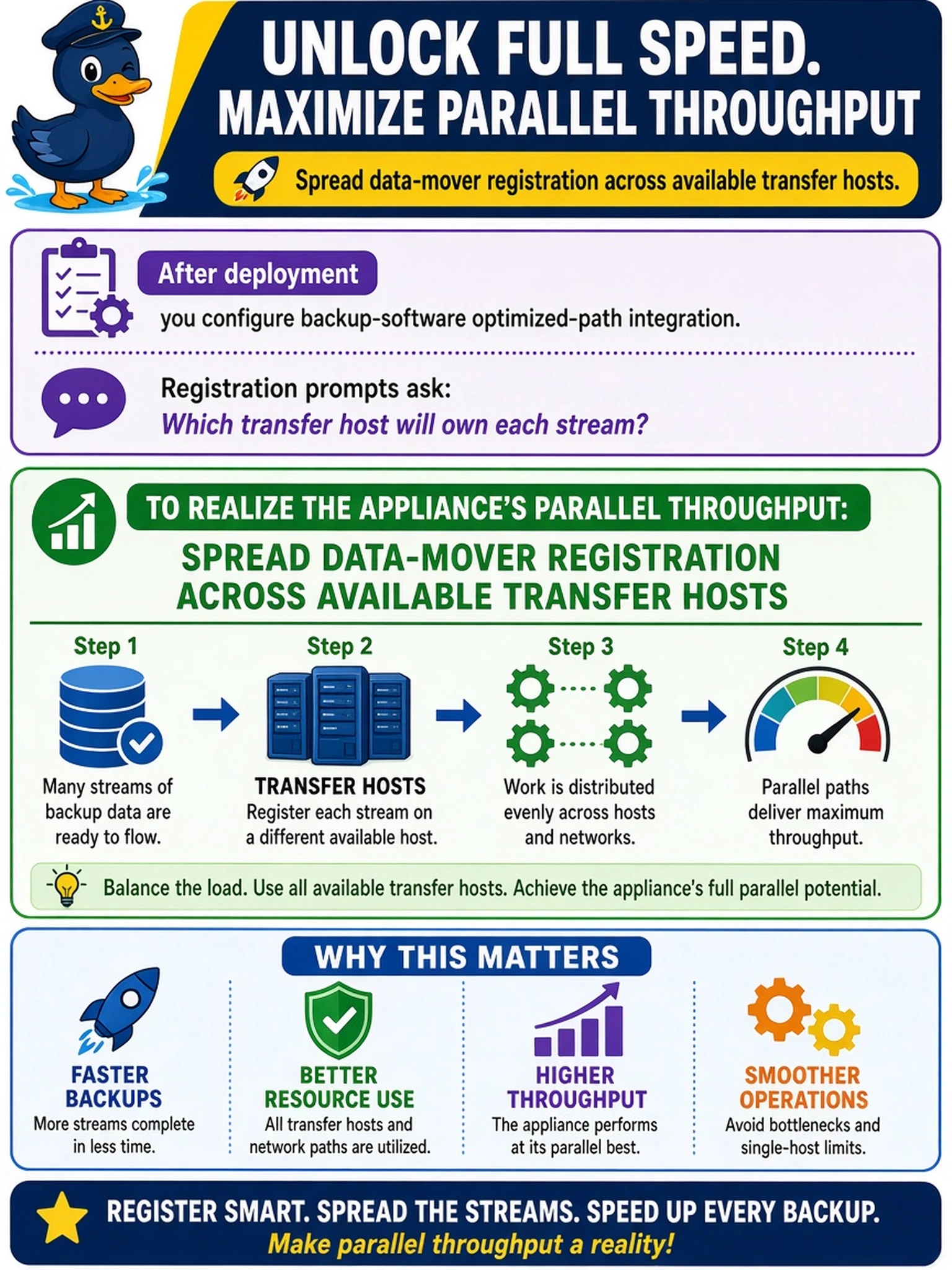
After deploying a Data Domain system, you configure backup-software optimized-path integration. Registration prompts ask which transfer host will own each stream. What should you do to realize the appliance’s parallel throughput?
Select an answer to reveal the explanation.
Short Explanation
Think about how you’d move water through several pipes instead of one clogged hose. If you register every optimized-path stream to the same transfer host, that host becomes the bottleneck even when the Data Domain is ready to work. Spread data-mover registration across hosts so your backup software can feed the appliance in parallel.
Full Explanation
Optimized-path registration lets the backup application decide which transfer host owns each stream. On Data Domain, DD Boost and optimized-path features reduce unnecessary movement through a single media server, but the appliance can only deliver parallel throughput when the application spreads streams across capable hosts. Registering data movers on multiple media servers balances CPU, memory, and NIC usage, so many streams arrive simultaneously without one host becoming the limiting factor. Concentrating all data movers on one host to simplify records creates a single point of contention; the Data Domain may idle while that host saturates. Pointing every stream to the busiest media server for easier monitoring also worsens throughput, because monitoring convenience does not add network or processor capacity. Disabling optimized path and forcing bulk backup data through a management interface removes the intended direct-to-appliance efficiency and can overwhelm control-plane resources. Exam caveat: Dell expects you to treat optimized path as a backup-software integration decision about stream ownership, not as a Data Domain-only performance toggle. Operational check: after configuring hosts, run a controlled multi-stream backup and confirm that no single media server hits sustained NIC or CPU saturation while the Data Domain remains underutilized.