
After cabling, the engineer boots the head and checks that every physically installed shelf appears in the system's enclosure view. What is this check accepting?
Select an answer to reveal the explanation.
Short Explanation
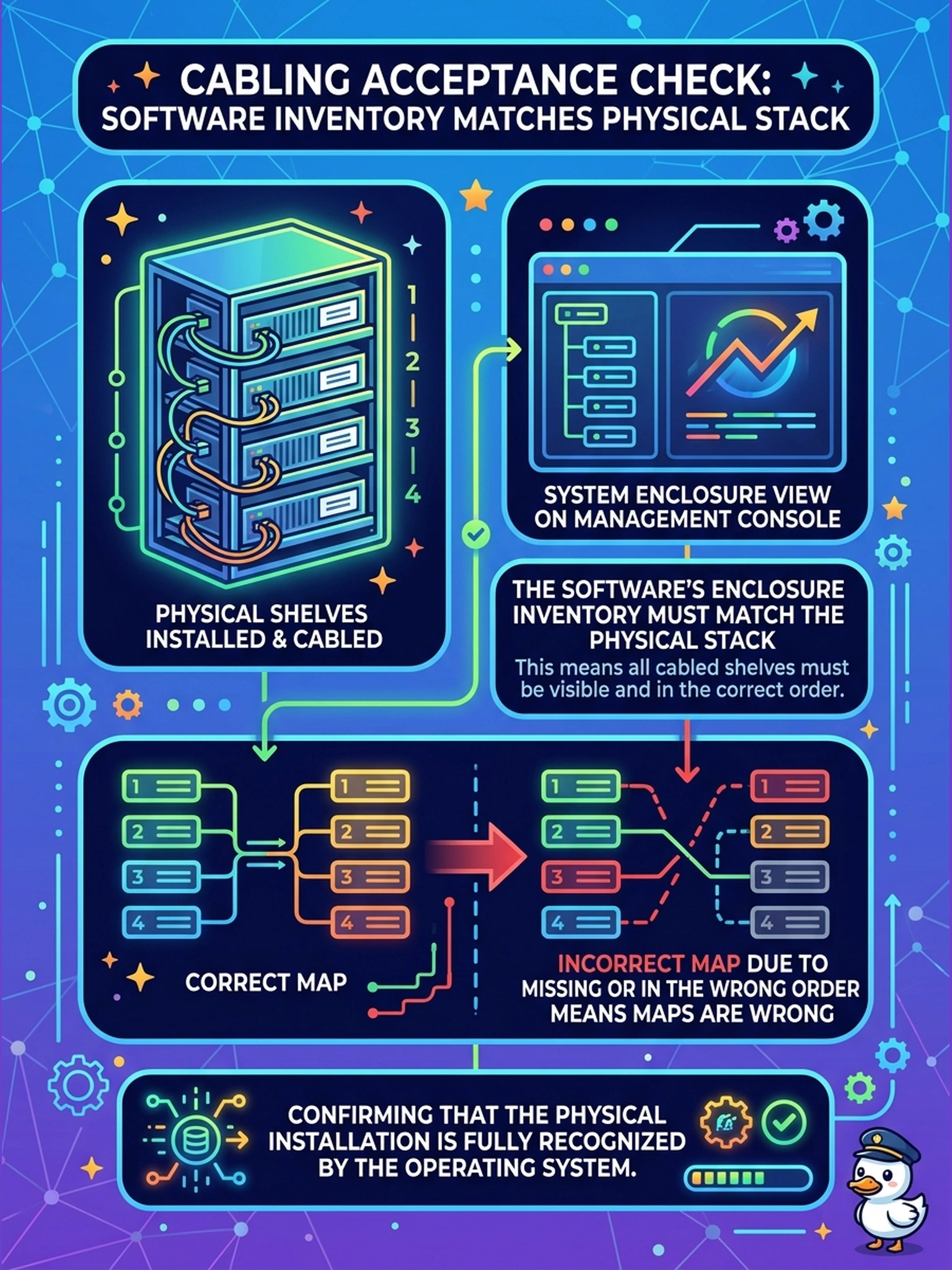
The rack tells you what you built; the enclosure view tells you what the system actually sees. Cabling isn't done when the rack looks right — it's done when those two lists agree, shelf for shelf. Compare them now, not during your first production outage.
Full Explanation
Cabling acceptance is a physical-versus-logical comparison. The enclosure view enumerates what the head can see over its interconnect paths; the physical stack is what the installer built. When they match — every shelf present, in the documented chain order, with its expected drive count — the interconnect work is proven: ports are alive, the sequence follows the map, and no link is half-seated. A mismatch is diagnostic: a missing shelf means a path is down (wrong port, failed cable, unpowered enclosure), and a shelf in the wrong order means the chain deviates from documentation. The enclosure view is not a rack-position diagram — it has no knowledge of U slots; licensing governs feature availability rather than electrical visibility of enclosures; and firmware manifests come from post-boot queries rather than from the view's existence. Exam caveat: 'what proves cabling is correct' is answered by the software enclosure inventory matching the documented physical topology — a shelf listed out of order is a failure, not a detail. Operational check: open the enclosure view, list the shelves in reported order, tick each against the elevation and chain diagram, and chase every discrepancy before sign-off.