
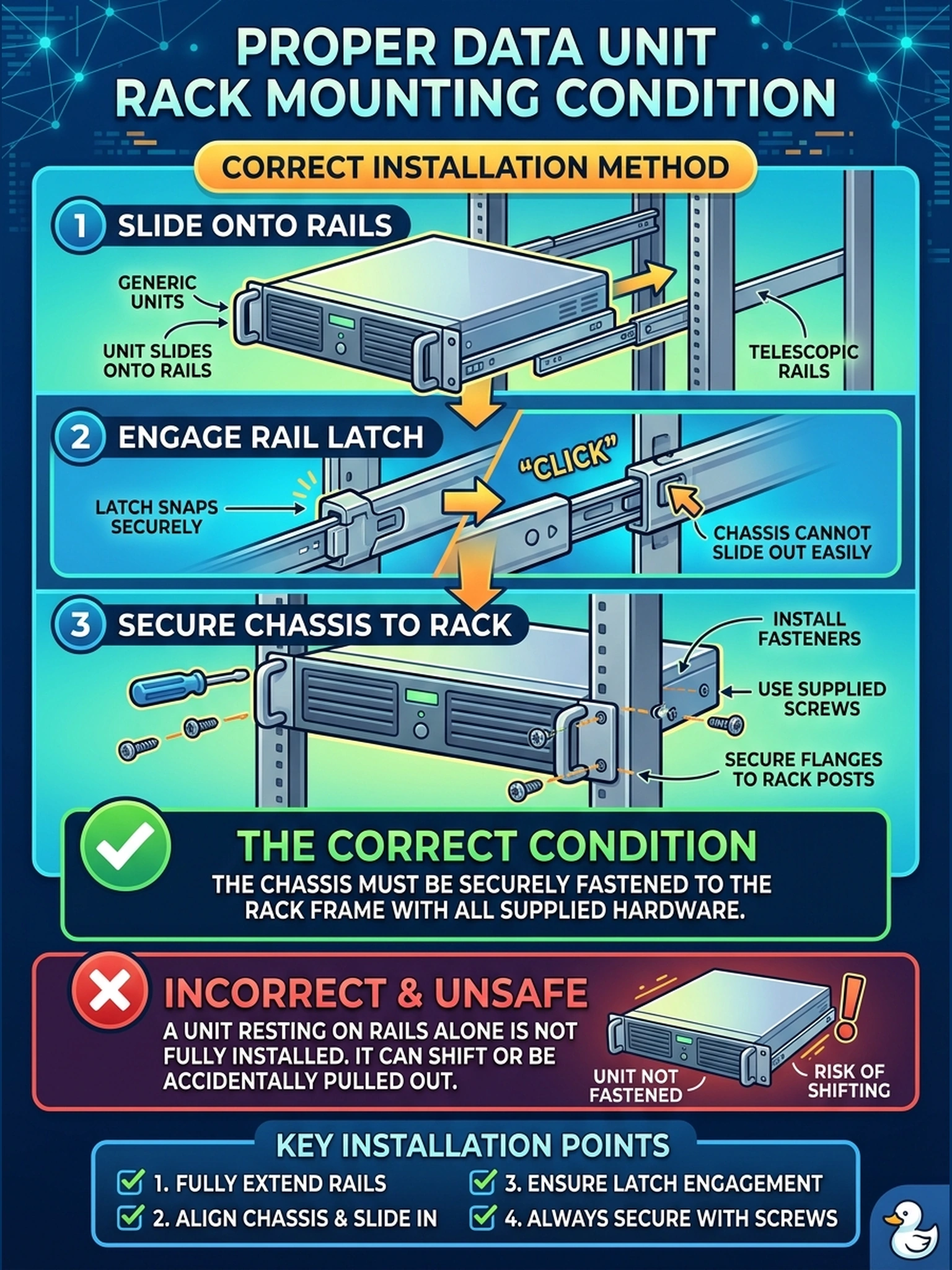
A Data Domain head unit slides smoothly onto its rail kit, the installer hears the latch click, and he walks away for lunch with the chassis resting on the rails and nothing else fastened. What is the correct condition for a racked chassis?
Select an answer to reveal the explanation.
Short Explanation
Here's the deal: rails are a delivery truck, not a parking brake. That satisfying click feels final, but until the supplied fasteners go in, the chassis can slide right back out. Anchor every unit before you walk away from the rack.
Full Explanation
Rail kits do two jobs: they carry the unit's weight and they guide its movement; neither one secures the chassis. Securing means engaging the fasteners — screws, captive thumbscrews, or the kit's latch hardware — that lock the chassis to the rack, and the installation instructions treat that engagement as part of the installation itself, not an optional finishing touch. A unit merely resting on rails can still creep forward under cable tension or be extended by someone leaning on it; the release latch is a service feature, not a lock. The 'rails are load-rated' argument fails by concept: load rating addresses static weight, not retention against removal or racking forces. 'The head has automatic locking tabs' is an invented mechanism — retention hardware is the kind that ships in the rail kit and gets installed. The cable strain-relief theory inverts the hazard: dressed cables are themselves a force that can pull a unit forward, which is exactly why fasteners go in before dressing. Exam caveat: questions on completed racking treat fastener engagement as part of the definition of installed, not as a nicety after power-on. Operational check: after racking each unit, press its release latch and try to slide it — if it moves, the fasteners are missing.