
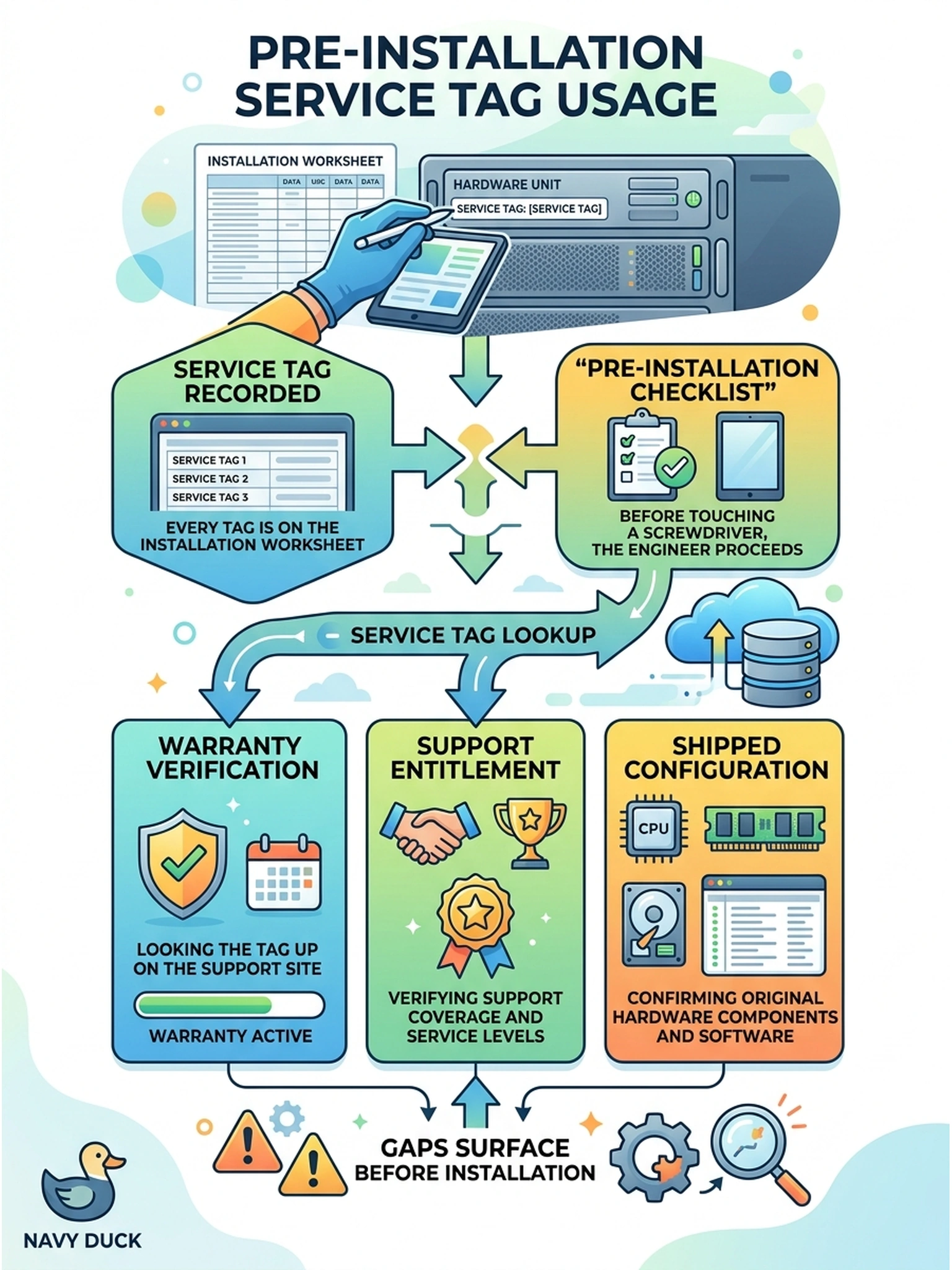
Every service tag is now recorded on the installation worksheet. Before touching a screwdriver, the engineer proceeds with the pre-installation checklist. What is each service tag used for at this stage?
Select an answer to reveal the explanation.
Short Explanation
The service tag is your ticket stub: hold it up on the support site and it tells you exactly what coverage the customer actually bought. You verify warranty, entitlement, and shipped configuration now, because finding an expired contract mid-install turns a deployment into a treasure hunt. Look it up while the boxes are still clean.
Full Explanation
Recorded service tags unlock the vendor support site, where each lookup returns warranty status, support entitlement level and expiry, and the factory-shipped configuration of that specific unit. Verifying all three before installation surfaces expired contracts, entitlements the customer assumed they held, or configuration mismatches between what shipped and what was ordered—each fixable in minutes now and expensive later. Using the tag as a DNS entry fails because hostnames are names chosen under the customer's naming plan, while a service tag is a factory identity marker that plays no role in resolution. Deriving administrator passwords from the tag fails by concept, because authentication secrets are never derived from identifiers printed on the hardware's exterior; doing so would make public information equivalent to a credential. Reading capacity tier out of the tag's characters fails because capacity is a property of model and licensing revealed by the support record, not encoded meaning within the tag string itself. Exam caveat: entitlement shortfalls found now belong to the customer's account team immediately, so renewals or corrections start before go-live. Operational check: look up every tag, save the warranty and configuration summary with the worksheet, and flag anything inconsistent with the order.