
The hardware is racked, and the engineer reaches the service-tag portion of the installation checklist. What is the correct first step with service tags?
Select an answer to reveal the explanation.
Short Explanation
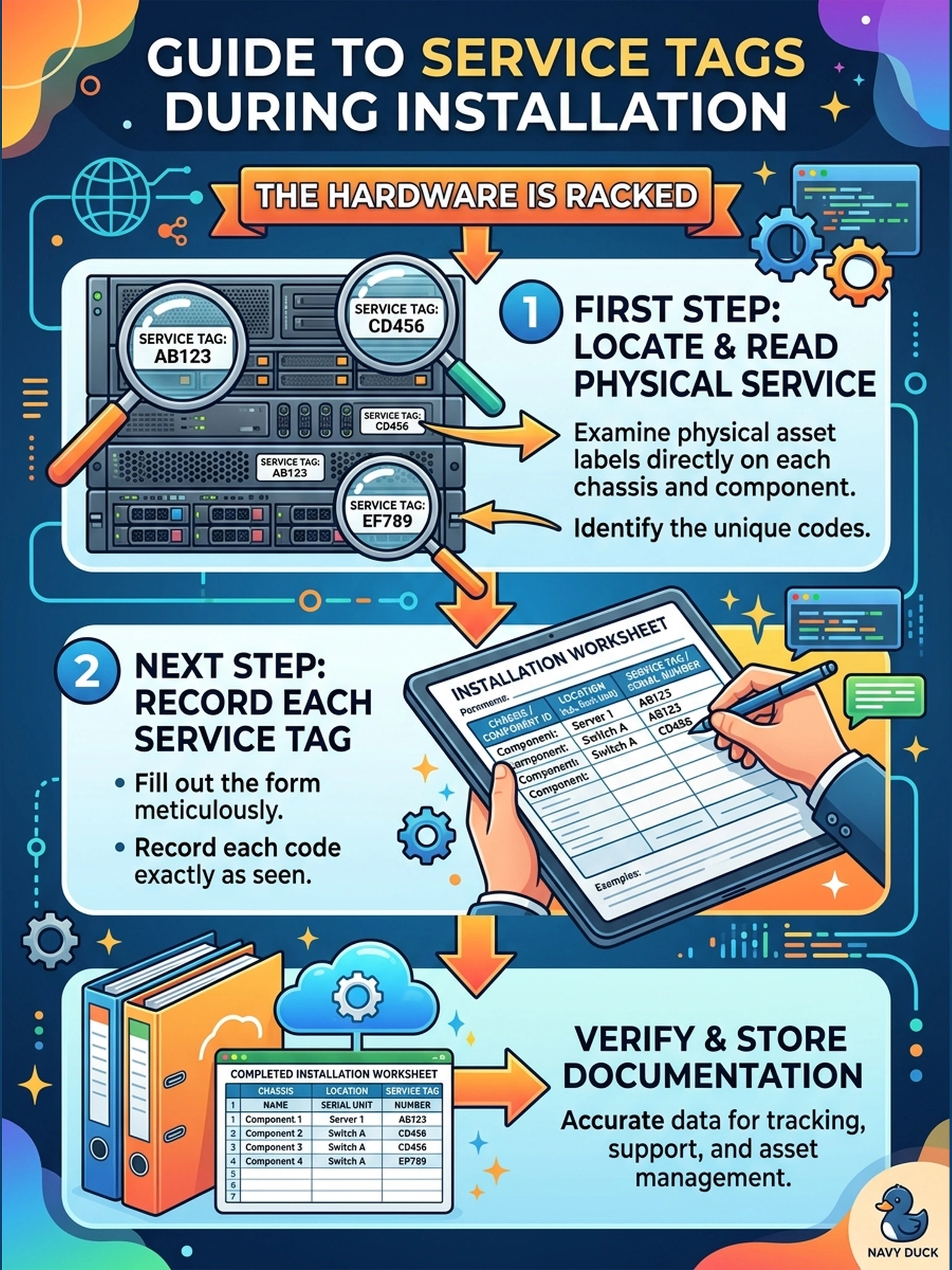
A service tag is an appliance's fingerprint—every warranty check, parts order, and support call will ask for it. You copy each one off the physical label on the head and on every shelf while you can still see the metal, straight onto your worksheet. Tags transcribed from memory later are the ones you'll be retyping at 2 a.m.
Full Explanation
A service tag is a unique factory-assigned identifier printed on each chassis's asset label, and the checklist's first service-tag step is physical: read the tag from the head and from every expansion shelf and record it component by component on the installation worksheet. This matters because support entitlement, parts and case history all key on these identifiers, and shelves in particular are frequently racked and then left unrecorded. Generating tags in software fails because service tags are assigned during manufacture and are not issued or changed by configuration—the premise inverts how identity is established. Treating the sales order as the source fails by concept, because the order references product lines while the hardware carries the instance identities that support systems actually index. Relying on packing-list paperwork as the primary source fails because components ship individually packaged and paperwork can separate from units, so the checklist points at the labels themselves. Exam caveat: each expansion shelf has its own service tag that must be associated with the system's support record, not merged into the head's entry. Operational check: photograph each label, transcribe the tags into the worksheet, then verify every entry resolves to the correct model on the support site.