
During hyperparameter tuning, you want to group all trial runs under a single parent run in MLflow. How do you create a child run?
Select an answer to reveal the explanation.
Short Explanation and Infographic
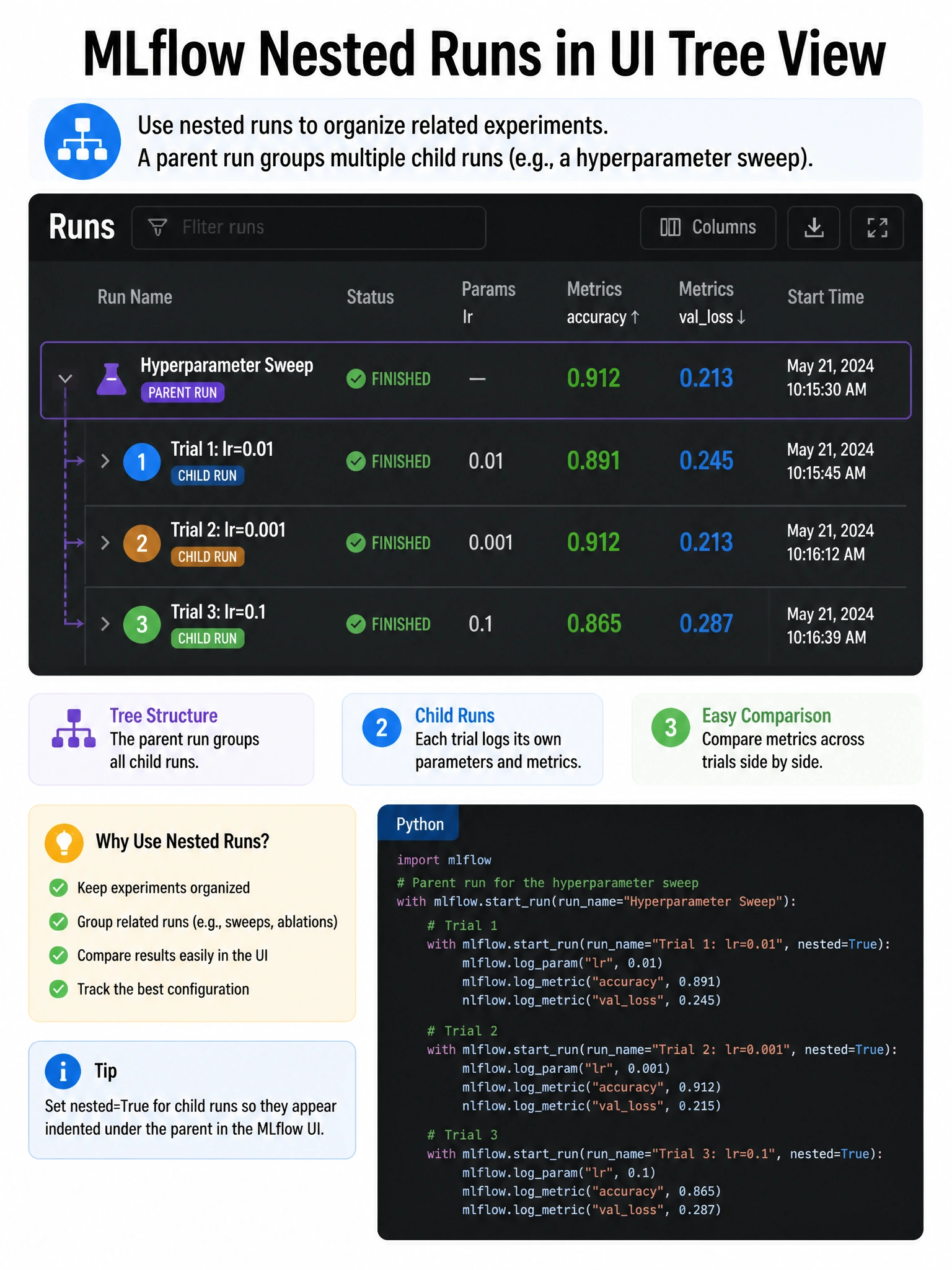
Parent-child runs are like folder tabs inside a binder — you open the outer binder (parent run), then add nested=True to start each inner tab (child run).
Full explanation below image
Full Explanation
To create nested/parent-child runs in MLflow, you use nested=True inside a nested with mlflow.start_run() call. The pattern is: with mlflow.start_run() as parent_run: (outer context, creates parent), then inside: with mlflow.start_run(nested=True) as child_run: (creates a child linked to the parent). This is the standard pattern used with hyperparameter tuning libraries like Hyperopt and Optuna. In the MLflow UI, child runs appear indented under the parent run, making it easy to compare all trials and see which performed best. mlflow.start_child_run() does not exist. mlflow.set_parent() does not exist. start_run(parent=True) is not valid syntax.