
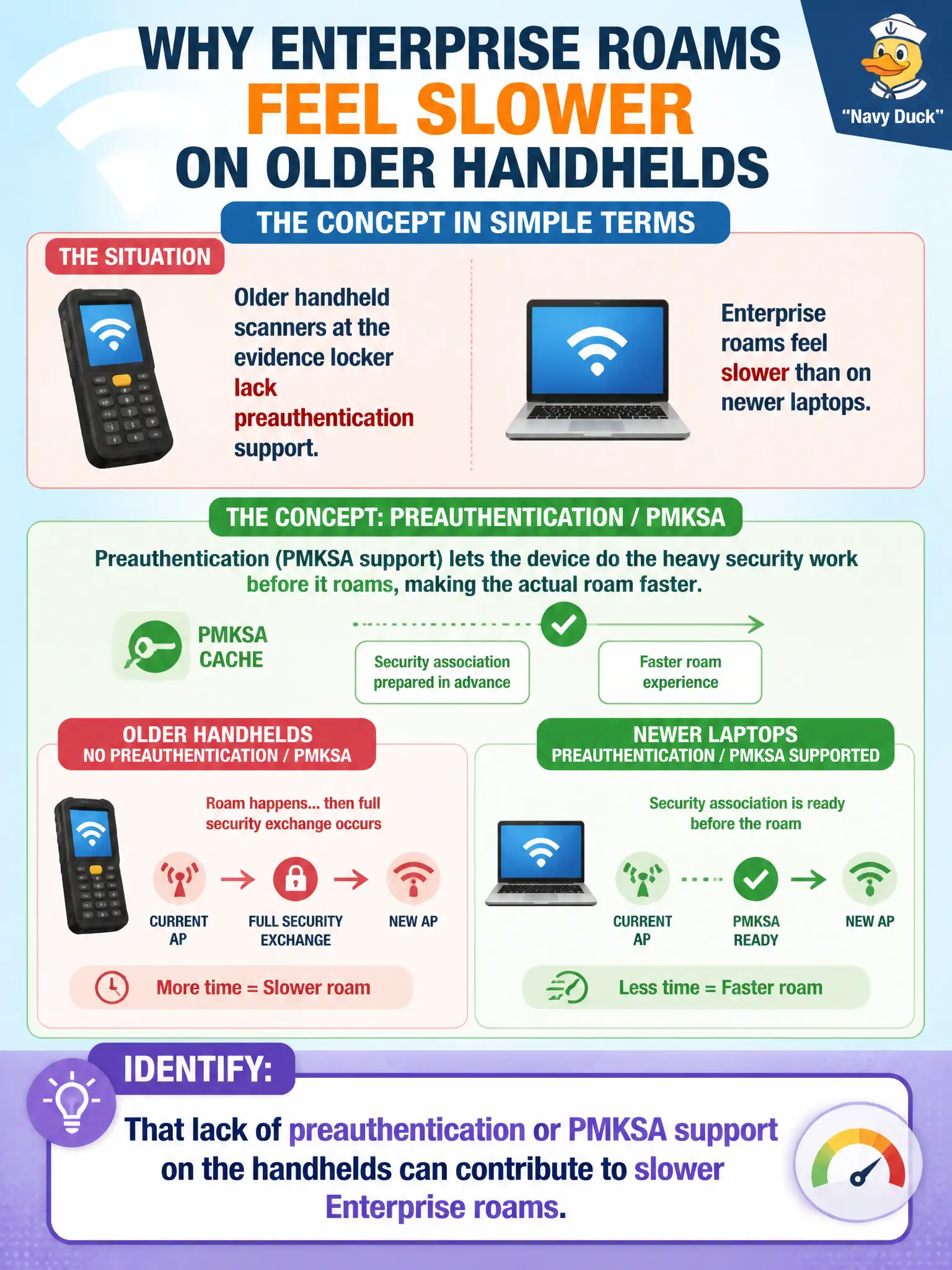
Older handheld scanners at the evidence locker lack preauthentication support, and Enterprise roams feel slower than on newer laptops. What should the technician identify?
Select an answer to reveal the explanation.
Short Explanation
Old handhelds without preauth are like employees who must re-badge from scratch at every door. Newer laptops that cache the handshake zip through; the scanners crawl. Call out the missing advanced feature instead of blaming the SSID spelling.
Full Explanation
Older handheld scanners at the evidence locker that lack preauthentication support can contribute to slower Enterprise re-authentication when roaming between APs because they cannot use PMKSA caching or preauth optimizations newer laptops offer. Technicians should identify missing preauthentication or PMKSA support as a client limitation that lengthens secure roam times on municipal Enterprise SSIDs, especially when inventory apps briefly stall during handoffs. The scanners may still join and work; roam timing simply reflects older feature sets.
Missing preauth does not mean scanners cannot use any SSID name the city publishes if they otherwise support the band and security mode. Removing Enterprise security so old scanners roam faster abandons required evidence-locker access controls. Preauthentication is not only a wired Ethernet feature; it is discussed in Wi-Fi Enterprise roaming contexts for capable stations.
Exam caveat: map Enterprise roam delay to client fast-roam feature support as well as RF quality and controller settings. Operational check: verify whether evidence-locker scanners list preauth or PMKSA support, compare roam behavior to a modern laptop on the same path, and mitigate with better overlap, fewer forced roams, or refreshed hardware that supports fast secure roaming where budget allows.