
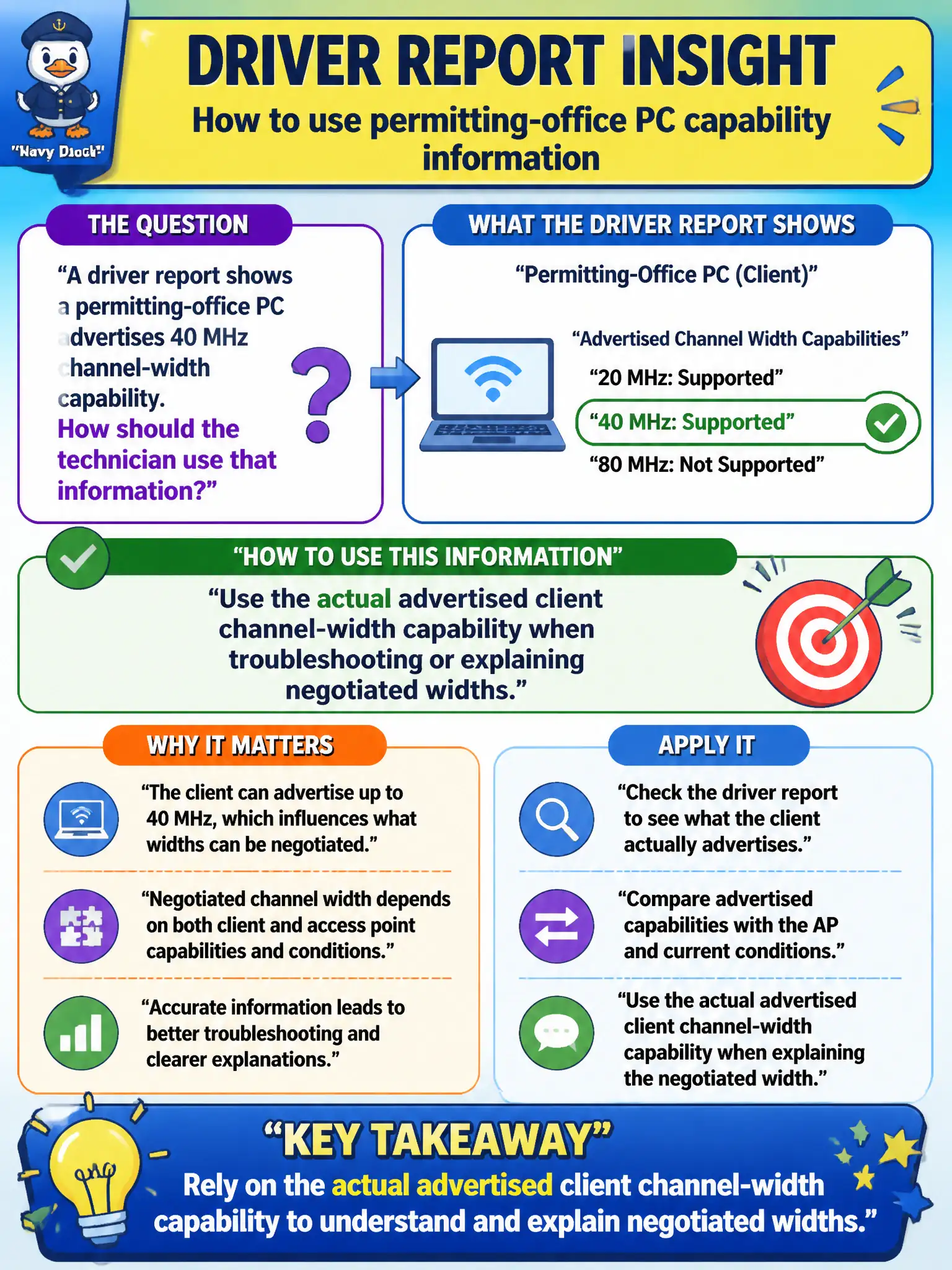
A driver report shows a permitting-office PC advertises 40 MHz channel-width capability. How should the technician use that information?
Select an answer to reveal the explanation.
Short Explanation
Believe the driver's width number the way you believe the speed rating on a tire. If it says 40 MHz capable, do not pretend it is 160 MHz—and remember the AP still has the final say on the BSS width. Facts beat folklore in the ticket notes.
Full Explanation
When a driver report shows a permitting-office PC advertises 40 MHz channel-width capability, the technician should use that actual advertised client capability when troubleshooting or explaining negotiated widths. Client channel-width capability is an upper bound the station can offer; the BSS may still negotiate 20 MHz based on AP configuration and environment. Accurate reading of the driver report prevents false expectations for permitting software uploads and capacity conversations with staff.
Inventing 160 MHz operation because wider always sounds better ignores both the driver data and typical BSS design constraints in dense civic buildings. Ignoring the driver and setting expectations from captive-portal logo colors is not a technical method. Assuming the PC can force every AP in the building to 40 MHz regardless of the design document confuses client capability with infrastructure policy.
Exam caveat: capability readouts from driver or OS Wi-Fi details are authoritative inputs at technician depth—do not override them with wishful marketing widths. Operational check: capture the permitting PC's reported channel-width capability, compare it to the AP BSS width in the design, note the negotiated width after association, and explain throughput expectations to staff using those measured values rather than assumptions.