
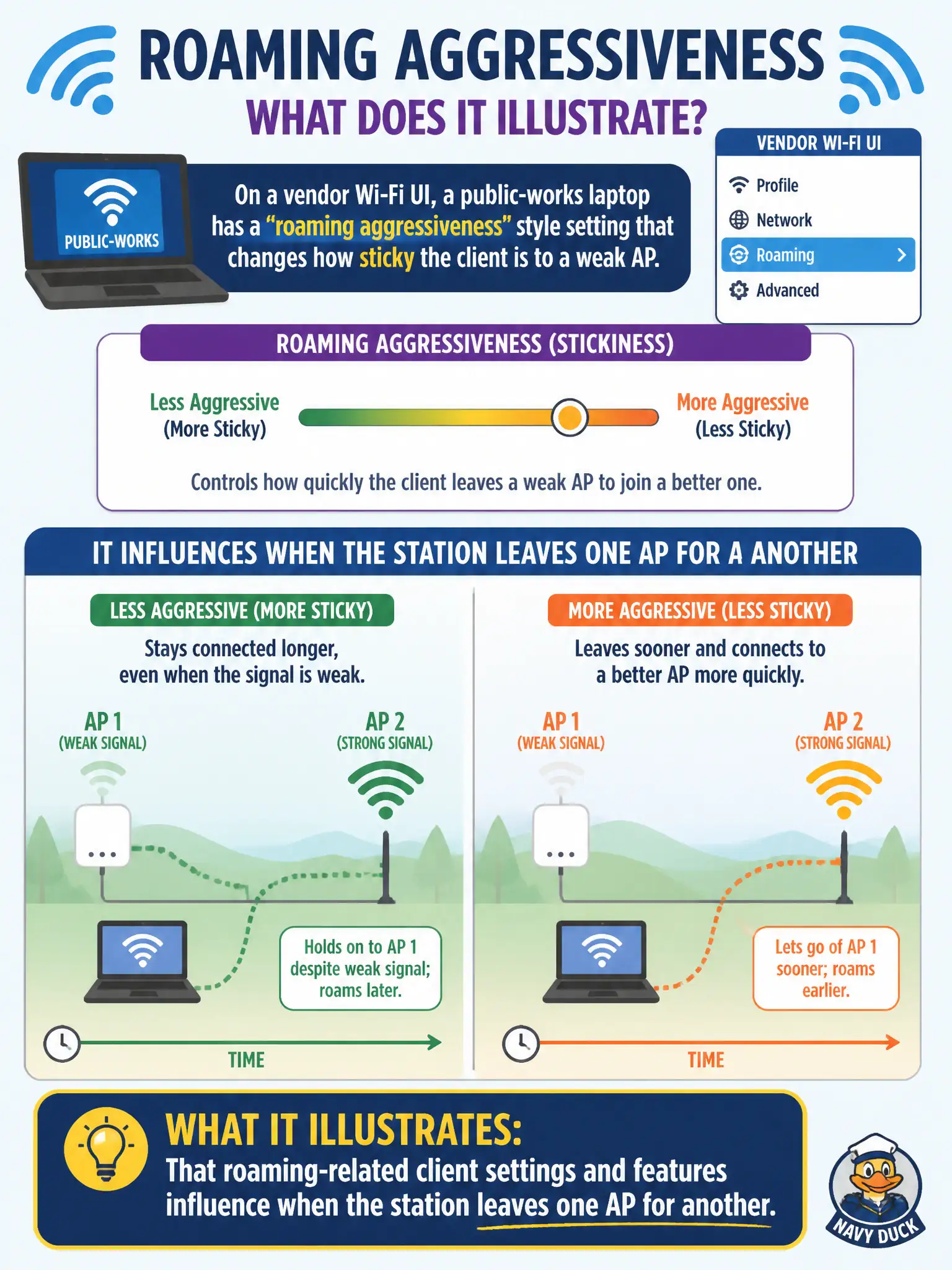
On a vendor Wi-Fi UI, a public-works laptop has a 'roaming aggressiveness' style setting that changes how sticky the client is to a weak AP. What does that illustrate?
Select an answer to reveal the explanation.
Short Explanation
Roaming aggressiveness is the client's 'when do I let go?' dial. Crank it differently and the laptop may cling to a fading AP or jump sooner. Client roam features matter—alongside the RF the design already set.
Full Explanation
That public-works laptop setting for roaming aggressiveness illustrates that roaming-related client settings and features influence when the station leaves one AP for another. Vendor UIs expose thresholds and scanning behavior that make a client stickier or more eager to roam across municipal yards and campuses. Technicians adjust these controls with evidence: overly sticky clients hold weak APs in stairwells, while overly aggressive clients roam too often and interrupt field applications.
Roaming aggressiveness is not a substitute for correct passphrase or Enterprise credential configuration on the staff SSID. AP transmit power alone does not exclusively control client leave decisions when the station's own roam algorithm is mis-tuned. Disabling all 5 GHz radios is a destructive workaround that does not correctly fix sticky behavior and harms capacity on civic floors.
Exam caveat: treat roam aggressiveness as a client behavior control—change it only after confirming the profile security and SSID selection are already correct. Operational check: note the current value, walk a known-good public-works laptop along a problem path, adjust one step if it holds a weak AP too long, and retest without changing unrelated security settings. Document the final value in the device image standard for the crew.