
A tri-band municipal tablet can use 6 GHz where the WLAN offers it. How should the technician use that fact when planning connections?
Select an answer to reveal the explanation.
Short Explanation
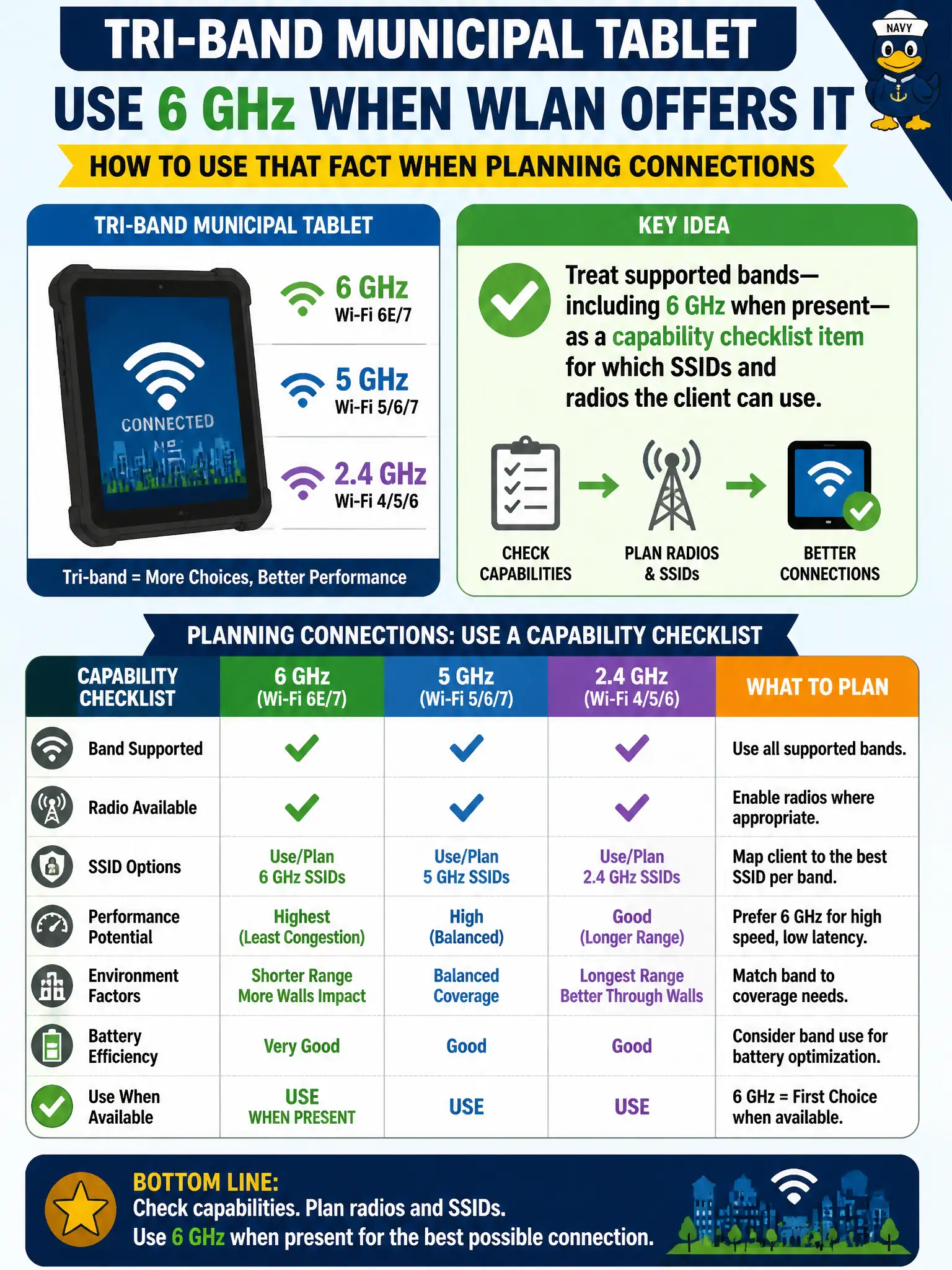
Tri-band just means the tablet has more radio doors it can walk through—2.4, 5, and maybe 6 GHz. Put band support on the checklist before you promise a device will join a shiny new SSID. Specs first, assumptions later.
Full Explanation
A tri-band municipal tablet that can use 6 GHz where the WLAN offers it should have supported bands—including 6 GHz when present—treated as a capability checklist item for which SSIDs and bands the device may join. Technicians inventory 2.4 GHz, 5 GHz, and 6 GHz support to match devices to civic SSID designs, Wi-Fi 6E/7 deployments, and building coverage realities. Band support determines whether a tablet can use newer low-congestion spectrum the city enables in specific halls or clinics.
Six-gigahertz capability does not mean every municipal SSID is 6 GHz-only, nor does it obsolete Enterprise security profiles. Forcing a dual-band-only laptop onto 6 GHz fails if that radio is absent from the hardware. Ignoring band lists and only checking RSSI on 2.4 GHz misses why a tablet might prefer or require particular bands for performance.
Exam caveat: supported bands are first-class client capabilities alongside MIMO and channel width when designing or troubleshooting municipal WLANs. Operational check: read the tablet's band specifications, confirm which city SSIDs and AP radios offer 6 GHz, associate on a supporting BSS, and verify the connection reports the expected band before promising 6 GHz performance citywide.