
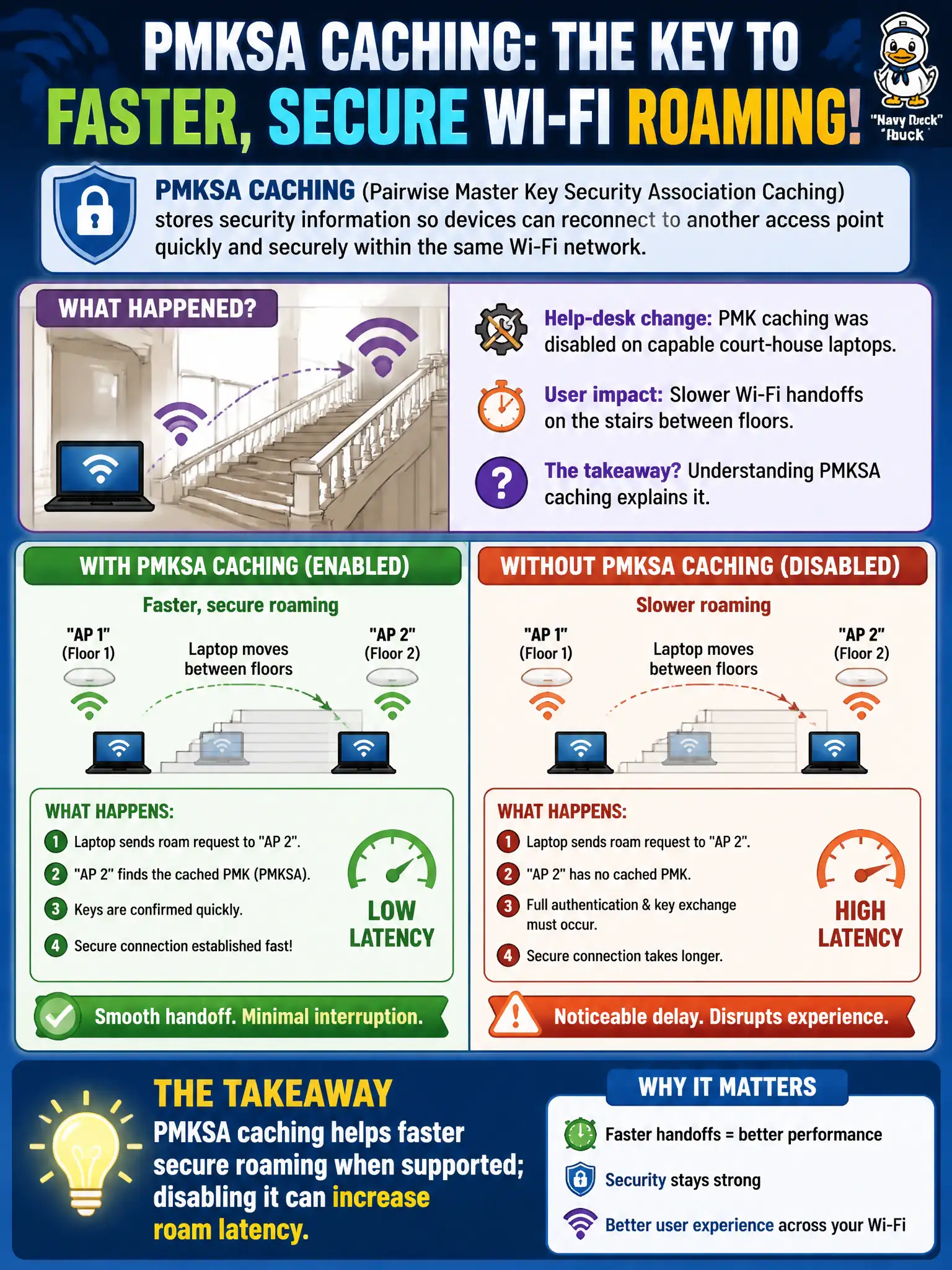
After a help-desk change disables PMK caching on capable court-house laptops, users report slower Wi-Fi handoffs on the stairs between floors. What is the most accurate takeaway?
Select an answer to reveal the explanation.
Short Explanation
PMKSA caching is like remembering the handshake so you do not reintroduce yourself at every doorway. Turn it off on capable clients and those stairwell roams can feel sticky and slow. Caching helps roam speed—it is not a substitute for the right security type.
Full Explanation
After a help-desk change disables PMK caching on capable court-house laptops, users who roam between APs may report longer secure re-authentication delays or brief application stalls. PMKSA caching helps faster secure roaming when the client and infrastructure support it by reusing key material instead of repeating a full EAP exchange at every roam. Disabling the feature can therefore increase roam latency on Enterprise staff SSIDs even though basic association still eventually succeeds for court staff.
PMK caching is not a substitute for adequate RF coverage, and disabling it does not fix wrong passwords or expired certificates. Raising AP transmit power citywide does not replace the lost fast-roam benefit on the client. Clearing browser cookies will not restore 802.11 PMKSA behavior on the wireless adapter used by courtroom applications.
Exam caveat: connect roam-latency complaints after feature changes to preauthentication or PMKSA settings before redesigning the entire RF plan. Operational check: re-enable PMKSA caching or equivalent vendor roaming assists on a test courthouse laptop, walk between known APs on the staff SSID, and compare authentication timers and user-perceived stalls with the disabled state.