
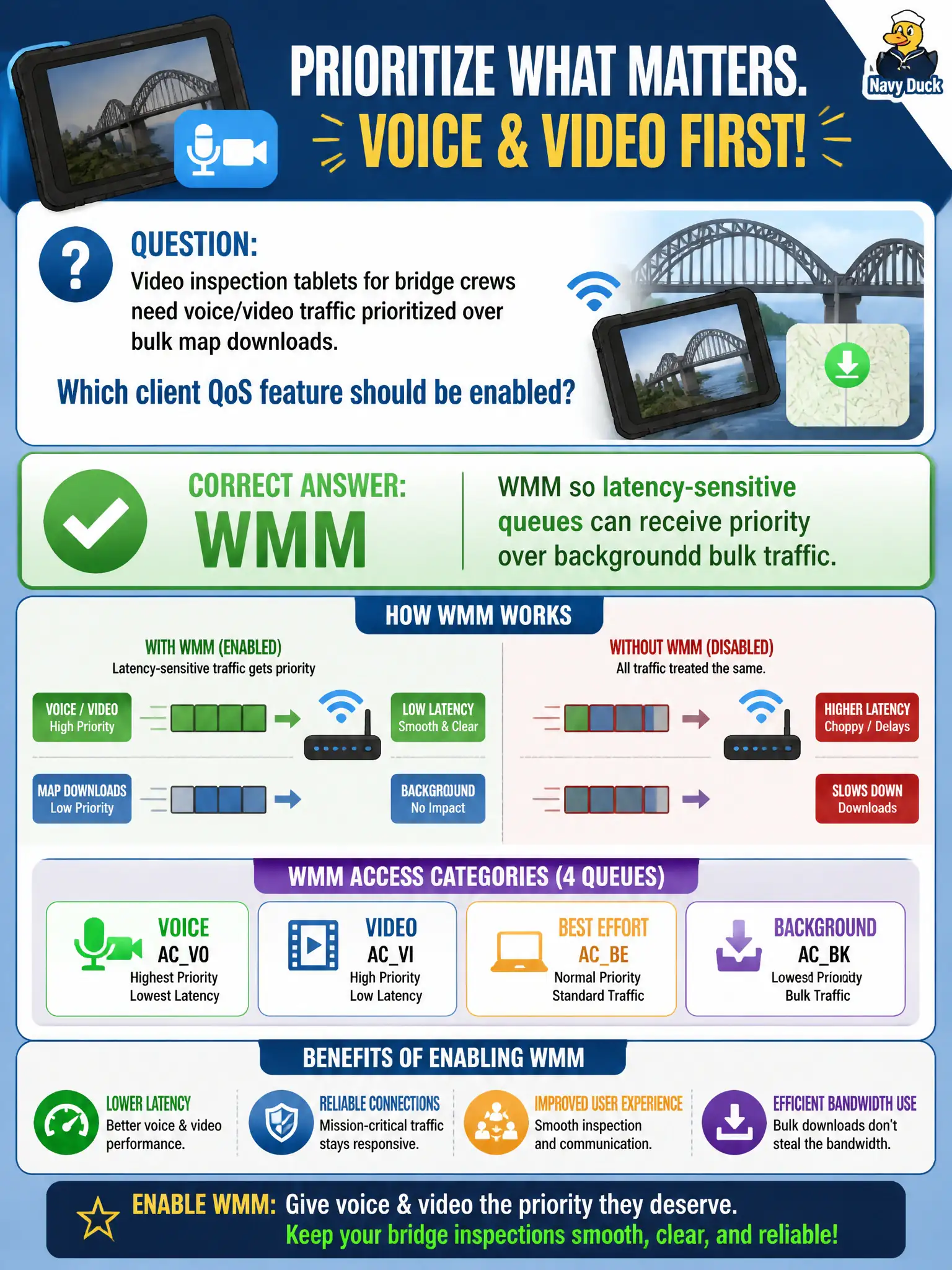
Video inspection tablets for bridge crews need voice/video traffic prioritized over bulk map downloads. Which client QoS feature should be enabled?
Select an answer to reveal the explanation.
Short Explanation
Video over bulk downloads is a WMM story—priority lanes for latency-sensitive traffic. Hiding the SSID or turning on WEP doesn't build QoS queues. Isolation would just cut the tablets off.
Full Explanation
Video inspection tablets used by bridge crews need latency-sensitive voice and video traffic prioritized over bulk file transfers on the municipal WLAN. Enabling WMM on those clients—and ensuring the AP infrastructure supports WMM—allows access-category queuing so real-time media can contend more favorably than background uploads of inspection photos or logs. Without WMM, inspection video and voice share undifferentiated best-effort behavior with large transfers and degrade quickly under tower or yard congestion.
Prioritization is not achieved by disabling all QoS so every frame is equal on a congested AP. Captive-portal cookies do not implement 802.11 access categories for field media. Static WEP key rotation is unrelated to multimedia prioritization and introduces obsolete cryptography on civic tablets.
Exam caveat: WMM is the client-visible QoS feature CWT associates with voice/video priority on Wi-Fi—select it when the question focuses on client multimedia prioritization, while still remembering end-to-end QoS design. Operational check: confirm WMM is enabled on a bridge-crew tablet, start a video session while generating bulk traffic, and verify media remains usable compared with WMM disabled.