
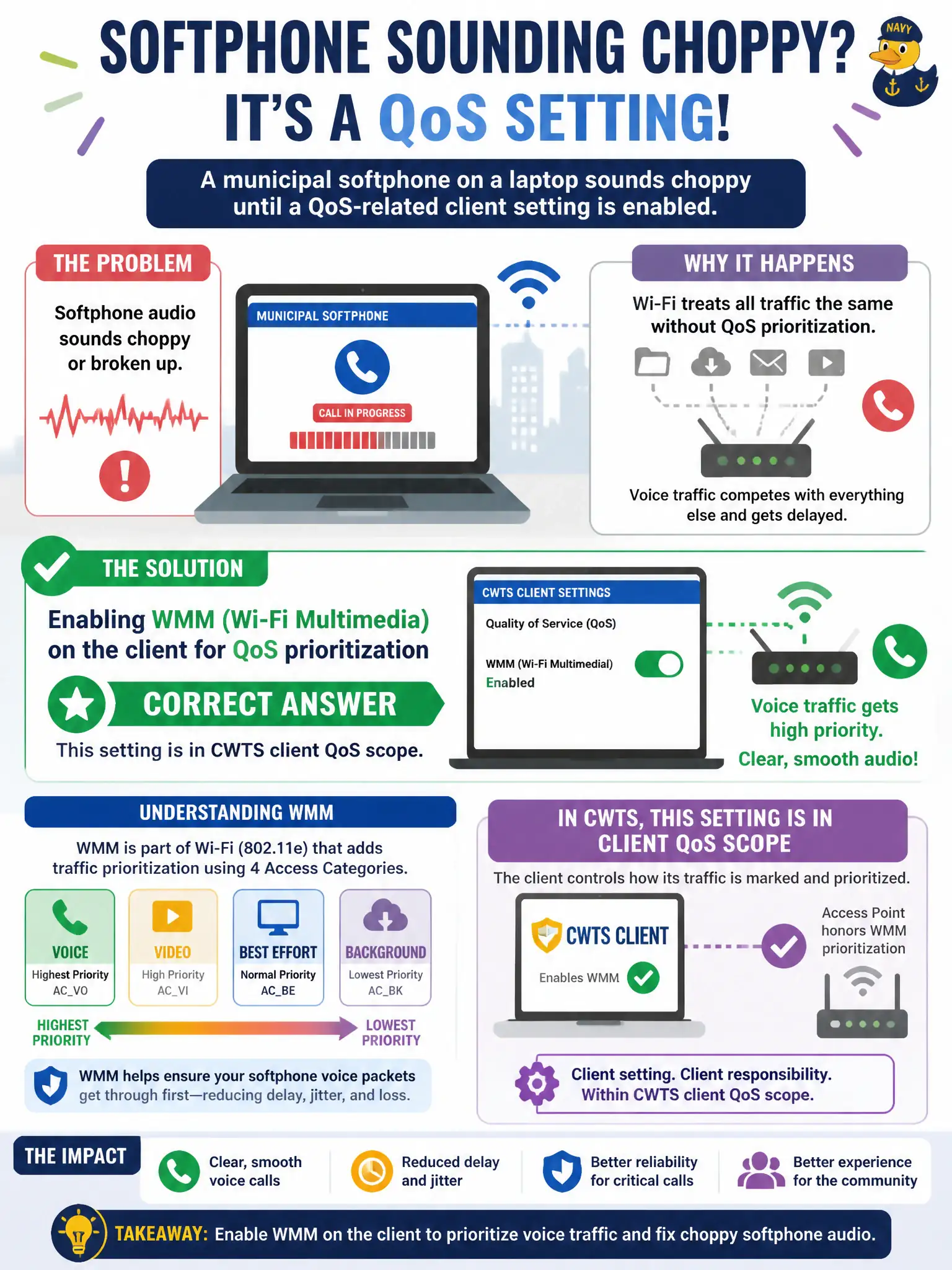
A municipal softphone on a laptop sounds choppy until a QoS-related client setting is enabled. Which setting is in CWTS client QoS scope?
Select an answer to reveal the explanation.
Short Explanation
Choppy softphone? Flip on WMM—that's the Wi-Fi QoS switch in scope. Killing retries or living only on 2.4 GHz isn't the QoS answer. Promiscuous mode isn't a voice priority button.
Full Explanation
Choppy municipal softphone audio on a laptop often improves when Wi-Fi Multimedia (WMM) is enabled on the client, because WMM provides 802.11 QoS prioritization for voice and other latency-sensitive queues. Enabling WMM allows the station to mark and contend using access categories so softphone frames can receive preferential treatment relative to bulk background traffic on a busy civic BSS. Softphone quality is therefore partly a client QoS-capability and configuration issue, not only a WAN bandwidth or codec issue at headquarters.
Disabling WMM to 'simplify' the driver removes the prioritization path the softphone needs when council-chamber or office airtime is congested. Enabling WMM does not create a VPN tunnel to headquarters; VPN is a separate overlay technology with its own client. Turning off encryption to reduce CPU load is unrelated to multimedia queueing and weakens the staff WLAN posture.
Exam caveat: WMM is QoS on Wi-Fi—do not confuse it with VPN, captive portal, or VLAN tagging alone. Operational check: verify WMM is enabled in the OS or adapter advanced wireless settings on the softphone laptop, place a test call on a loaded municipal AP, and compare call quality against the WMM-disabled baseline before changing unrelated WAN settings.