
An MDM configuration profile delivers WPA3-Enterprise settings to city iOS tablets. What must those clients present to join the staff SSID?
Select an answer to reveal the explanation.
Short Explanation
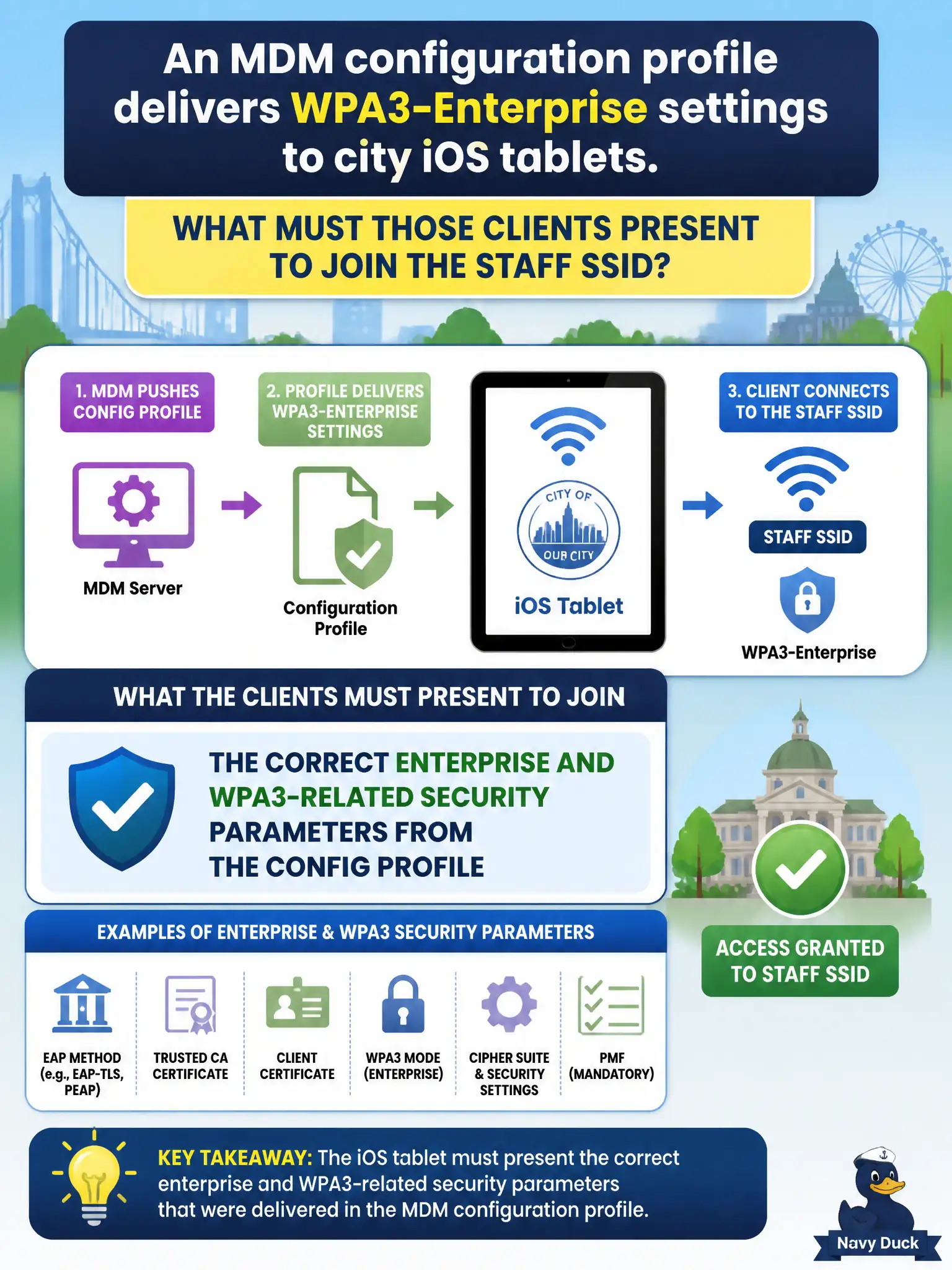
MDM already packed the WPA3-Enterprise suitcase—use those settings to join. Ignoring them for a PSK or open auth misses the staff SSID requirements. The profile is the client-side security source of truth here.
Full Explanation
When an MDM configuration profile delivers WPA3-Enterprise settings to city iOS tablets, the tablets must apply the correct Enterprise and WPA3-related security parameters from that config profile. MDM is the authoritative source for SSID, AKM, EAP, and certificate trust settings on managed civic devices; technicians should verify the pushed profile contents rather than manually inventing conflicting Personal passphrases on each tablet.
Ignoring the MDM payload and typing a hallway PSK creates a Personal profile that will not match a WPA3-Enterprise staff BSS. Stripping certificates from the profile because they 'look complicated' breaks EAP-TLS or server-validation paths the city intended. Relying on open SSIDs discovered by name alone bypasses the managed Enterprise posture MDM was deployed to enforce.
Exam caveat: MDM-delivered wireless profiles still require the security mode inside the payload to match the BSS—delivery method does not replace correct Enterprise/WPA3 parameters. Operational check: on a sample parks or clinic iPad, open the managed Wi-Fi profile, confirm WPA3-Enterprise and EAP settings match documentation, remove any manual duplicate SSID entries, and test association under supervision.