
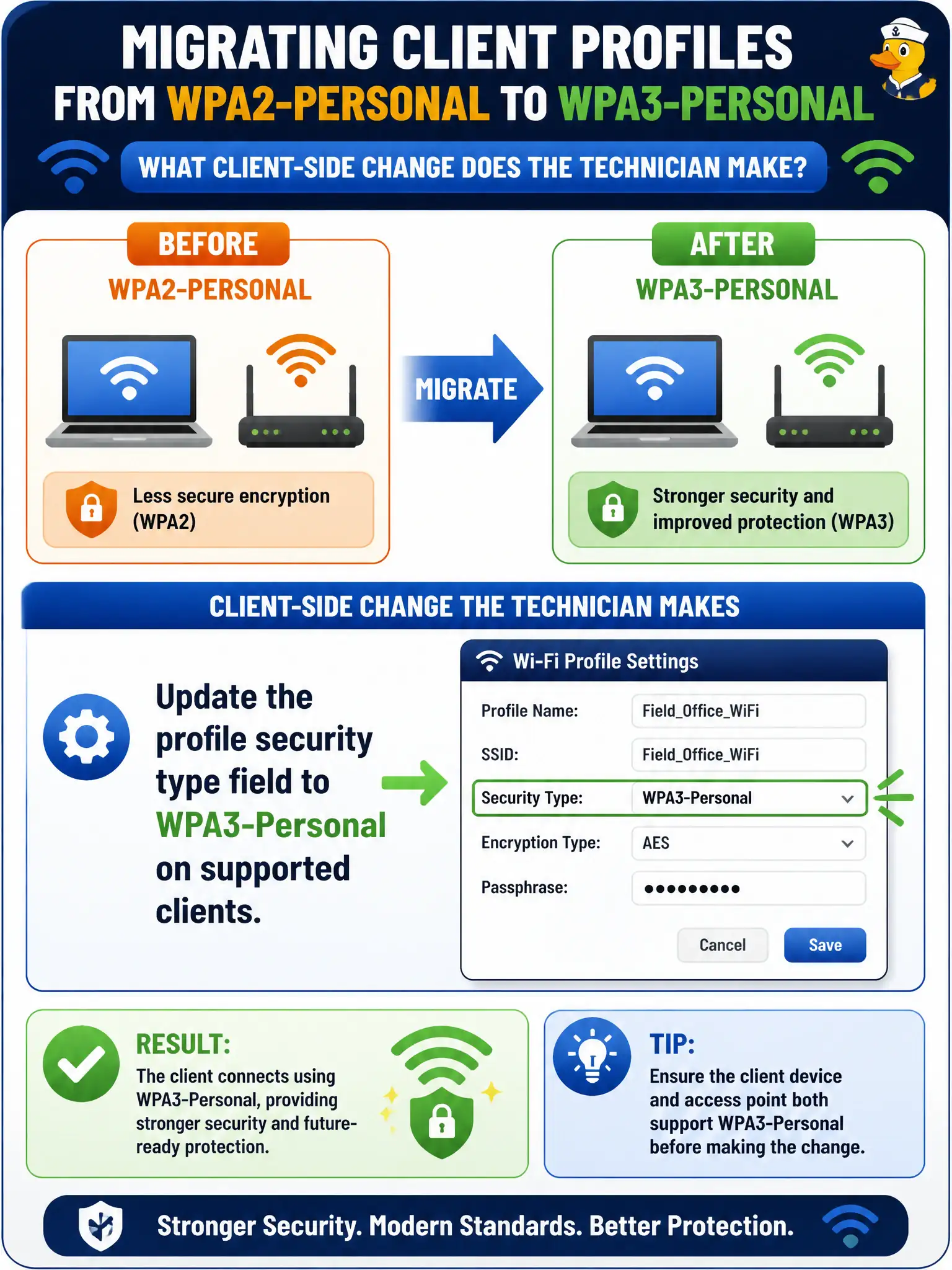
Field offices are migrating client profiles from WPA2-Personal to WPA3-Personal. What client-side change does the technician make?
Select an answer to reveal the explanation.
Short Explanation
Migration is a security-type edit on the profile—not a cosmetic SSID rename. Flip WPA2-Personal to WPA3-Personal where clients support it. Open networks and Telnet are not the WPA3 checklist.
Full Explanation
Migrating municipal field-office client profiles from WPA2-Personal to WPA3-Personal requires updating the profile security type field to WPA3-Personal on supported clients. The SSID string alone does not change AKM; the client must offer SAE/WPA3-Personal to match the upgraded BSS. Technicians should stage the security-type change with the infrastructure cutover so field laptops join with the intended modern Personal mode and do not fall back to stale WPA2-Personal entries.
Only renaming the SSID while leaving security type on WPA2-Personal leaves clients on the old AKM and fails a true WPA3-Personal migration. Removing all passphrases so WPA3-Personal runs as an open network misunderstands WPA3-Personal, which still uses a passphrase with SAE. Enabling Telnet on the laptop to renegotiate AKM outside the wireless profile is unrelated to 802.11 security-type configuration on civic clients.
Exam caveat: migration checklists must explicitly change the client security type—SSID cosmetic edits are a common distractor on technician exams. Operational check: after updating a field-office laptop to WPA3-Personal, associate and confirm the connection status reports WPA3-Personal, then remove leftover WPA2-Personal duplicate profiles for the same SSID.