
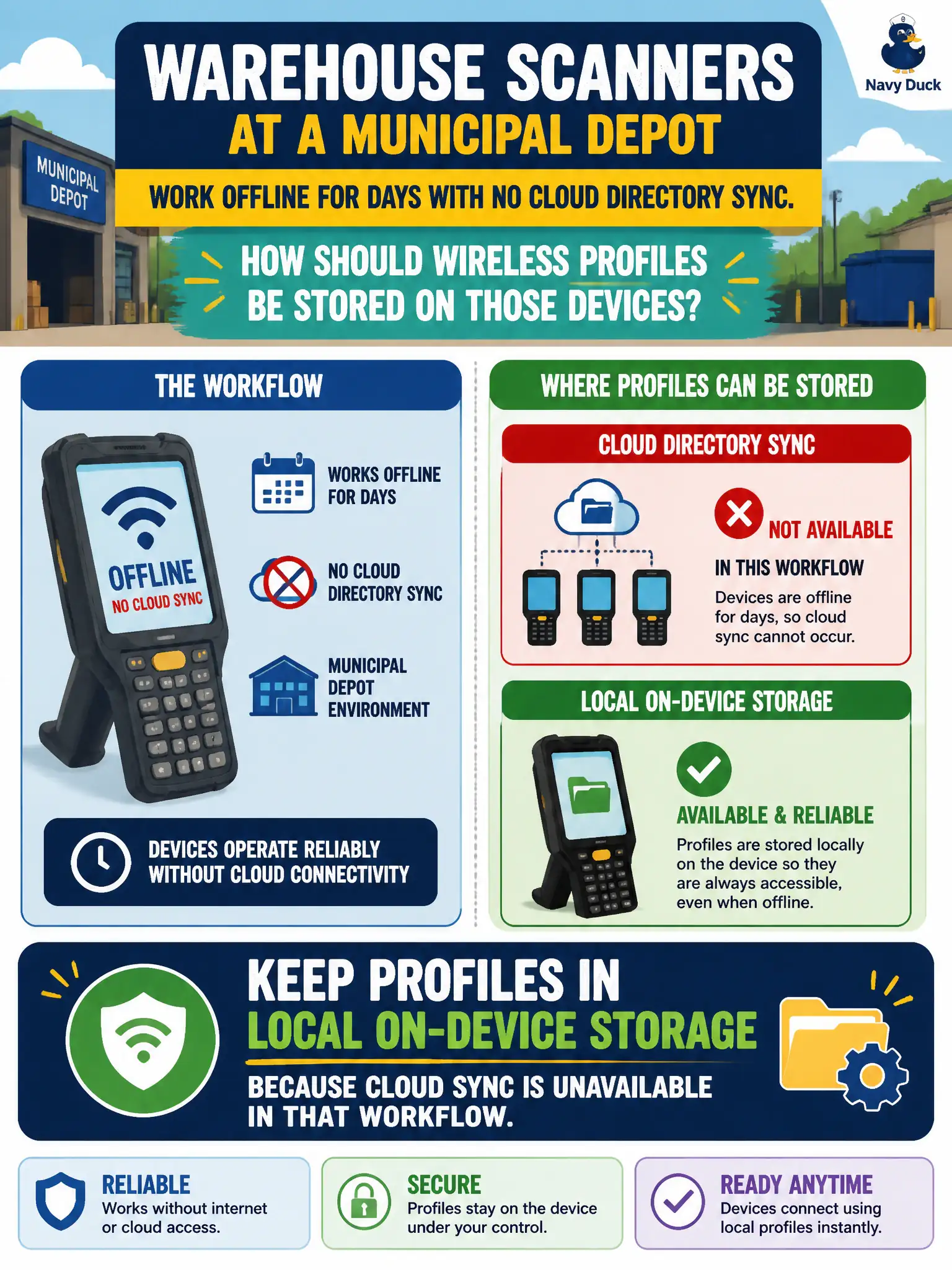
Warehouse scanners at a municipal depot work offline for days with no cloud directory sync. How should wireless profiles be stored on those devices?
Select an answer to reveal the explanation.
Short Explanation
Think of it like a paper roster on the forklift when the office Wi-Fi is gone—local profiles stay on the scanner. Cloud-backed sync is great when reachable; offline depot gear needs profiles that live on the device. APs and captive portals are not the profile store.
Full Explanation
Municipal depot warehouse scanners that operate offline for days cannot depend on cloud or directory reachability to obtain wireless settings at boot. Wireless profiles for those devices should therefore reside in local on-device storage so association and authentication parameters remain available when MDM, identity providers, or Internet paths are absent. Local profiles let scanners join the depot WLAN immediately and continue work without waiting for a cloud sync that the workflow intentionally lacks.
Forcing cloud-only profiles that fail closed until MDM reaches the Internet breaks offline warehouse operations and strand scanners that never see the Internet during a shift. Storing profiles only on nearest-AP flash is not how 802.11 client credentials are managed; APs do not serve as the durable profile repository for each scanner. Captive-portal cookies are session artifacts for web gateways, not a substitute for a saved WPA/WPA2/WPA3 wireless profile.
Exam caveat: cloud-backed profiles are excellent when connectivity is reliable, but CWT scenarios that emphasize offline civic gear require local storage as the design choice. Operational check: power a scanner with WAN blocked, confirm the depot SSID profile is still present locally, and verify association succeeds without MDM contact.