
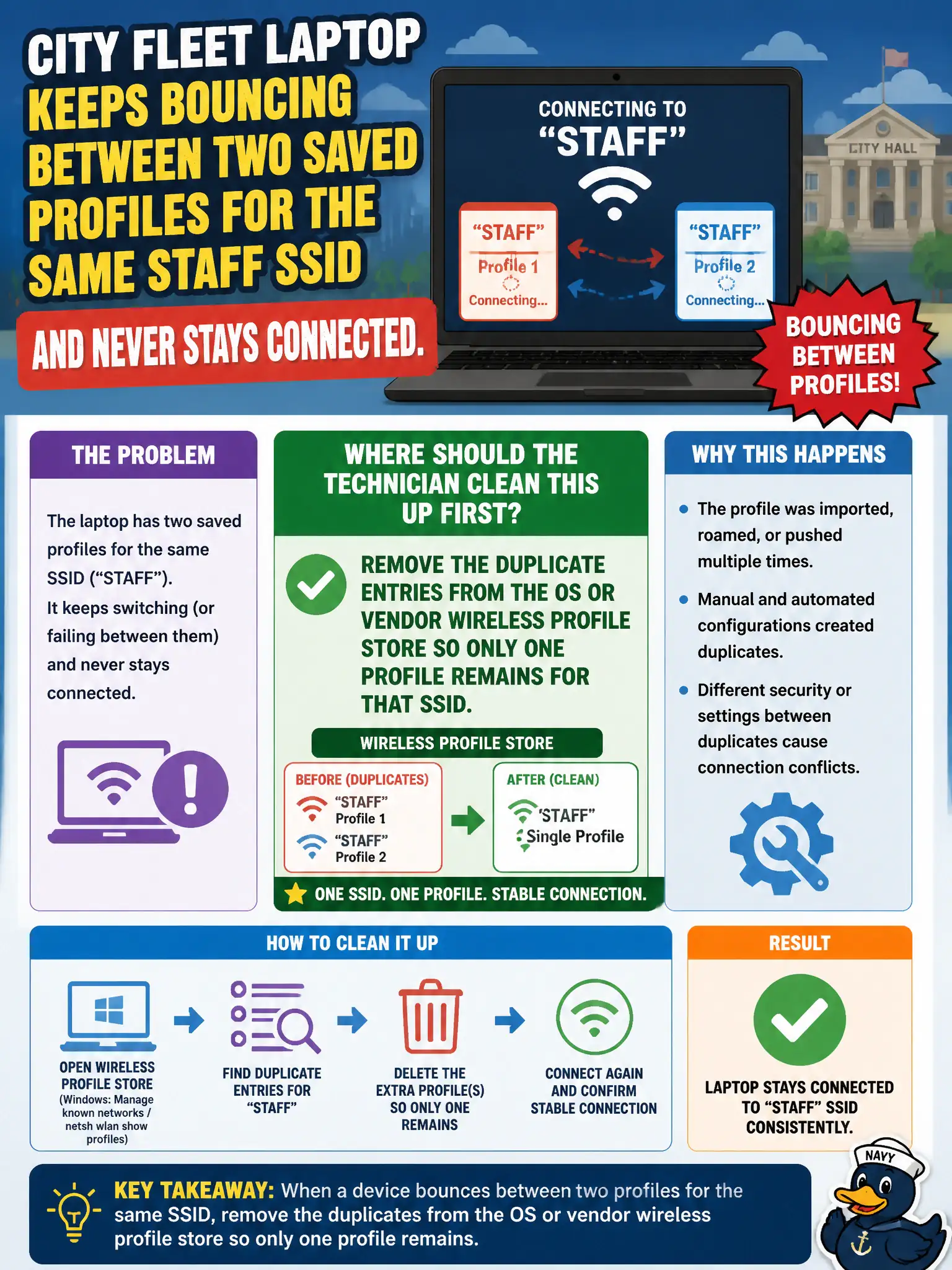
A city fleet laptop keeps bouncing between two saved profiles for the same staff SSID and never stays connected. Where should the municipal technician clean this up first?
Select an answer to reveal the explanation.
Short Explanation
Two nametags for the same door confuse the auto-connect brain—delete the extra profile. Profile management lives in the OS or vendor utility store, not in AP power or WMM knobs. Clean the list, then reconnect.
Full Explanation
Duplicate wireless profiles for the same municipal staff SSID confuse auto-connect and roaming logic on the city fleet laptop. The operating system or vendor wireless utility stores each profile as a distinct set of security and network parameters; when two entries name the same SSID with differing or stale settings, the client may oscillate between them and never hold a stable association. The first remediation is therefore in the client profile store: remove the extras so only one authoritative profile remains for that SSID, then reconnect and verify persistence across sleep and reboot.
Raising AP transmit power citywide does not resolve which local profile the laptop selects, and it can worsen co-channel interference for other civic clients. Disabling WMM changes multimedia queue behavior; it is unrelated to profile duplication or SSID preference. Replacing a RADIUS certificate template without cleaning client profiles leaves the dual-profile conflict intact and may disrupt Enterprise authentication for unrelated devices.
Exam caveat: profile cleanup is a client-side inventory task—confirm the surviving profile's security type and credentials match the intended civic BSS before declaring success. Operational check: after deletion, list saved networks on the fleet laptop, confirm a single entry for the staff SSID, reconnect, and validate that association remains stable through a roam or reboot in the municipal office.