
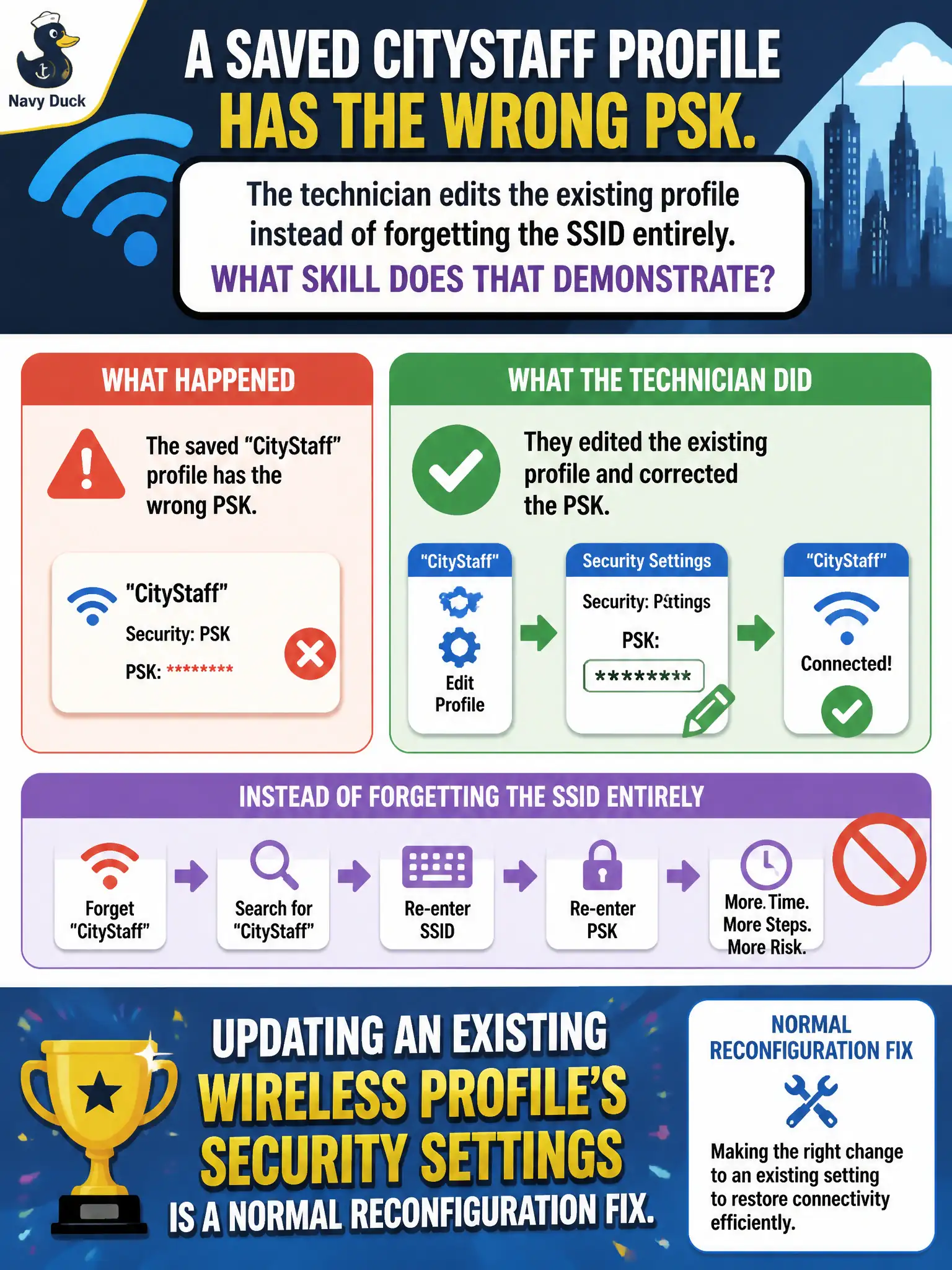
A saved CityStaff profile has the wrong PSK. The technician edits the existing profile instead of forgetting the SSID entirely. What skill does that demonstrate?
Select an answer to reveal the explanation.
Short Explanation
Wrong PSK in a saved profile is a paperwork typo—open the profile, fix the security field, save. No need to forget the whole SSID or factory-reset the building. Reconfigure the existing profile and rejoin.
Full Explanation
Editing an existing CityStaff profile to fix a wrong PSK—rather than forgetting the SSID entirely—demonstrates that updating an existing wireless profile’s security settings is a normal reconfiguration fix. Profiles are not immutable pending an AP factory reset. Wrong PSKs are not corrected only by renaming the SSID on every campus AP. Technicians need not delete TCP/IP stacks to fix PSK typos. Exam caveat: after editing, reconnect and confirm; some OS versions cache old keys until a toggle. Operational check: open the saved profile, correct the PSK, apply, reconnect to CityStaff, and update the image/master profile so future clones inherit the fix. Record profile-edit as standard municipal help-desk procedure. In municipal WLAN operations, record the rationale in the work order so future on-call staff know which client concept applied and which failure modes the rejected options would create for city services. Re-validate after the next change window that the same profile and security settings still hold for the civic client mix. Keep civic client documentation aligned with the approved SSID and security design. Keep civic client documentation aligned with the approved SSID and security design.