
MDM pushes an Enterprise EAP wireless profile to municipal phones. What delivery model should the technician recognize?
Select an answer to reveal the explanation.
Short Explanation
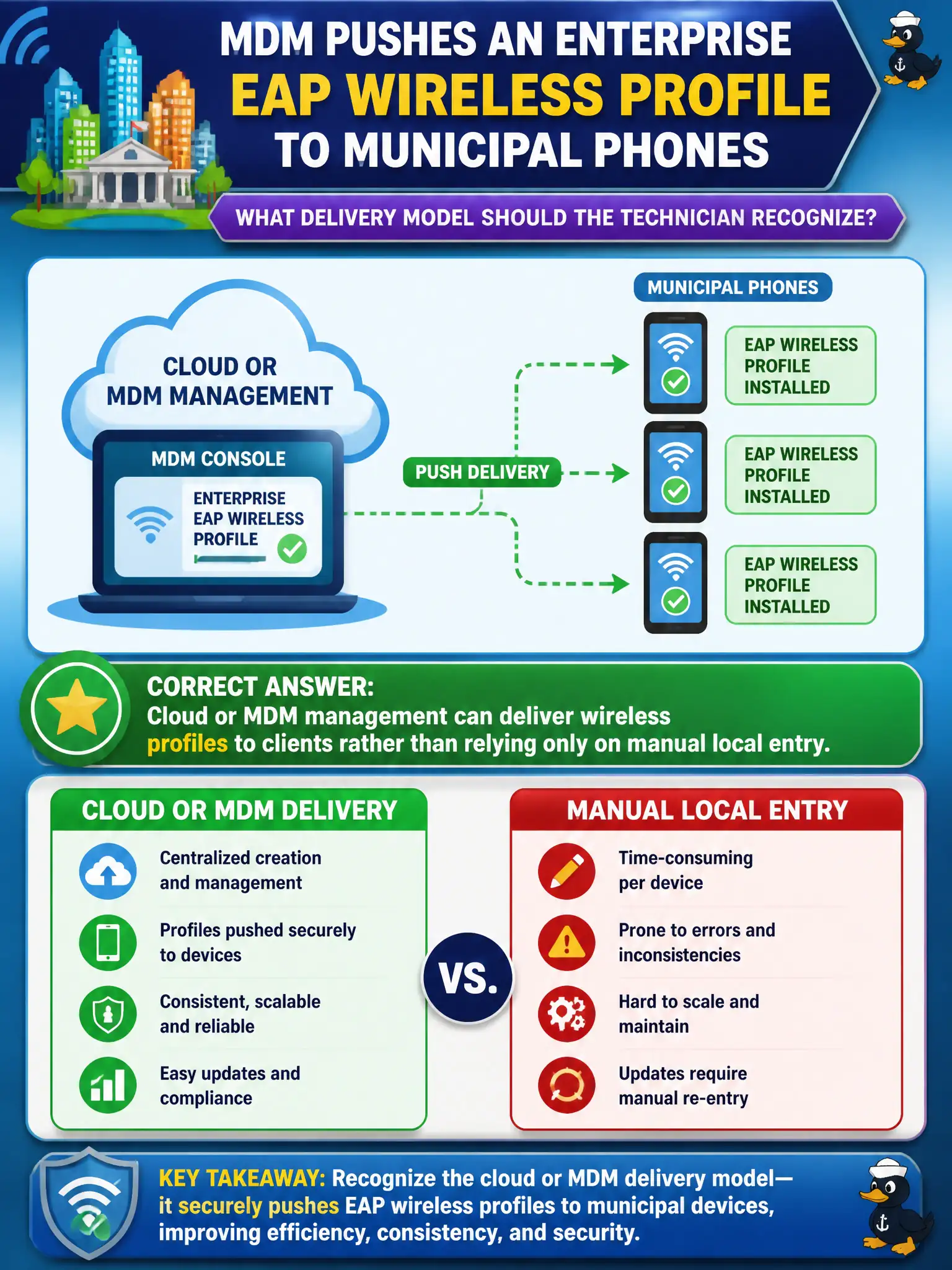
MDM dropping an Enterprise EAP profile onto phones is cloud delivery of wireless settings, not a parlor trick. The technician should recognize that managed clients can receive SSID and 802.1X/EAP parameters without typing every field. Push beats repetitive thumb-entry.
Full Explanation
MDM pushing an Enterprise EAP wireless profile to municipal phones is a delivery model where cloud or MDM management delivers wireless profiles to clients rather than relying only on manual local entry. MDM is not limited to email signatures for this purpose. Enterprise EAP profiles do reside on the phone as client configuration even though RADIUS validates credentials. Pushing profiles does not disable 802.1X or force open SSIDs. Exam caveat: still validate certificates/realm settings in the pushed payload. Operational check: confirm the MDM profile payload (SSID, EAP method), install on a test phone, authenticate, and document MDM profile delivery in the civic mobility standard. In municipal WLAN operations, record the rationale in the work order so future on-call staff know which client concept applied and which failure modes the rejected options would create for city services. Re-validate after the next change window that the same profile and security settings still hold for the civic client mix. Keep civic client documentation aligned with the approved SSID and security design. Keep civic client documentation aligned with the approved SSID and security design. Keep civic client documentation aligned with the approved SSID and security design.