
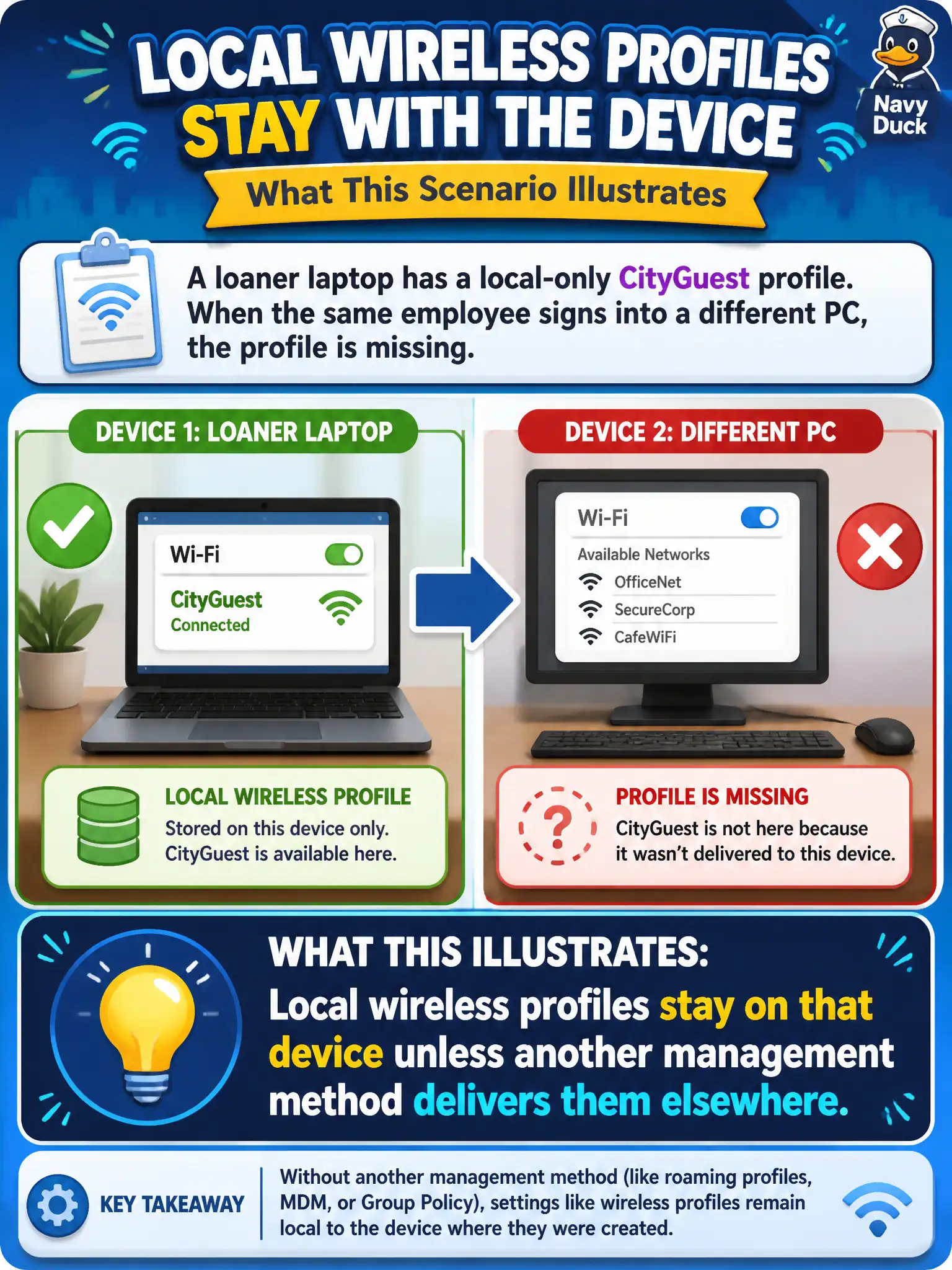
A loaner laptop has a local-only CityGuest profile. When the same employee signs into a different PC, the profile is missing. What does that illustrate?
Select an answer to reveal the explanation.
Short Explanation
A local-only profile is glued to that loaner like a sticker on one hard hat—it does not teleport when the employee sits at another PC. Unless MDM or another system pushes it, the second device starts empty. Local means local.
Full Explanation
A loaner laptop’s local-only CityGuest profile missing on a different PC illustrates that local wireless profiles stay on that device unless another management method delivers them elsewhere. Local profiles do not automatically follow the user via the SSID beacon, are not replicated to all APs and every client overnight by virtue of one save, and a missing profile on PC two does not prove PC one never stored it. Exam caveat: use MDM/domain profile deployment for staff who hop devices. Operational check: either recreate CityGuest on the second PC or deploy via management, verify join, and label loaners as local-profile devices in municipal asset notes. In municipal WLAN operations, record the rationale in the work order so future on-call staff know which client concept applied and which failure modes the rejected options would create for city services. Re-validate after the next change window that the same profile and security settings still hold for the civic client mix. Keep civic client documentation aligned with the approved SSID and security design. Keep civic client documentation aligned with the approved SSID and security design. Keep civic client documentation aligned with the approved SSID and security design.