
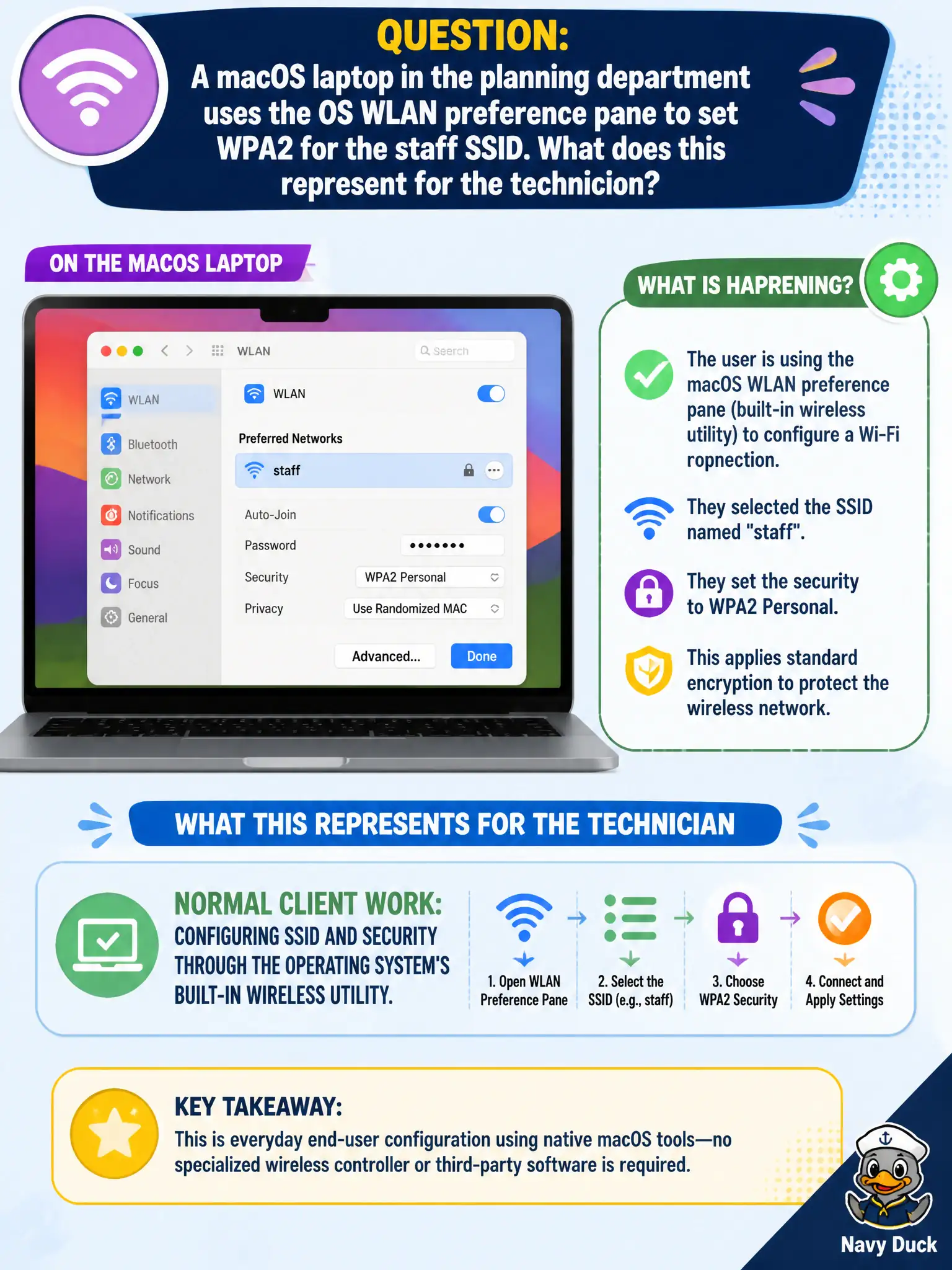
A macOS laptop in the planning department uses the OS WLAN preference pane to set WPA2 for the staff SSID. What does this represent for the technician?
Select an answer to reveal the explanation.
Short Explanation
Setting WPA2 in the macOS WLAN pane is everyday technician work: OS utility, SSID, security, done. No need to pretend only AP CLI can assign Personal mode on Apple clients. Use the built-in panel and match the BSS.
Full Explanation
A macOS laptop in the planning department that uses the OS WLAN preference pane to set WPA2 for the staff SSID represents normal client work: configuring SSID and security through the operating system’s built-in wireless utility. Technicians routinely use built-in OS tools on macOS, Windows, iOS, Android, and ChromeOS when MDM is not mandatory for that device. Personal or Enterprise settings entered in the OS pane are valid client configuration methods at CWTS technician depth. Civic support docs should describe the OS path staff actually use, not pretend only AP CLI can define client encryption.
Calling it an unsupported method because macOS cannot set WPA2 without a separate hardware token fails by concept: macOS can configure WPA2/WPA3 in system settings without a special token for ordinary Personal or Enterprise profiles. Labeling it a security violation because only AP CLI can assign client encryption modes fails: APs advertise BSS security; clients select matching profiles locally or via MDM. Claiming it proves profiles must be cloud-only and that local OS panes cannot store Personal mode settings fails because local OS wireless preferences commonly store Personal SSIDs and keys when policy allows.
Exam caveat: MDM may still be preferred for managed fleets, but the local OS wireless pane remains a valid technician method when policy permits—cloud-only is not a universal rule.
Operational check: in the macOS WLAN preference pane, set the staff SSID and WPA2/WPA3 settings to match the civic design; join and verify connectivity; if the device is MDM-managed, confirm the pane does not conflict with pushed profiles; document the approved client config path for planning-department Macs.