
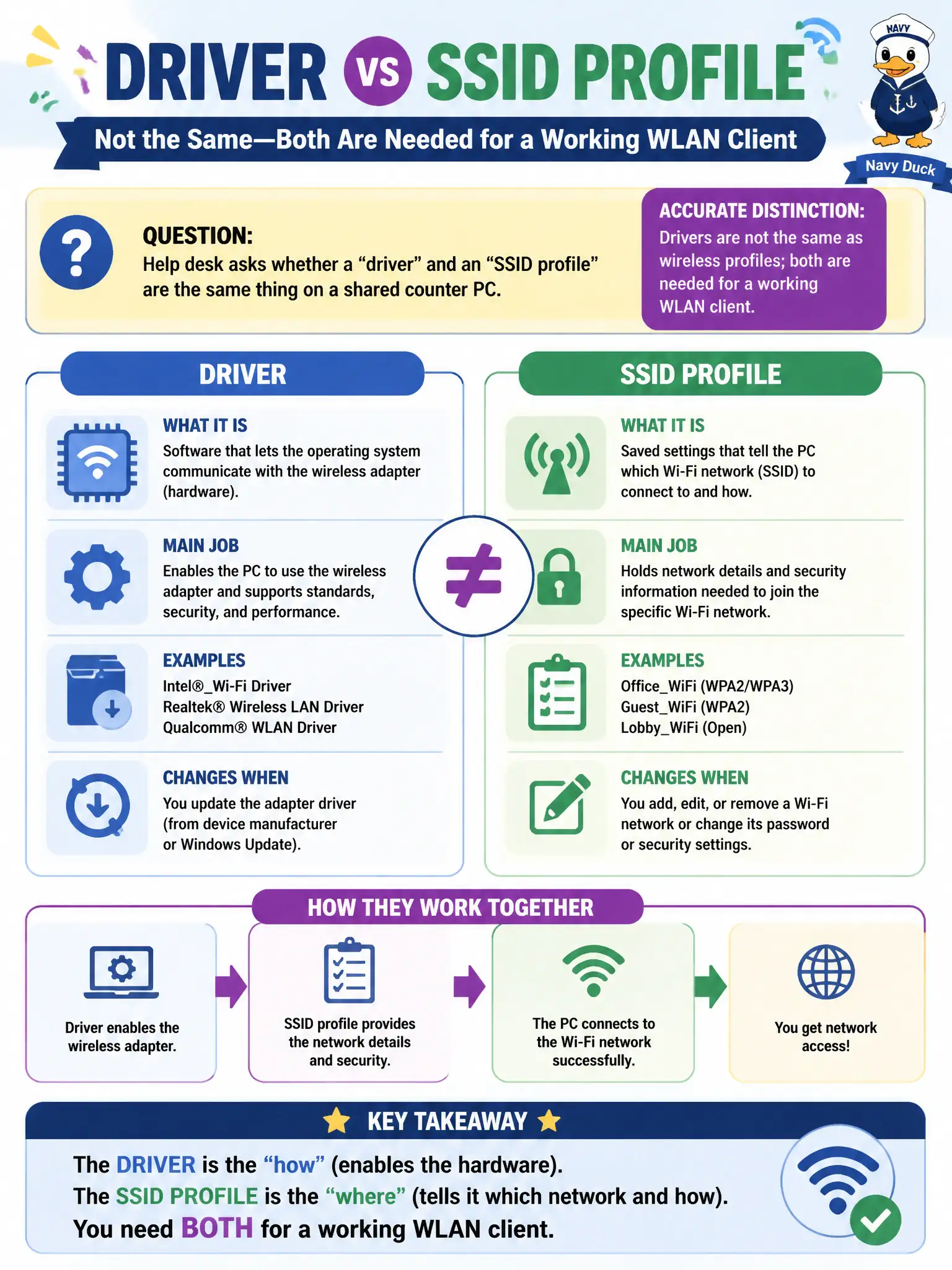
Help desk asks whether a "driver" and an "SSID profile" are the same thing on a shared counter PC. What is the accurate distinction?
Select an answer to reveal the explanation.
Short Explanation
A driver is the translator for the Wi-Fi hardware; a profile is the saved name-and-security recipe. You need both—like needing a working radio and the right channel card in the glove box. Do not let help desk collapse those two words into one.
Full Explanation
A driver and an SSID profile are not the same thing: drivers enable the hardware while profiles store network name and security recipes—both are needed for a working WLAN client on a shared counter PC. An SSID profile is not merely another name for the Device Manager driver package. Removing the driver after a profile exists breaks association capability. Drivers do not only store passphrases while profiles only load firmware with exclusive reversed roles. Exam caveat: fix “no Wi-Fi” by checking driver health before rewriting profiles, and vice versa. Operational check: verify driver status, then confirm the CityStaff profile contents, reconnect, and teach help desk the driver-versus-profile distinction in civic scripts. In municipal WLAN operations, record the rationale in the work order so future on-call staff know which client concept applied and which failure modes the rejected options would create for city services. Re-validate after the next change window that the same profile and security settings still hold for the civic client mix. Keep civic client documentation aligned with the approved SSID and security design. Keep civic client documentation aligned with the approved SSID and security design.