
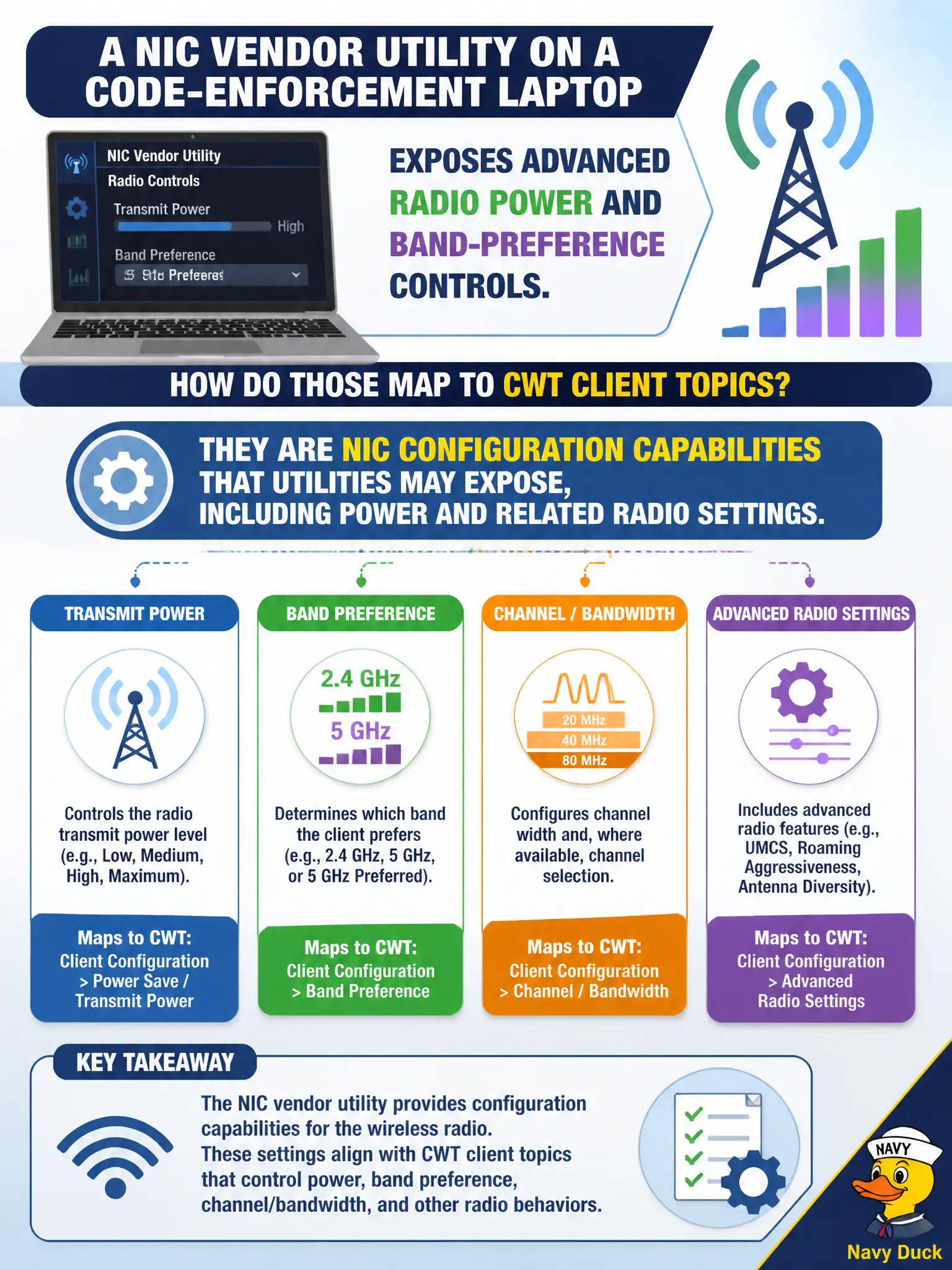
A NIC vendor utility on a code-enforcement laptop exposes advanced radio power and band-preference controls. How do those map to CWT client topics?
Select an answer to reveal the explanation.
Short Explanation
Vendor utilities that show radio power and band preference are just flashing the NIC's advanced checklist. Those are client-side configuration capabilities the technician may tune when the OS panel is too shallow. Power and band knobs on the laptop are still NIC config, not AP magic.
Full Explanation
NIC vendor utilities that expose advanced radio power and band-preference controls map to NIC configuration capabilities utilities may expose, including power and related radio settings. Those are not AP-only knobs that never appear on clients, not replacements for needing an SSID, and not excluded from CWTS client topics merely because they are power-related. Exam caveat: change client power only within municipal policy—overriding can hurt battery or roam behavior. Operational check: review vendor-utility power/band options on the code-enforcement laptop, set per standard, test reliability, and screenshot approved advanced settings into the endpoint baseline. In municipal WLAN operations, record the rationale in the work order so future on-call staff know which client concept applied and which failure modes the rejected options would create for city services. Re-validate after the next change window that the same profile and security settings still hold for the civic client mix. Keep civic client documentation aligned with the approved SSID and security design. Keep civic client documentation aligned with the approved SSID and security design. Keep civic client documentation aligned with the approved SSID and security design.