
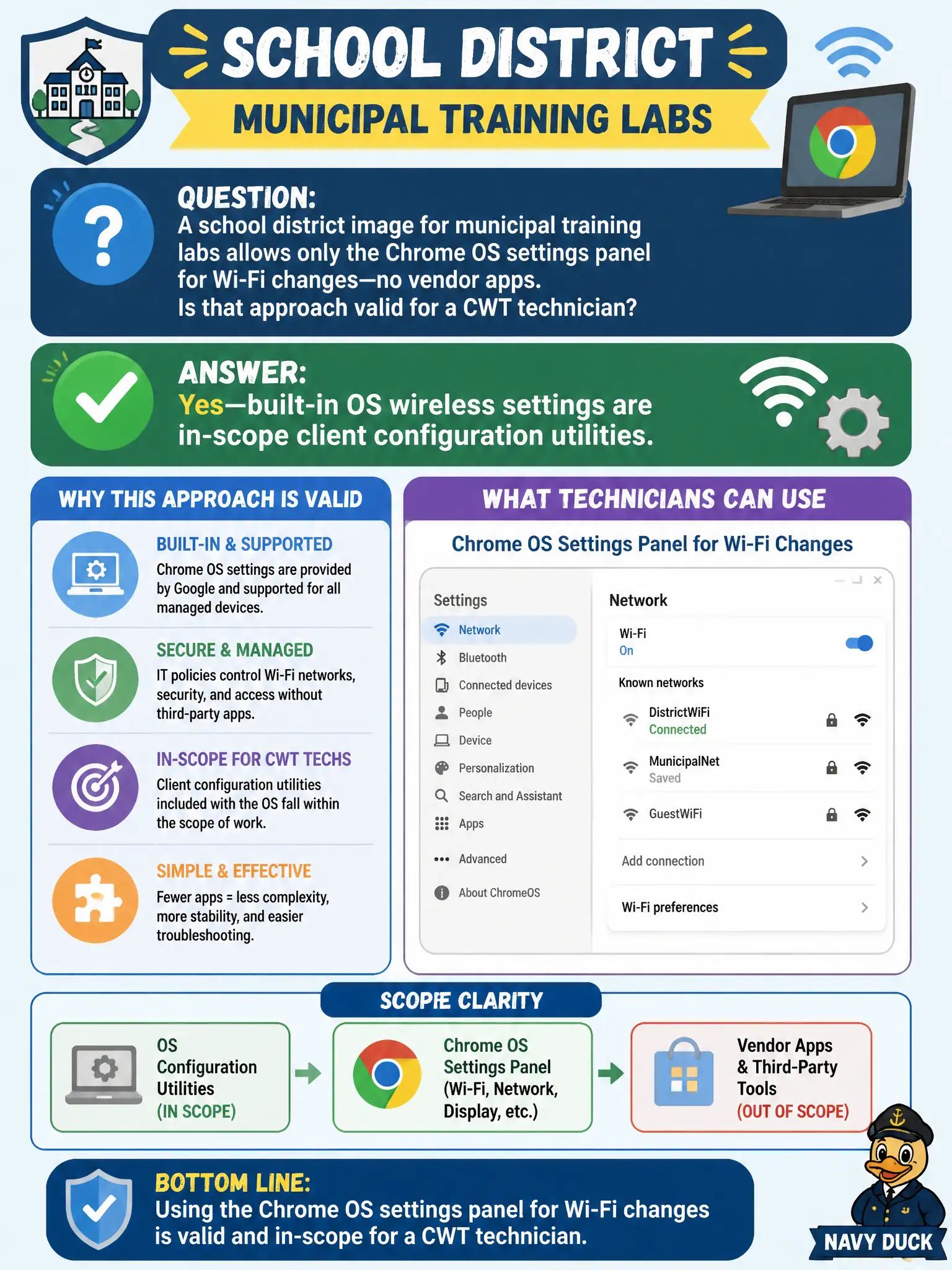
A school district image for municipal training labs allows only the Chrome OS settings panel for Wi-Fi changes—no vendor apps. Is that approach valid for a CWT technician?
Select an answer to reveal the explanation.
Short Explanation
Chrome OS Settings as the only Wi-Fi UI is not a workaround—it is a built-in OS configuration utility, and that is fully in scope. Municipal images can standardize on the native panel and still be doing real client config work. Built-in counts.
Full Explanation
Allowing only the Chrome OS settings panel for Wi-Fi on municipal training-lab images is valid: built-in OS wireless settings are in-scope client configuration utilities. Manufacturer wireless-center apps are not the sole recognized tools. Chrome OS does not need a Windows GPO to host wireless profiles. Technicians configure client SSIDs from the client OS utility, not only from an AP serial console. Exam caveat: managed Chrome devices may also receive cloud policy profiles—still an OS/management path, not a disqualification of Settings. Operational check: create the lab SSID in Chrome Settings (or confirm policy push), join, and document Chrome Settings as an approved utility in the district image standard. In municipal WLAN operations, record the rationale in the work order so future on-call staff know which client concept applied and which failure modes the rejected options would create for city services. Re-validate after the next change window that the same profile and security settings still hold for the civic client mix. Keep civic client documentation aligned with the approved SSID and security design. Keep civic client documentation aligned with the approved SSID and security design.