
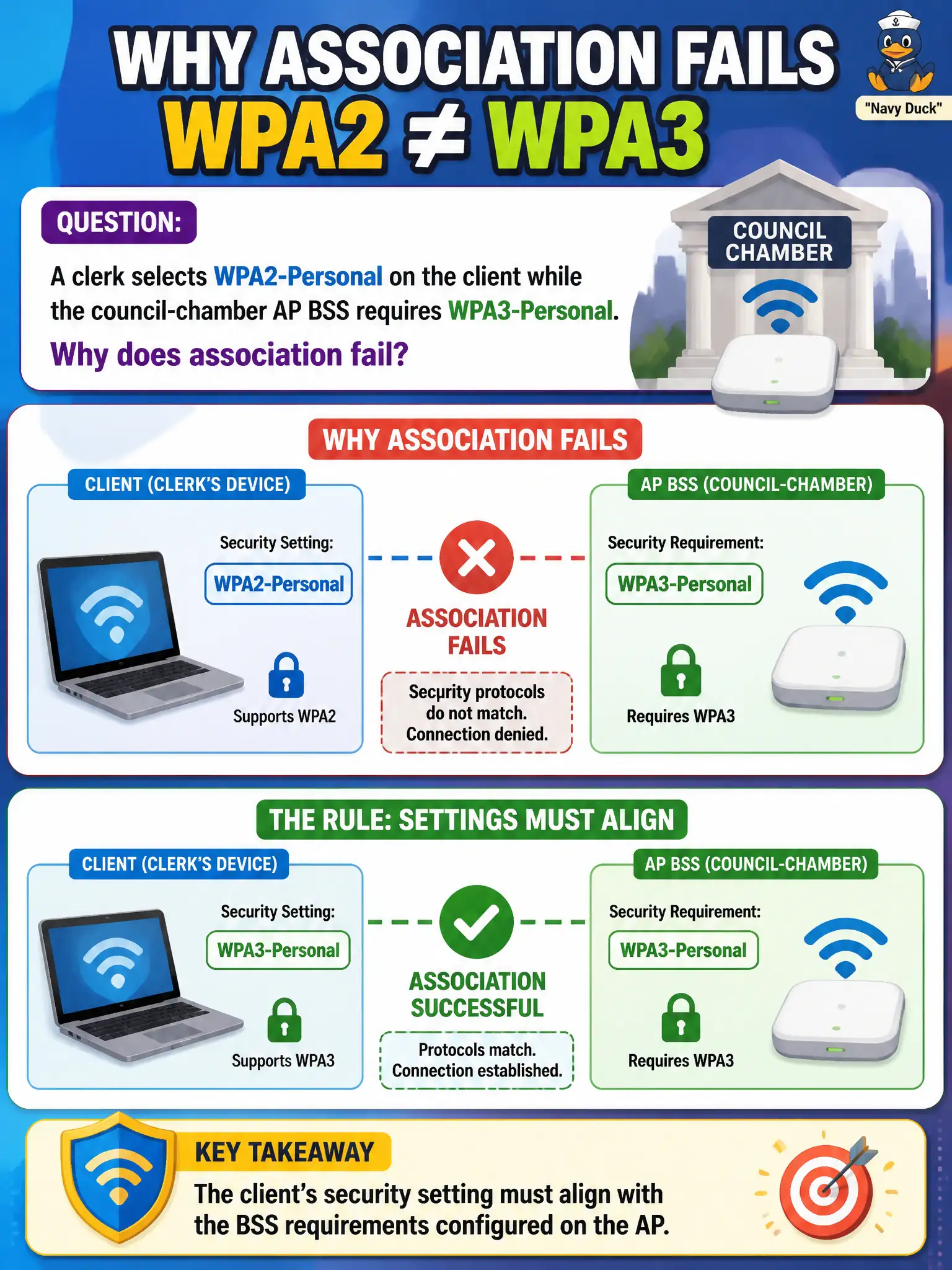
A clerk selects WPA2-Personal on the client while the council-chamber AP BSS requires WPA3-Personal. Why does association fail?
Select an answer to reveal the explanation.
Short Explanation
Client security type has to match the AP BSS like using the right keyway on a city lock—WPA2 on the laptop will not open a WPA3-Personal door. Align the security field with what the BSS requires. Close is not close enough for association.
Full Explanation
Association fails when a clerk selects WPA2-Personal while the council-chamber AP BSS requires WPA3-Personal because the client’s security setting must align with the BSS requirements configured on the AP. Security type is compared during association, not decorative. Personal mode does not automatically downgrade the AP to match an older client selection. Matching only the SSID string while cipher/security suites mismatch does not complete a proper secure association as designed. Exam caveat: transition modes (if any) are design choices—do not assume downgrade. Operational check: set the client to WPA3-Personal to match the chamber BSS, verify join, and update the clerk imaging guide. Record security-alignment as a mandatory civic profile check. In municipal WLAN operations, record the rationale in the work order so future on-call staff know which client concept applied and which failure modes the rejected options would create for city services. Re-validate after the next change window that the same profile and security settings still hold for the civic client mix. Keep civic client documentation aligned with the approved SSID and security design. Keep civic client documentation aligned with the approved SSID and security design.