
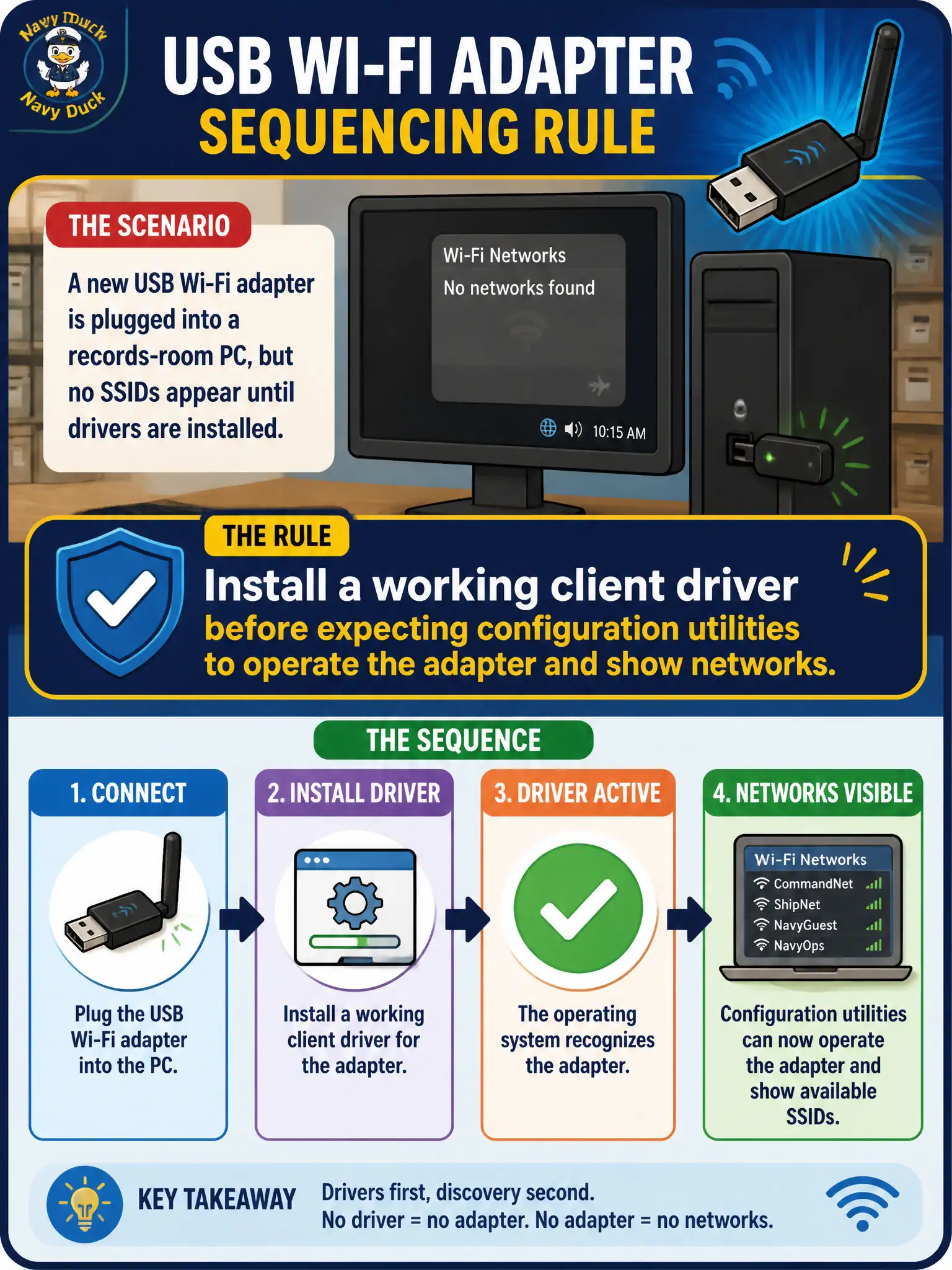
A new USB Wi-Fi adapter is plugged into a records-room PC, but no SSIDs appear until drivers are installed. What sequencing rule should the technician apply?
Select an answer to reveal the explanation.
Short Explanation
A USB adapter without drivers is a mute microphone—no SSIDs, no useful utility, just a blank stare. Load the client driver first so the OS can talk to the hardware, then build profiles. Sequence beats wishful scanning.
Full Explanation
A new USB Wi-Fi adapter that shows no SSIDs until drivers are installed teaches sequencing: install a working client driver before expecting configuration utilities to operate the adapter and show networks. Creating a Notepad “profile” first does not replace drivers. Beacons do not appear in the OS UI without a loaded driver. Skipping drivers to tweak AP channel width will not enumerate the adapter. Exam caveat: use signed drivers from the municipal software library. Operational check: install driver package, confirm device health in OS hardware status, open the WLAN utility, scan SSIDs, then create the records-room profile. Document driver-first sequencing for USB NIC swaps. In municipal WLAN operations, record the rationale in the work order so future on-call staff know which client concept applied and which failure modes the rejected options would create for city services. Re-validate after the next change window that the same profile and security settings still hold for the civic client mix. Keep civic client documentation aligned with the approved SSID and security design. Keep civic client documentation aligned with the approved SSID and security design. Keep civic client documentation aligned with the approved SSID and security design.