
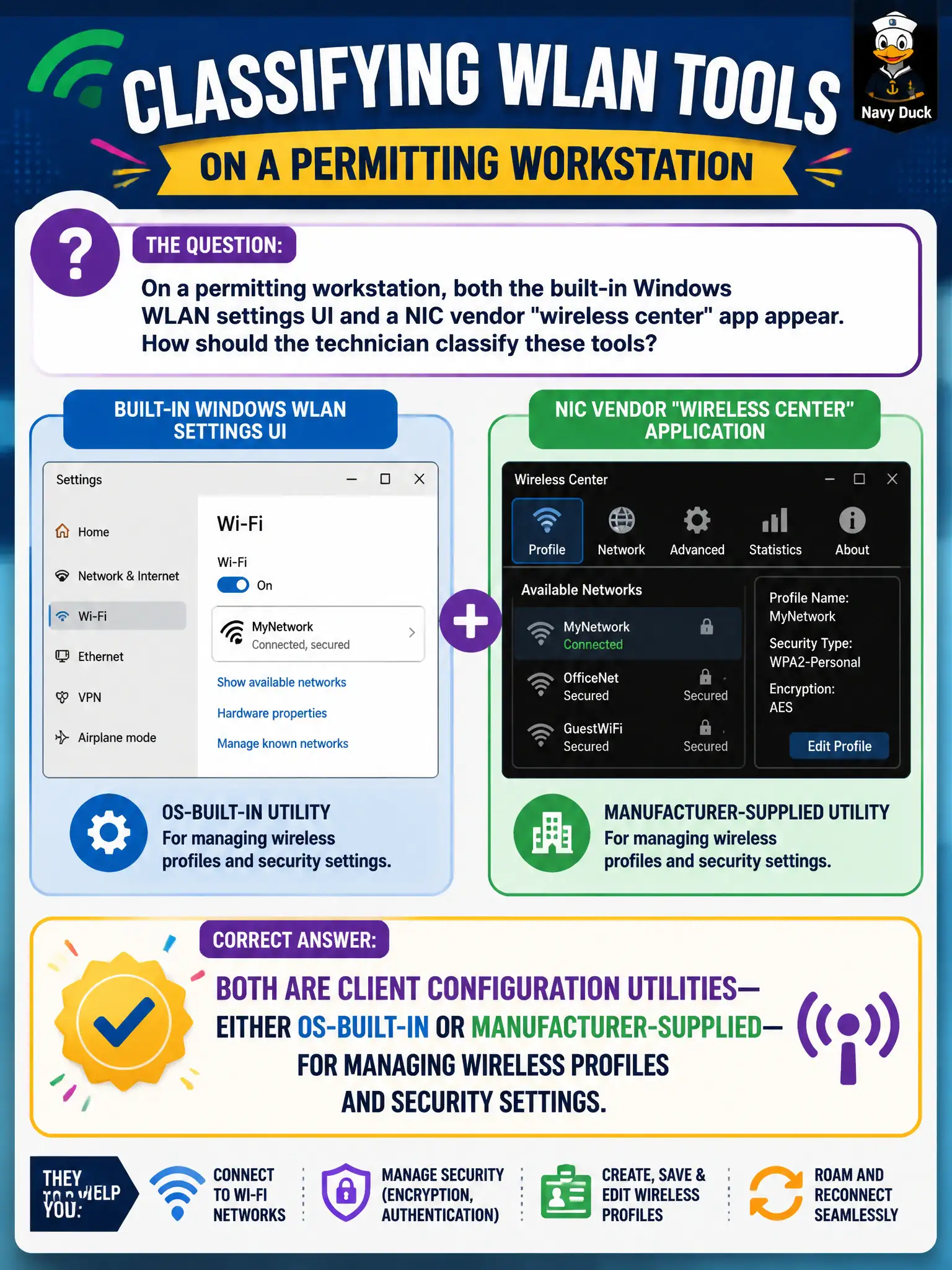
On a permitting workstation, both the built-in Windows WLAN settings UI and a NIC vendor "wireless center" app appear. How should the technician classify these tools?
Select an answer to reveal the explanation.
Short Explanation
Two Wi-Fi control panels on one PC is normal: Windows brings a built-in utility, and the NIC maker may ship its own. Both are client configuration utilities for profiles and security—just do not let them fight. Pick the tool that actually owns the settings and use it on purpose.
Full Explanation
On a permitting workstation, both the built-in Windows WLAN settings UI and a NIC vendor “wireless center” app are client configuration utilities—OS-built-in or manufacturer-supplied—for managing wireless profiles and security settings. AP web GUIs are not the only in-scope utilities. Vendor apps do not replace the need for SSID and security type. Built-in OS wireless UI remains valid on municipal endpoints. Exam caveat: competing utilities can conflict—know which one owns the live profile. Operational check: pick the sanctioned utility per image, create/verify the permitting SSID profile, disable or ignore duplicate tools that rewrite settings, and document the chosen utility in the desktop standard. In municipal WLAN operations, record the rationale in the work order so future on-call staff know which client concept applied and which failure modes the rejected options would create for city services. Re-validate after the next change window that the same profile and security settings still hold for the civic client mix. Keep civic client documentation aligned with the approved SSID and security design. Keep civic client documentation aligned with the approved SSID and security design.