
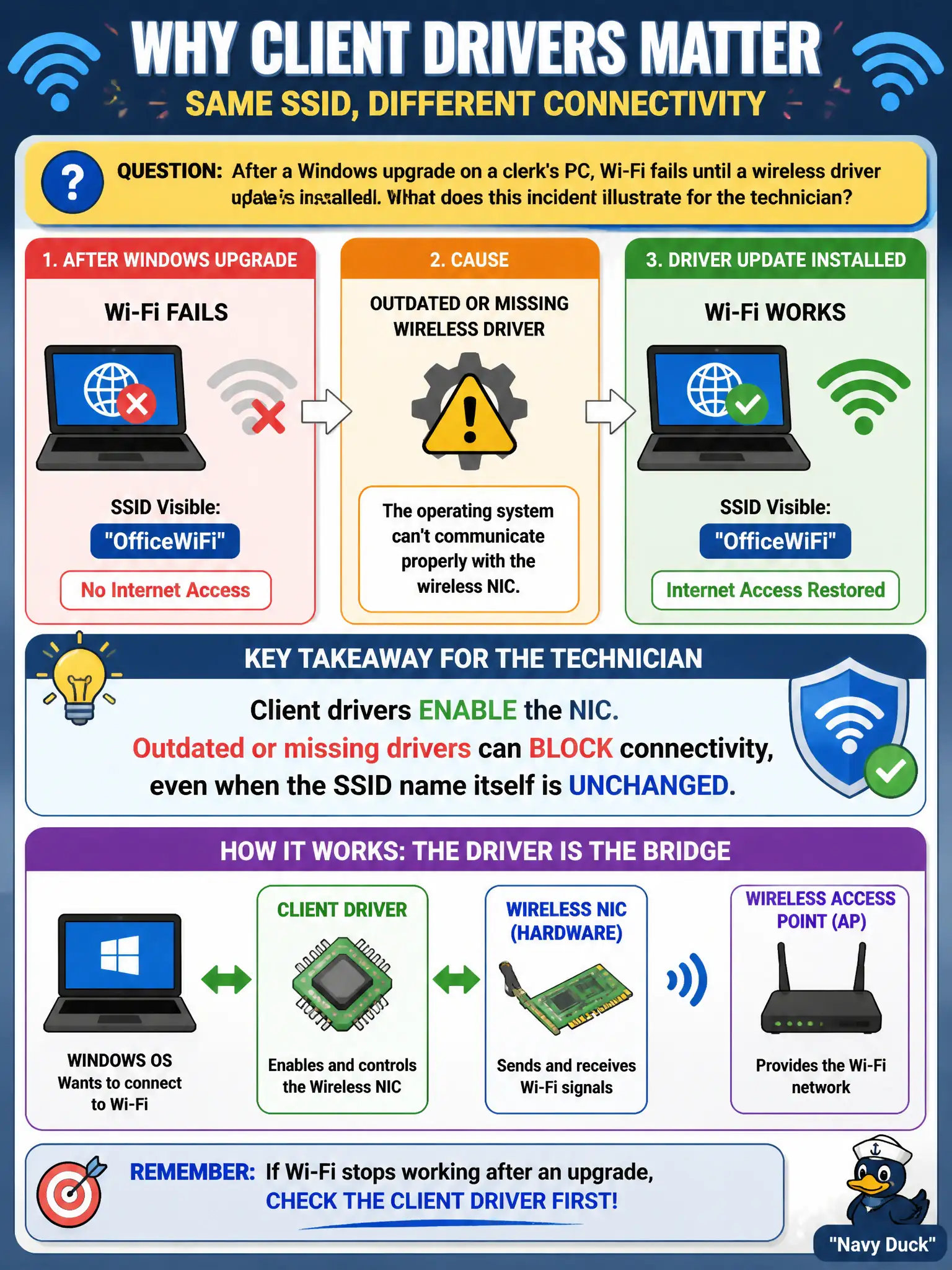
After a Windows upgrade on a clerk's PC, Wi-Fi fails until a wireless driver update is installed. What does this incident illustrate for the technician?
Select an answer to reveal the explanation.
Short Explanation
After an OS upgrade, a stale wireless driver is like new city software talking to an old radio firmware—SSID name can be perfect and still get silence. The driver is what makes the NIC usable; update it before blaming the passphrase. Software stack first, then profiles.
Full Explanation
Wi-Fi failing after a Windows upgrade until a wireless driver update is installed illustrates that client drivers enable the NIC; outdated or missing drivers can block connectivity even when the SSID name is unchanged. Renaming the AP SSID for every OS upgrade is unnecessary. Drivers are not limited to printer queues. The failure does not always mean the controller PSK rotated. Exam caveat: image updates should bundle tested WLAN drivers for municipal clerks. Operational check: install the approved driver package, confirm the adapter enumerates, reconnect the existing profile, and add driver version to the post-upgrade checklist. Record driver dependency in civic endpoint standards. In municipal WLAN operations, record the rationale in the work order so future on-call staff know which client concept applied and which failure modes the rejected options would create for city services. Re-validate after the next change window that the same profile and security settings still hold for the civic client mix. Keep civic client documentation aligned with the approved SSID and security design. Keep civic client documentation aligned with the approved SSID and security design. Keep civic client documentation aligned with the approved SSID and security design.