
A library patron-services laptop must join CityStaff. Which parameters does the technician typically enter in the NIC or wireless profile UI?
Select an answer to reveal the explanation.
Short Explanation
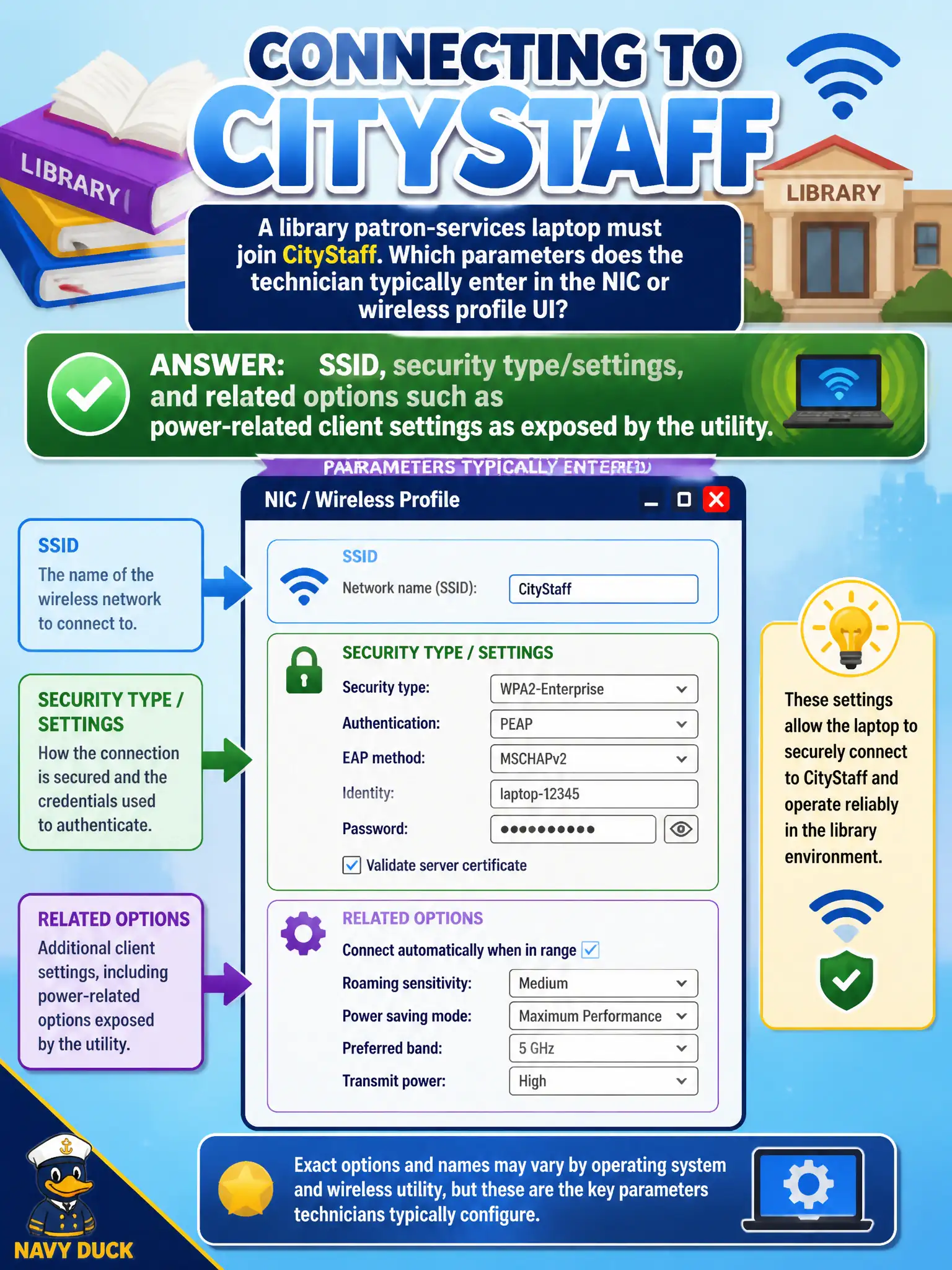
Joining CityStaff from the laptop UI is a short form: network name, how you authenticate/encrypt, plus power-related options the NIC exposes. That is classic client NIC/profile configuration, not switch BGP homework. Fill the wireless fields the BSS expects and save the profile.
Full Explanation
Joining CityStaff from a library patron-services laptop typically means entering SSID, security type/settings, and related options such as power-related client settings as the utility exposes them. Technicians do not enter only AP serial/PoE class on the client, do not need BGP/OSPF before saving a WLAN profile, and do not store only a DHCP scope name instead of SSID/passphrase data. Exam caveat: exact fields vary by OS/utility but SSID and security are core. Operational check: open the approved WLAN UI, set CityStaff SSID and matching security, apply any required advanced radio options per standard, connect, and screenshot/config-export for the municipal build doc. In municipal WLAN operations, record the rationale in the work order so future on-call staff know which client concept applied and which failure modes the rejected options would create for city services. Re-validate after the next change window that the same profile and security settings still hold for the civic client mix. Keep civic client documentation aligned with the approved SSID and security design. Keep civic client documentation aligned with the approved SSID and security design. Keep civic client documentation aligned with the approved SSID and security design.