
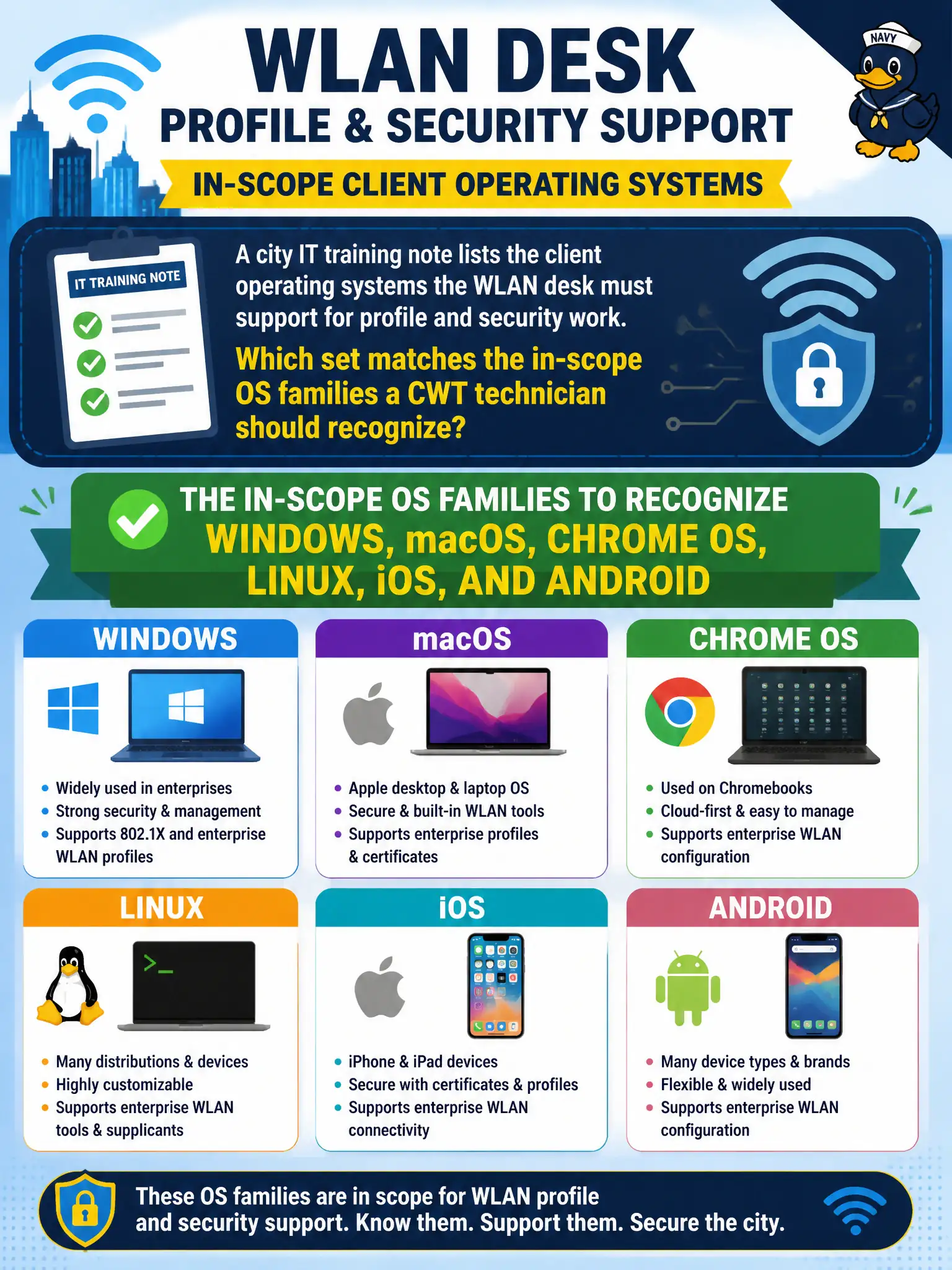
A city IT training note lists the client operating systems the WLAN desk must support for profile and security work. Which set matches the in-scope OS families a CWT technician should recognize?
Select an answer to reveal the explanation.
Short Explanation
The training note is basically the packing list for client OS support: Windows, macOS, Chrome OS, Linux, iOS, and Android. That set is what the objectives expect you to recognize when someone asks which platforms get WLAN profile work. Memorize the roster, not a random server-OS laundry list.
Full Explanation
In-scope client OS families a CWT technician should recognize for profile and security work include Windows, macOS, Chrome OS, Linux, iOS, and Android. That set—not Windows Server/FreeBSD/Solaris/TN3270 only, not phones exclusively, and not “controller guest portals with no client OS”—matches CWTS client configuration scope for a municipal WLAN desk. Exam caveat: site standards may subset support, but exam recognition still covers those families. Operational check: publish the city’s supported OS matrix, ensure help-desk scripts exist for each family on the list, and reject tickets that assume only one desktop OS exists. Align training notes with the recognized set. In municipal WLAN operations, record the rationale in the work order so future on-call staff know which client concept applied and which failure modes the rejected options would create for city services. Re-validate after the next change window that the same profile and security settings still hold for the civic client mix. Keep civic client documentation aligned with the approved SSID and security design. Keep civic client documentation aligned with the approved SSID and security design. Keep civic client documentation aligned with the approved SSID and security design.