
Specialty badge printers at the HR desk only support 2.4 GHz Wi-Fi. Before connecting them, what should the municipal technician account for?
Select an answer to reveal the explanation.
Short Explanation
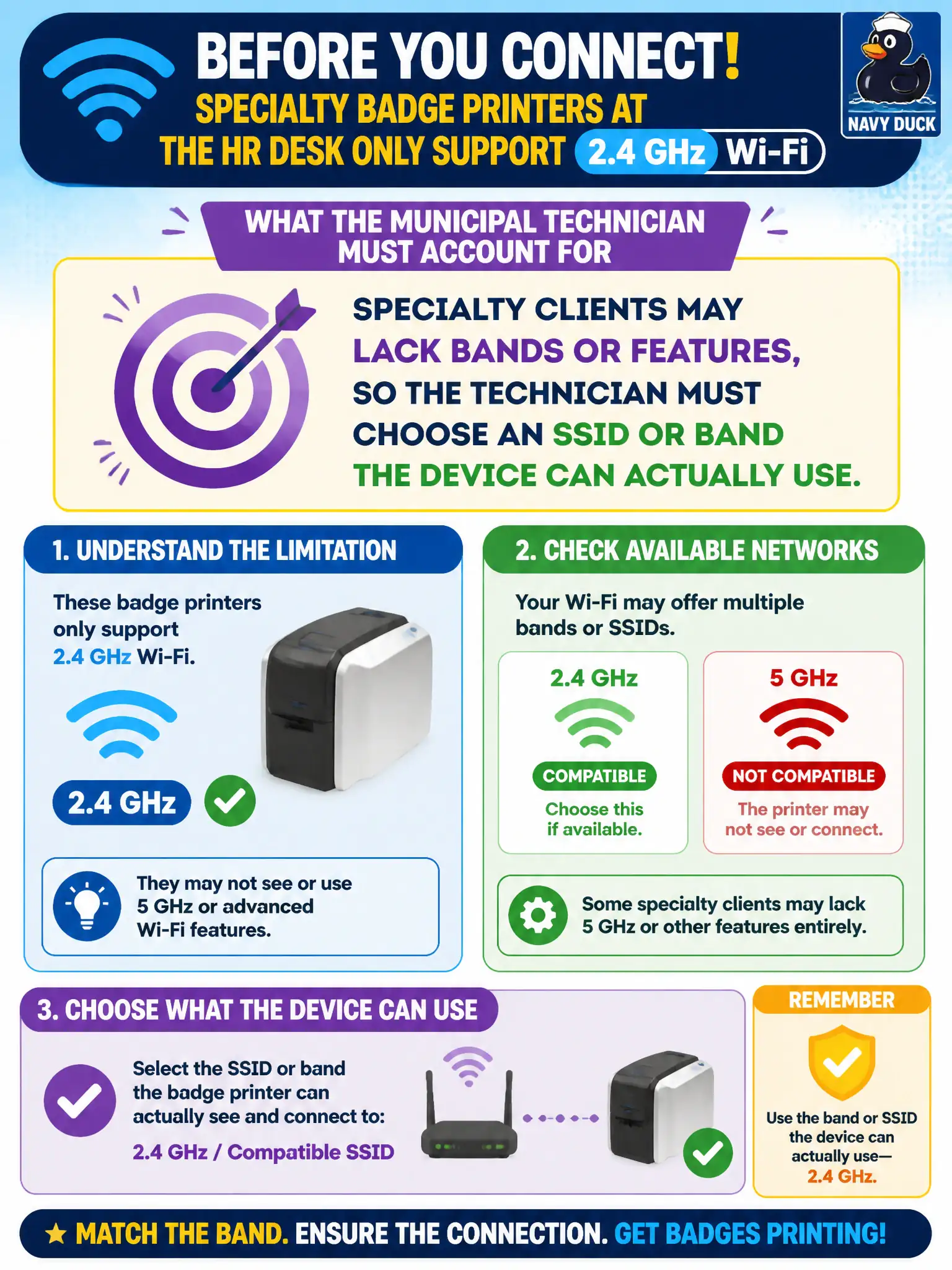
A 2.4 GHz-only badge printer is like a delivery van that cannot use the expressway—you pick the road it can actually drive. Specialty gear often skips bands or features, so the tech chooses an SSID or band that fits the radio, not wishful dual-band thinking. Capability first, then connect.
Full Explanation
Specialty badge printers that only support 2.4 GHz require the technician to choose an SSID or band the device can actually use. Forcing a 5 GHz-only SSID will not upgrade the radio. Modern SSIDs do not magically remap unsupported bands for specialty hardware. Disabling all campus 2.4 GHz radios to push “Ethernet emulation” is the wrong remedy. Exam caveat: isolate IoT/printer SSIDs on 2.4 GHz when the design calls for it, with non-overlapping channels. Operational check: confirm printer band capability on the datasheet, join the designed 2.4 GHz SSID with correct security, print a test badge, and document 2.4 GHz-only clients in HR desk WLAN notes. In municipal WLAN operations, record the rationale in the work order so future on-call staff know which client concept applied and which failure modes the rejected options would create for city services. Re-validate after the next change window that the same profile and security settings still hold for the civic client mix. Keep civic client documentation aligned with the approved SSID and security design. Keep civic client documentation aligned with the approved SSID and security design. Keep civic client documentation aligned with the approved SSID and security design.