
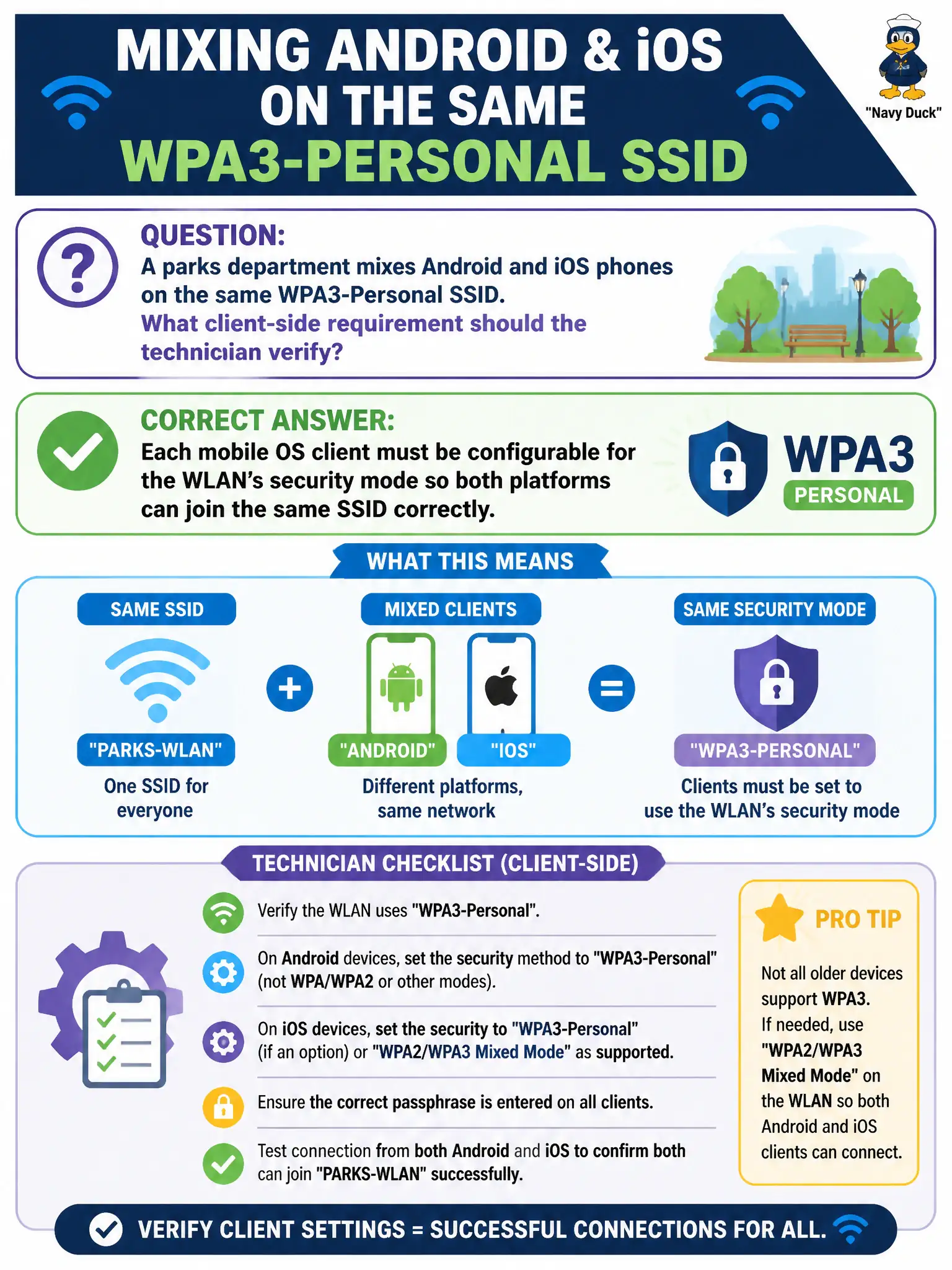
A parks department mixes Android and iOS phones on the same WPA3-Personal SSID. What client-side requirement should the technician verify?
Select an answer to reveal the explanation.
Short Explanation
One WPA3-Personal SSID is like one gate code for two phone brands—Android and iOS both have to punch the same security mode correctly. The technician verifies each mobile OS can be set to match the WLAN, not that the SSID must be split by vendor. Same door, configured clients.
Full Explanation
When parks mixes Android and iOS on the same WPA3-Personal SSID, each mobile OS client must be configurable for the WLAN’s security mode so both platforms can join correctly. Brands need not force two different SSIDs. The AP passphrase alone is insufficient if the phone’s security mode does not match WPA3-Personal. WPA3-Personal is not “AP-only” with no phone setting to select or verify. Exam caveat: older OS builds may lack WPA3—check version baselines for municipal fleets. Operational check: on sample Android and iOS devices, select the SSID, set WPA3-Personal (or equivalent SAE wording), enter the PSK, associate, and record OS versions that pass in the parks MDM checklist. In municipal WLAN operations, record the rationale in the work order so future on-call staff know which client concept applied and which failure modes the rejected options would create for city services. Re-validate after the next change window that the same profile and security settings still hold for the civic client mix. Keep civic client documentation aligned with the approved SSID and security design. Keep civic client documentation aligned with the approved SSID and security design. Keep civic client documentation aligned with the approved SSID and security design.