
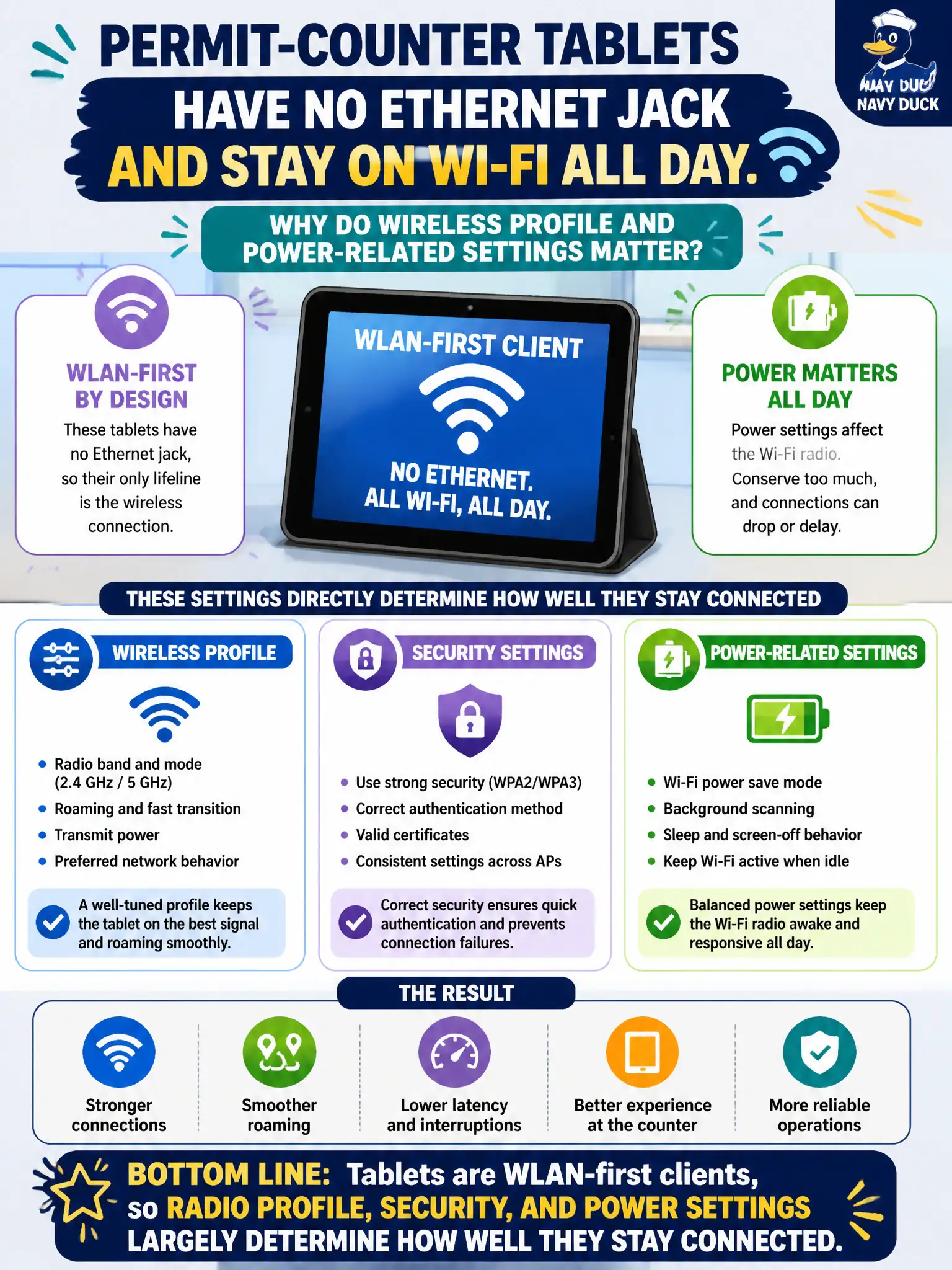
Permit-counter tablets have no Ethernet jack and stay on Wi-Fi all day. Why do wireless profile and power-related settings matter especially for these clients?
Select an answer to reveal the explanation.
Short Explanation
Permit tablets live on Wi-Fi the way a radio car lives on RF—there is no Ethernet lifeboat under the desk. Profile, security, and power choices on the tablet decide whether the counter stays online. Treat them as WLAN-first devices, because that is exactly what they are.
Full Explanation
Permit-counter tablets without Ethernet are WLAN-first clients, so radio profile, security, and power-related settings largely determine how well they stay connected all day. They do not ignore wireless profiles in favor of a hidden wired dock profile by default, and tablet-side settings are not irrelevant compared with AP power alone. A USB cellular modem is not a prerequisite before any municipal SSID profile is allowed. Exam caveat: aggressive battery savers can impair radios—check power-save settings when tablets drop. Operational check: lock approved SSID/security profiles on the tablet image, review Wi-Fi power-save options, soak-test a full counter shift, and document tablet WLAN settings in permitting IT standards. In municipal WLAN operations, record the rationale in the work order so future on-call staff know which client concept applied and which failure modes the rejected options would create for city services. Re-validate after the next change window that the same profile and security settings still hold for the civic client mix. Keep civic client documentation aligned with the approved SSID and security design. Keep civic client documentation aligned with the approved SSID and security design.