
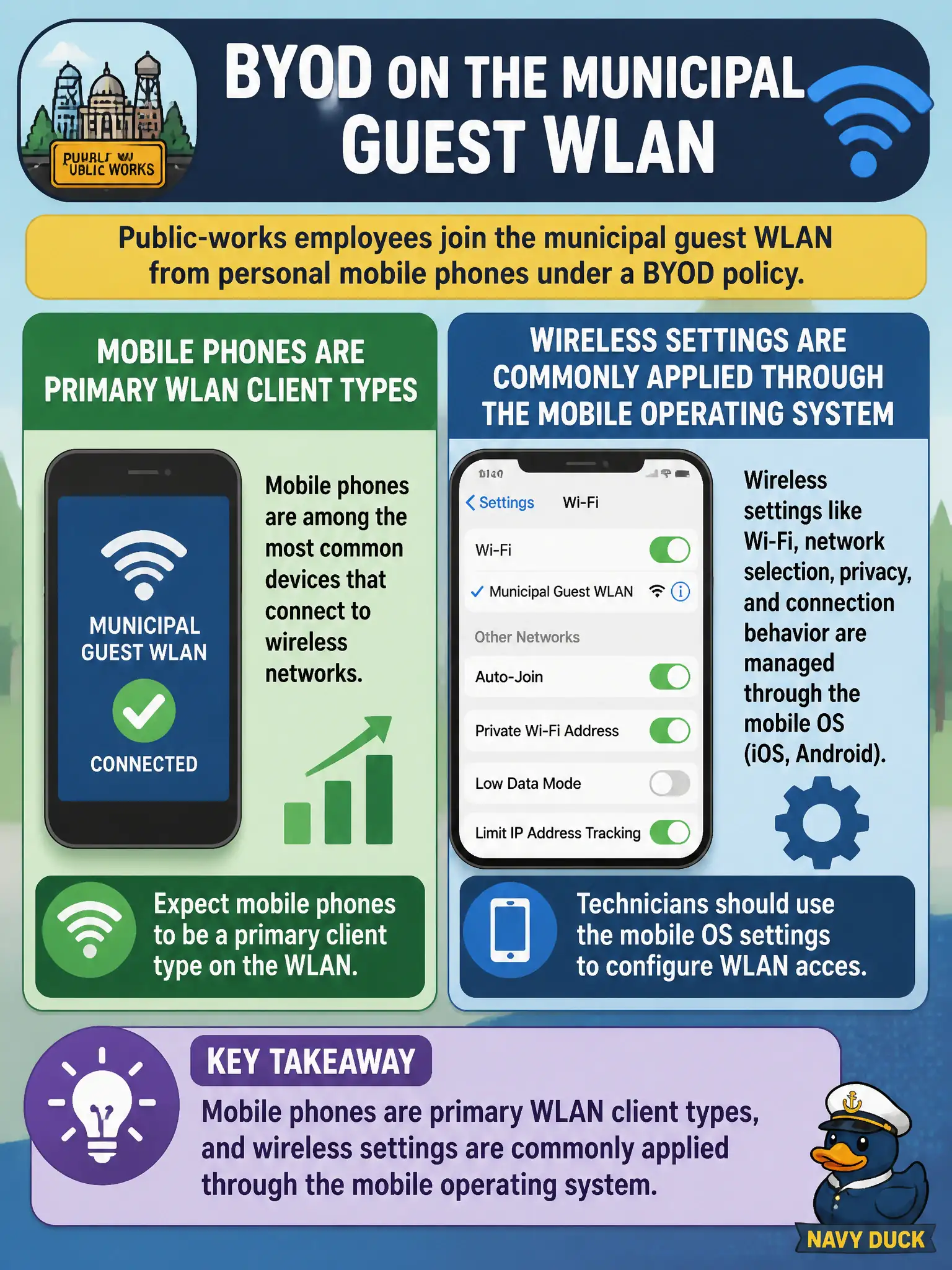
Public-works employees join the municipal guest WLAN from personal mobile phones under a BYOD policy. What should the technician recognize about these devices?
Select an answer to reveal the explanation.
Short Explanation
Those BYOD phones are not second-class citizens on guest Wi-Fi—they are classic WLAN clients. Most of the knobs live in the phone's own Wi-Fi settings, not on some mythical desktop-only checklist. If the city lets phones on the air, plan to configure them there.
Full Explanation
Personal mobile phones joining municipal guest WLAN under BYOD are primary WLAN client types, and wireless settings are commonly applied through the mobile operating system. Phones are not excluded from client configuration objectives, need not be re-imaged with a desktop OS before counting, and are not configurable only from the AP console. Exam caveat: BYOD policies may limit which SSIDs and security modes are allowed—still configure on the handset or via MDM as designed. Operational check: walk a sample iOS and Android phone through guest SSID join, confirm captive portal or PSK behavior per design, and publish phone-centric steps in the civic guest guide. In municipal WLAN operations, record the rationale in the work order so future on-call staff know which client concept applied and which failure modes the rejected options would create for city services. Re-validate after the next change window that the same profile and security settings still hold for the civic client mix. Keep civic client documentation aligned with the approved SSID and security design. Keep civic client documentation aligned with the approved SSID and security design. Keep civic client documentation aligned with the approved SSID and security design.