
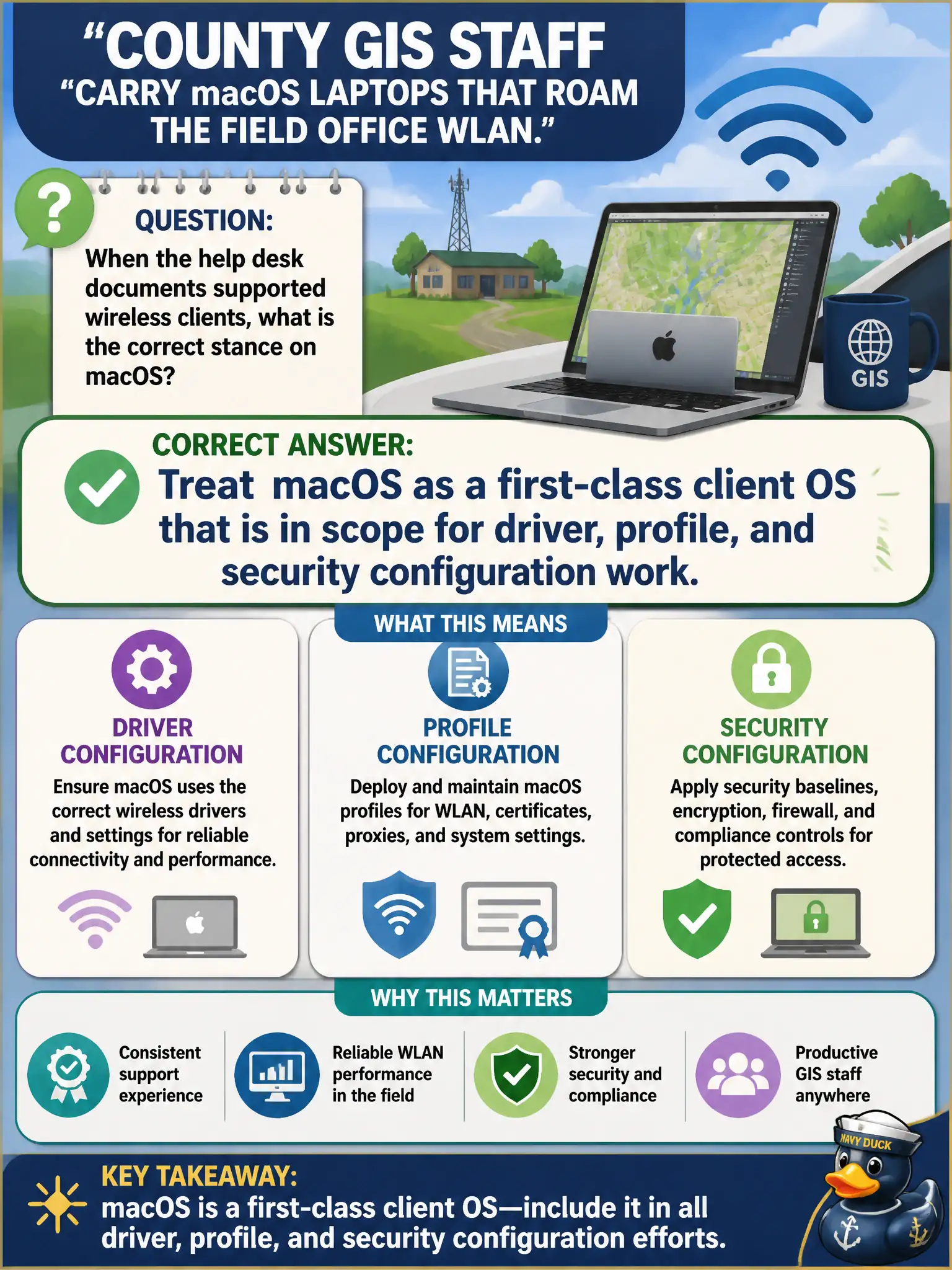
County GIS staff carry macOS laptops that roam the field office WLAN. When the help desk documents supported wireless clients, what is the correct stance on macOS?
Select an answer to reveal the explanation.
Short Explanation
macOS in the GIS bay is not a special guest pass—it is just another laptop radio the help desk has to support. Drivers, profiles, and security settings still matter on Apple gear the same way they do on Windows. Put macOS in the supported-client column and keep moving.
Full Explanation
macOS laptops used by county GIS staff are first-class client operating systems in scope for driver, profile, and security configuration work. They are not out of scope pending a Windows migration, not limited to captive-portal guest SSIDs, and do not require replacing the macOS WLAN stack with a controller CLI before saving an SSID. Exam caveat: use macOS wireless preferences or MDM configuration profiles appropriate to the county image. Operational check: configure the field-office SSID and security on a representative Mac, verify roam/association, and add macOS steps to the help-desk script. Inventory macOS as supported in the municipal client matrix. In municipal WLAN operations, record the rationale in the work order so future on-call staff know which client concept applied and which failure modes the rejected options would create for city services. Re-validate after the next change window that the same profile and security settings still hold for the civic client mix. Keep civic client documentation aligned with the approved SSID and security design. Keep civic client documentation aligned with the approved SSID and security design. Keep civic client documentation aligned with the approved SSID and security design.