
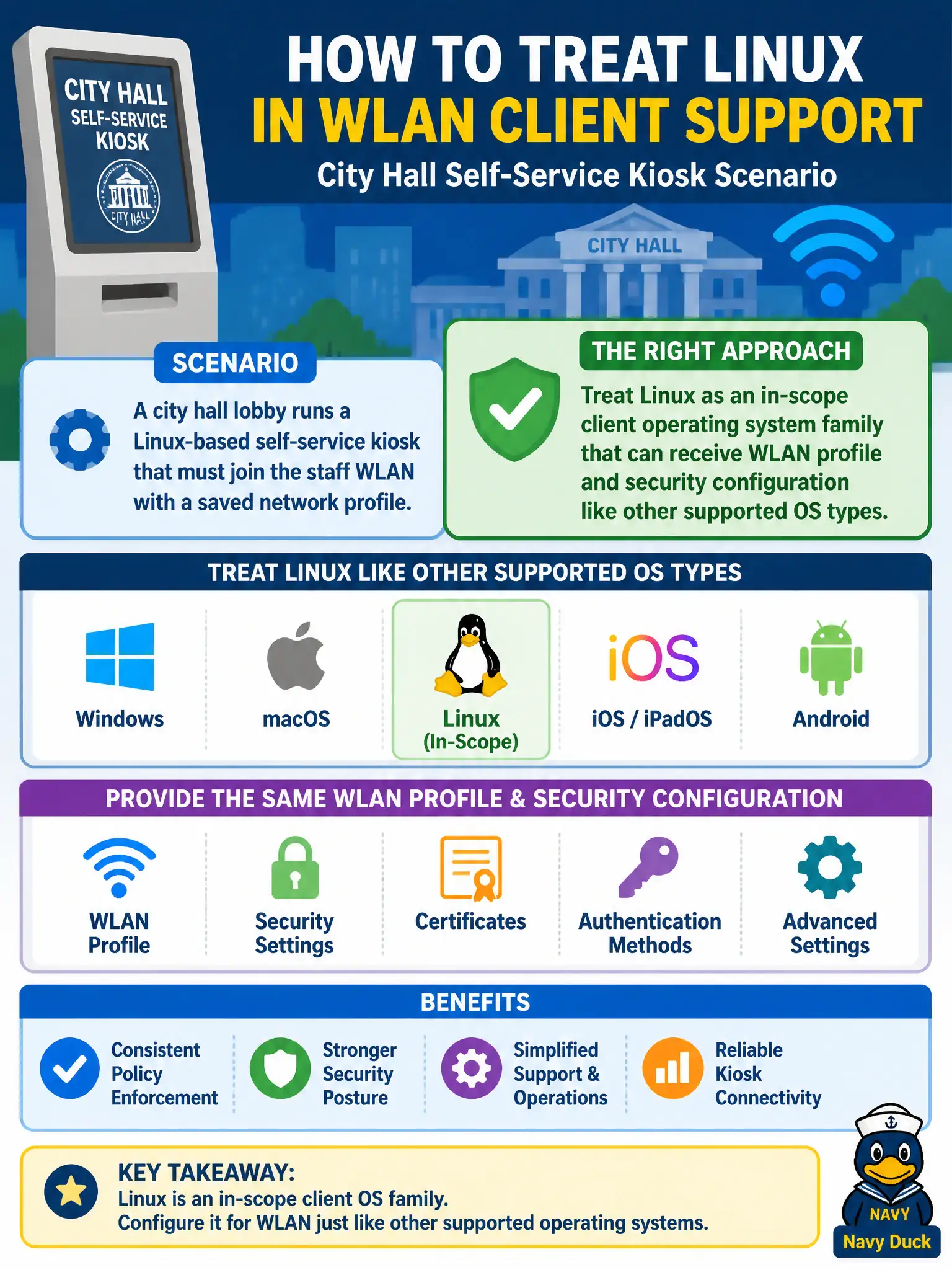
A city hall lobby runs a Linux-based self-service kiosk that must join the staff WLAN with a saved network profile. While planning client support, how should the municipal technician treat Linux?
Select an answer to reveal the explanation.
Short Explanation
Think of Linux on that lobby kiosk like another radio in the fleet—same WLAN job, different dashboard. The technician still builds a network profile and security settings; Linux is on the supported OS list, not a weird exception. Treat it as a normal client OS family when the city asks what you can configure.
Full Explanation
A Linux-based self-service kiosk in city hall that must join staff WLAN with a saved network profile should be treated as an in-scope client operating system family: Linux can receive WLAN profile and security configuration like other supported OS types. CWTS client topics are not limited to Windows and phones only. Requiring a Windows VM on every kiosk before a wireless profile is “valid” is unnecessary theater. Linux is not barred from 802.11 association or forced to Ethernet-only. Exam caveat: utilities and paths differ on Linux distributions—know the site’s supported method (NetworkManager, netplan, vendor tool, etc.). Operational check: create the staff SSID profile with correct security on the kiosk image, verify association and DHCP, and document the Linux WLAN procedure in the municipal kiosk runbook. In municipal WLAN operations, record the rationale in the work order so future on-call staff know which client concept applied and which failure modes the rejected options would create for city services. Re-validate after the next change window that the same profile and security settings still hold for the civic client mix. Keep civic client documentation aligned with the approved SSID and security design.