
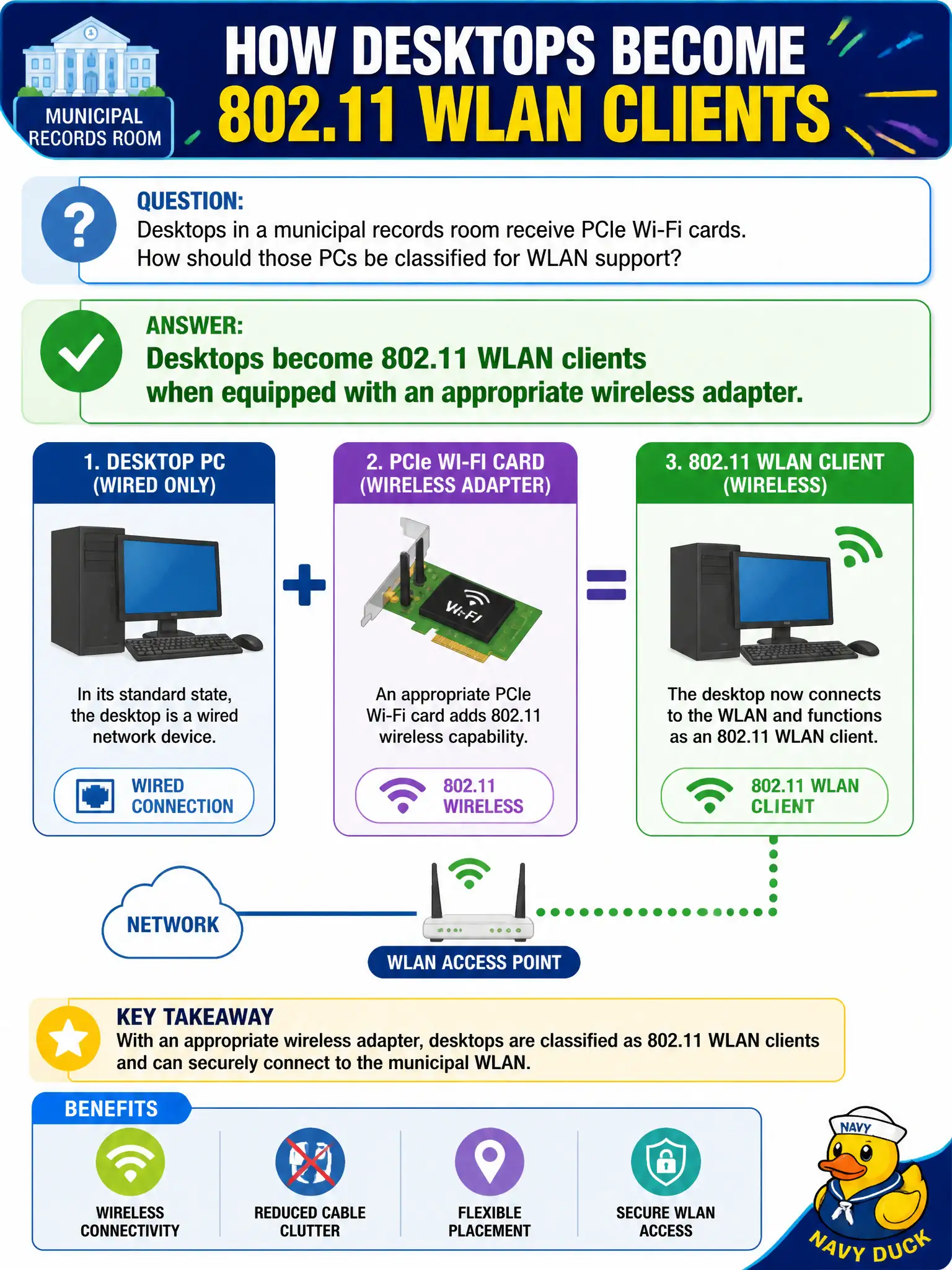
Desktops in a municipal records room receive PCIe Wi-Fi cards. How should those PCs be classified for WLAN support?
Select an answer to reveal the explanation.
Short Explanation
Stick a proper Wi-Fi card in a desktop and it joins the club like any laptop. Form factor does not ban 802.11 — missing adapters do. Treat those records PCs as normal clients once the NIC is in.
Full Explanation
Desktops in a municipal records room that receive PCIe Wi-Fi cards become 802.11 WLAN clients when equipped with an appropriate wireless adapter. Form factor and lack of batteries do not disqualify a PC from associating to an SSID once a supported Wi-Fi NIC and drivers are installed. Records-room workflows that keep towers under desks still need correct profiles, security settings, and roaming expectations like any laptop fleet. Civic asset inventories should list these desktops as WLAN clients so support and licensing assumptions stay accurate.
Claiming desktops can never be 802.11 clients because the form factor lacks batteries fails by concept: battery presence is irrelevant to 802.11 client capability. Saying PCIe Wi-Fi only provides Bluetooth and cannot join an SSID fails because Wi-Fi PCIe adapters are 802.11 radios (Bluetooth may be combo, but Wi-Fi is not “Bluetooth only” by definition). Requiring records-room desktops to use mesh backhaul instead of client association invents an unnecessary architecture; ordinary infrastructure BSS client association is the normal path.
Exam caveat: after adding a Wi-Fi adapter, still install drivers and SSID/security profiles like any other municipal client—hardware alone is not a finished config.
Operational check: install the approved PCIe Wi-Fi card and drivers; create the records SSID profile with correct security; verify association and roaming within the room; add the desktop WLAN clients to the municipal asset list; confirm connectivity after the next AP firmware maintenance window.