
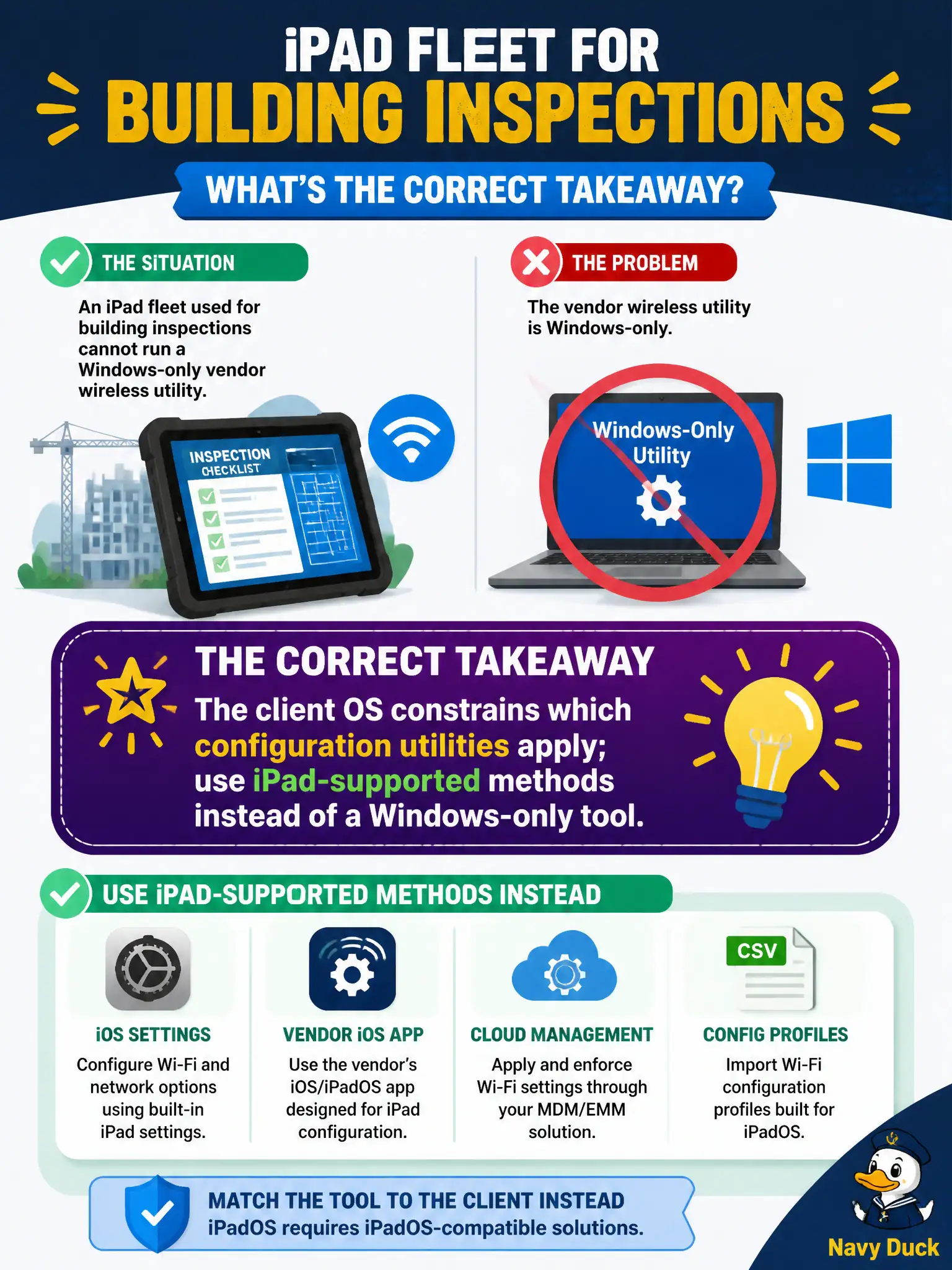
An iPad fleet used for building inspections cannot run a Windows-only vendor wireless utility. What is the correct takeaway?
Select an answer to reveal the explanation.
Short Explanation
A Windows-only vendor utility is a PC wrench — it will not magically fit an iPad bolt. Match the config method to the OS: Settings, MDM, or an iPad-capable app. The tablets can still join the same secure SSID.
Full Explanation
An iPad fleet for building inspections cannot run a Windows-only vendor wireless utility, so the takeaway is that the client OS constrains which configuration utilities apply—use iPad-supported methods instead. iPadOS devices can join the same WPA2/WPA3 networks Windows PCs use when security settings match. Sideloading arbitrary Windows utilities onto iPadOS is not the municipal standard path. Inspection iPads need not be replaced with desktops merely to configure an SSID. Exam caveat: MDM may deliver profiles when manual iPad settings are locked down. Operational check: configure or push the inspection SSID via iPad Settings or MDM, confirm association, and retire Windows-only utility instructions from the field guide. Align civic imaging docs with OS-appropriate tools. In municipal WLAN operations, record the rationale in the work order so future on-call staff know which concept applied and which failure modes the rejected options would create for city services. Re-validate after the next maintenance window that the same control still holds under the AP firmware and client mix used by the civic network team. Keep civic notes tied to the approved design document and absolute measurements where RF levels matter.